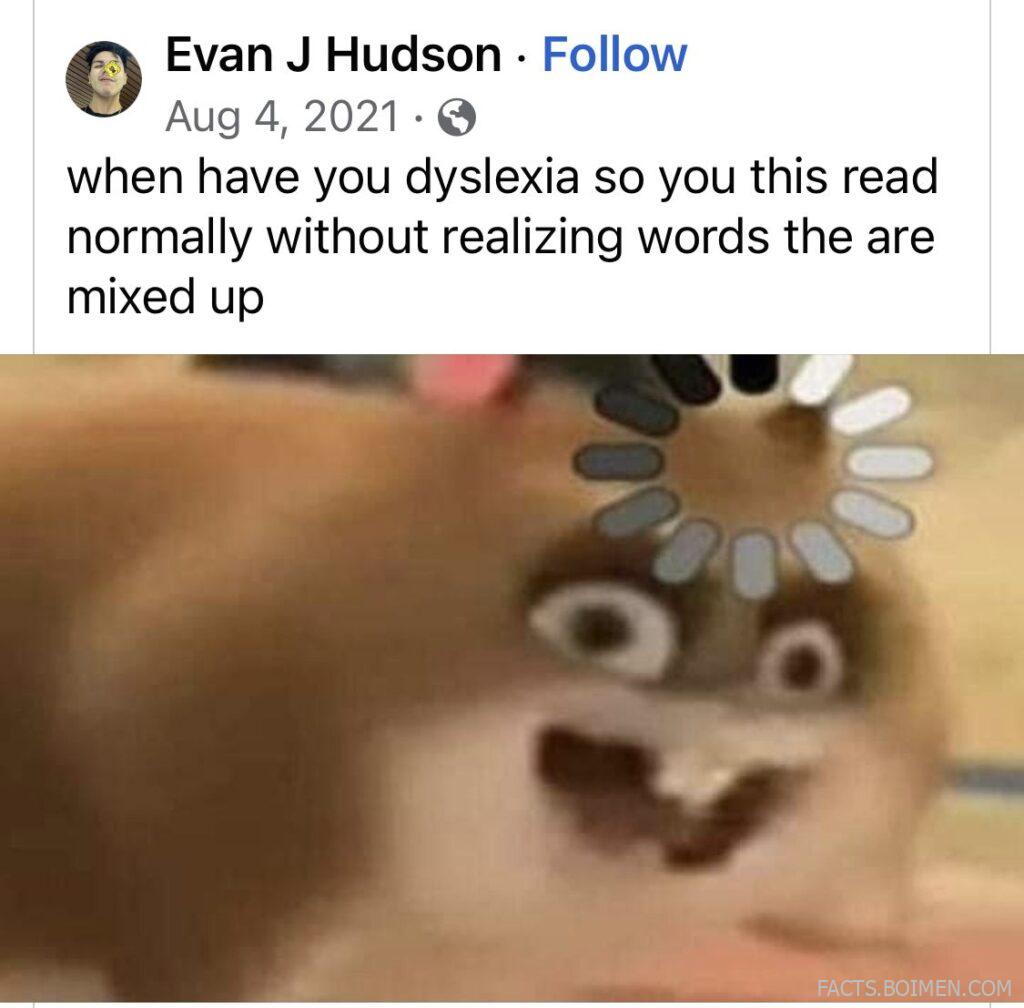
If you’ve ever seen a sentence like “when have you dyslexia so you this read normally without realizing words the are mixed up” and felt a jolt of recognition, you’re not alone. For millions with dyslexia, reading isn’t about intelligence—it’s about how the brain processes letters and words. The good news? A quiet revolution of websites and tools exists that can flip that scrambled text into clean, readable lines. These aren’t the big names you already know; they’re the underdogs, the niche helpers, the browser extensions and web apps that make reading feel effortless. Whether you’re dyslexic yourself, a parent, or a teacher, this list is your gateway to a smoother reading experience.
Table of Contents(Click to Toggle)
- Why Dyslexia-Friendly Reading Tools Matter
- The 20 Hidden Gems
- 1. OpenDyslexic
- 2. Dyslexia Friendly
- 3. Helperbird
- 4. Readable
- 5. BeeLine Reader
- 6. Ghotit Real Writer
- 7. Speechify
- 8. NaturalReader
- 9. Rewordify
- 10. Dyslexia Gold
- 11. Learning Ally
- 12. Bookshare
- 13. Voice Dream Reader
- 14. Capti Voice
- 15. Snap&Read Universal
- 16. Read&Write
- 17. ClaroRead
- 18. Kurzweil 3000
- 19. Spreeder
- 20. Dyslexia Reader Chrome
- Bonus Mentions
- Your Next Step to Effortless Reading
Why Dyslexia-Friendly Reading Tools Matter
Dyslexia affects about 1 in 5 people, yet most reading tools are designed for the neurotypical brain. The result? Countless smart, capable individuals struggle with text that dances, flips, or jumbles on screens. But here’s the thing: the right tool can transform that experience. Studies show that specialized fonts, color overlays, and text-to-speech can improve reading speed and comprehension by up to 30%. These aren’t just gimmicks—they’re evidence-based solutions. Yet many of the best tools fly under the radar, buried in app stores or overshadowed by mainstream products. This list unearths those hidden gems, so you can finally read the way your brain works best.
The 20 Hidden Gems
1. OpenDyslexic : A Free Font That Reduces Letter Confusion
What it is: A free, open-source font designed specifically for dyslexia, with heavier bottom weights to prevent letters from flipping.
Category: Font & Extension
Why it stands out: You can install it on your browser or device and instantly change the look of any website. The unique letter shapes help anchor the text, reducing the “swimming” effect. It’s also used by many e-readers and apps, so you can enjoy consistent readability across platforms.
Best for: Anyone who wants a quick, cost-free fix for reading on screens.
2. Dyslexia Friendly : A Browser Extension That Transforms Any Page
What it is: A browser extension (Chrome, Firefox, Edge) that applies dyslexia-friendly formatting to any webpage with one click.
Category: Browser Extension
Why it stands out: It doesn’t just change the font—it also adjusts line spacing, word spacing, and contrast. You can choose from several dyslexia-approved fonts, including OpenDyslexic, and even tint the background with a calming color. The extension remembers your preferences for each site.
Best for: Daily web browsing, reading articles, and online research.
3. Helperbird : All-in-One Accessibility Suite
What it is: A powerful browser extension that offers a suite of accessibility tools, including dyslexia-friendly reading features.
Category: Browser Extension
Why it stands out: Beyond font and spacing, Helperbird provides text-to-speech, word prediction, and a reading ruler that highlights one line at a time. It also has a “dyslexia mode” that simplifies pages and removes clutter. Available for Chrome, Firefox, and Edge.
Best for: Users who need more than just a font change—like those with co-occurring ADHD or visual stress.
4. Readable : Paste and Read in Comfort
What it is: A web-based tool that lets you paste any text and view it in a clean, dyslexia-friendly format.
Category: Web App
Why it stands out: You can adjust font size, line height, letter spacing, and color scheme. It even offers a “focus mode” that dims everything except the line you’re reading. No sign-up required—just paste and go.
Best for: Reading long emails, documents, or copied web content without eye strain.
5. BeeLine Reader : Color Gradients That Keep Your Place
What it is: A browser extension and reading app that uses color gradients to guide your eyes from the end of one line to the beginning of the next.
Category: Browser Extension & App
Why it stands out: The gradient effect reduces the likelihood of skipping or re-reading lines, a common issue for dyslexic readers. It works on any article, and you can customize the color palette. Studies show it improves reading speed and accuracy.
Best for: People who often lose their place in dense text.
6. Ghotit Real Writer : Advanced Writing Assistance for Dyslexics
What it is: A writing and proofreading tool designed specifically for people with dyslexia and dysgraphia.
Category: Writing Tool
Why it stands out: It goes beyond spell check by offering context-sensitive corrections, phonetic suggestions, and even speech-to-text. The software learns your common errors and provides real-time feedback, making writing less stressful.
Best for: Students and professionals who need help producing error-free written work.
7. Speechify : Turn Any Text into Natural Speech
What it is: A text-to-speech app that reads aloud any text, from web pages to PDFs, using high-quality, human-like voices.
Category: App & Extension
Why it stands out: You can scan physical books with your phone camera and have them read to you. The voices are so natural that listening feels like an audiobook. It also syncs across devices, so you can start on your phone and continue on your laptop.
Best for: Auditory learners and those who prefer listening over reading.
8. NaturalReader : Simple, Reliable Text-to-Speech
What it is: A text-to-speech tool available as a web app and desktop software, with a free version.
Category: Web & Desktop App
Why it stands out: It supports multiple file formats (PDF, Word, ePub) and offers a Chrome extension for reading web pages. The free version includes a decent set of voices, and the premium adds even more natural options. Great for converting study materials into audio.
Best for: Students who need to listen to textbooks or articles.
9. Rewordify : Simplify Complex Text Instantly
What it is: A free web tool that rewrites difficult sentences into simpler language while preserving meaning.
Category: Web App
Why it stands out: You paste any text, and it highlights challenging words, offering easier synonyms. It also provides a vocabulary list and quizzes to help you learn. Perfect for deciphering dense articles or classic literature.
Best for: Building reading confidence and expanding vocabulary without frustration.
10. Dyslexia Gold : Targeted Training Games
What it is: A subscription-based program that uses games and exercises to improve reading skills in dyslexic children and adults.
Category: Educational Program
Why it stands out: It focuses on underlying skills like phonological awareness and visual tracking. The games are engaging and backed by research. Many users report significant improvements in reading age after consistent use.
Best for: Parents and teachers looking for a structured intervention tool.
11. Learning Ally : Audiobooks for Dyslexic Students
What it is: A non-profit that provides a vast library of human-read audiobooks, especially textbooks and literature, for people with print disabilities.
Category: Audiobook Library
Why it stands out: The books are narrated by real humans, making them engaging and easy to follow. Membership requires proof of dyslexia, but it’s free for many students through their school. The app includes features like highlighting and note-taking.
Best for: Students who need access to curriculum materials in audio format.
12. Bookshare : The World’s Largest Accessible Library
What it is: An online library of over 1 million titles that can be read with text-to-speech, Braille, or large print.
Category: Digital Library
Why it stands out: It’s free for U.S. students with qualifying disabilities, and offers a wide range of formats. The books can be downloaded and used with various reading apps, making it flexible for different needs.
Best for: Accessing textbooks and popular books in accessible formats.
13. Voice Dream Reader : A Premium Reading App for iOS and Android
What it is: A mobile app that reads documents, web pages, and ebooks aloud with a wide range of customizable voices.
Category: Mobile App
Why it stands out: It offers more than 200 voices, including high-quality neural voices. You can control pronunciation, speed, and even change the font and background color for visual comfort. It also syncs with cloud services.
Best for: On-the-go reading and listening.
14. Capti Voice : A Personal Reader for Education and Work
What it is: A text-to-speech tool that integrates with Google Drive, Canvas, and other platforms, making it easy to access your documents.
Category: Web & Chrome Extension
Why it stands out: It has a clean interface and allows you to create playlists of documents. The premium version includes human-like voices and translation features. It’s particularly popular in schools and universities.
Best for: Managing a large volume of reading materials.
15. Snap&Read Universal : Read Anything with a Screenshot
What it is: A Chrome extension that lets you take a screenshot of any text and have it read aloud or simplified.
Category: Chrome Extension
Why it stands out: It’s perfect for inaccessible content like images or PDFs. You can also adjust reading level, translate, and even remove distractions. It’s designed for students with reading difficulties.
Best for: Reading worksheets, diagrams, or web pages that don’t allow text selection.
16. Read&Write : The Ultimate Literacy Toolbar
What it is: A comprehensive literacy support tool from Texthelp that integrates with Windows, Mac, and Google Chrome.
Category: Desktop & Extension
Why it stands out: It offers text-to-speech, word prediction, picture dictionaries, and even screen masking. It’s widely used in schools and workplaces. The toolbar is customizable, so you only see the tools you need.
Best for: A full-featured solution for reading, writing, and studying.
17. ClaroRead : A Classic Desktop Reading Tool
What it is: A desktop software that provides text-to-speech, highlighting, and scanning features.
Category: Desktop Software
Why it stands out: It works with Microsoft Word, PDFs, and web pages. It also includes a talking spell checker and word prediction. ClaroRead has been a trusted name in accessibility for over 20 years.
Best for: Those who prefer a dedicated desktop application.
18. Kurzweil 3000 : A Powerful Learning Tool for Severe Dyslexia
What it is: A comprehensive software for reading, writing, and study skills, designed for individuals with severe reading difficulties.
Category: Desktop & Web App
Why it stands out: It offers advanced features like OCR, dictionary, thesaurus, and note-taking. It can read math equations and has a “study skills” toolbar. While pricey, it’s often funded by schools or disability services.
Best for: University students and professionals who need extensive support.
19. Spreeder : Speed Reading Trainer That Reduces Subvocalization
What it is: A web-based speed reading tool that displays text one word at a time.
Category: Web App
Why it stands out: It helps you focus on each word individually, which can be beneficial for dyslexic readers who struggle with word tracking. You can paste any text and adjust the speed. It also includes guided courses.
Best for: Improving reading speed and concentration.
20. Dyslexia Reader Chrome : A Minimalist Overlay for Chrome
What it is: A Chrome extension that applies a dyslexia-friendly font and color overlay to any webpage.
Category: Chrome Extension
Why it stands out: It’s lightweight and easy to use—just click the icon and the page transforms. You can toggle different font styles and background colors. It’s a no-frills option for those who want a quick fix.
Best for: Simple, on-demand readability adjustments.
Bonus Mentions
Dyslexie Font : Another Popular Dyslexia Font
What it is: A commercial font designed by a dyslexic designer, available for personal and commercial use.
Why it stands out: It’s been around since 2008 and is widely used in apps and books. The font’s unique shapes reduce mirroring and confusion.
Lexend : A Font Family Proven to Improve Reading Proficiency
What it is: A set of fonts with adjustable letter spacing and width, designed to reduce visual stress.
Why it stands out: Research shows Lexend can increase reading speed and accuracy. It’s available for free on Google Fonts.
See-N-Read : Physical Reading Tools for Paper
What it is: A set of physical overlays and reading guides that help with tracking on paper.
Why it stands out: For those who prefer paper, these tools are simple and effective. They include color overlays and line trackers.
Davis Dyslexia Association : Resources and Support
What it is: A global organization offering information, webinars, and provider directories.
Why it stands out: It’s a great starting point for learning about dyslexia and finding local support.
Your Next Step to Effortless Reading
Dyslexia doesn’t have to be a barrier to reading. With the right tools, you can transform your reading experience from a struggle into a joy. The websites and extensions above are just the beginning—each one offers a unique approach to making text more accessible. Start with one that resonates with you, and don’t be afraid to mix and match. Remember, the goal is to find what works for your brain, not to force your brain to work the “normal” way.
Have you tried any of these tools, or do you have a favorite that we missed? Share your own hidden gems in the comments below—your suggestion might be exactly what another reader needs.