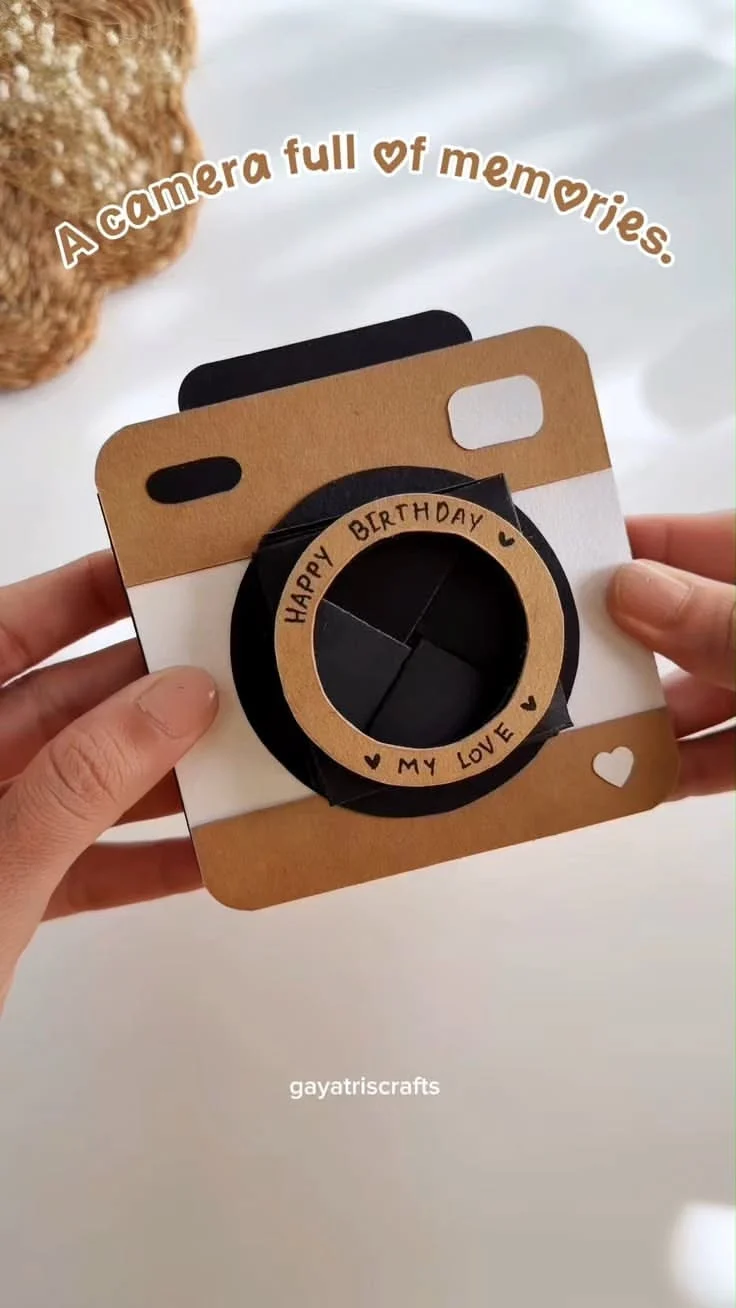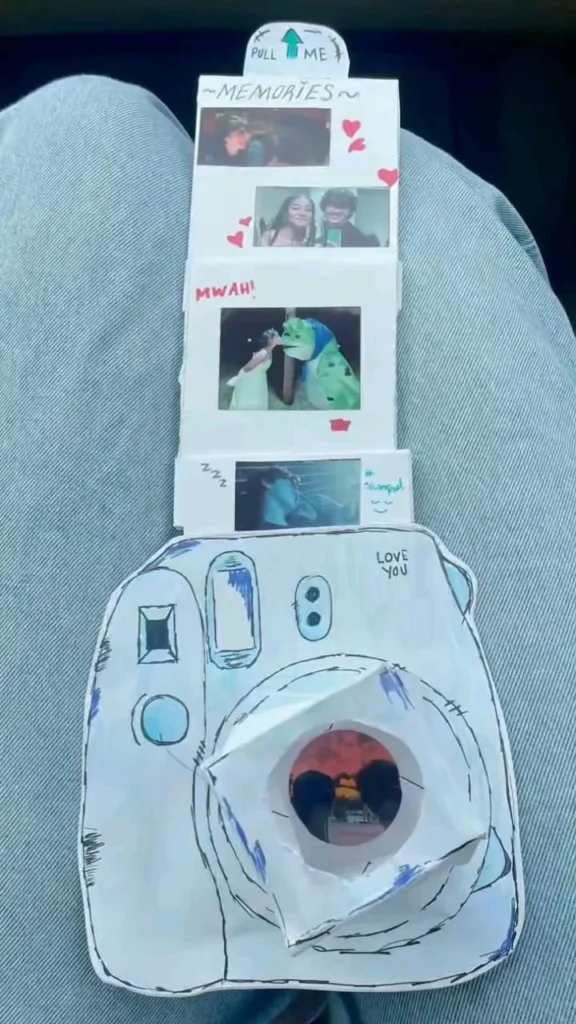
There is a particular kind of magic in a camera wrapped in paper, sitting on someone’s lap, waiting to be handed over. It is the promise of a memory about to be made — and the quiet thrill of pulling that memory back out years later. Whether you are scanning a shoebox of prints, hunting for the film look on a phone, or restoring a faded Polaroid, the web is full of quiet little tools that help you pull memories out of old photographs. Below are 18 of the best, starting with the ones that feel most like unwrapping a gift.
Table of Contents(Click to Toggle)
Why Nostalgic Camera Tools Matter
Most of us carry a camera everywhere, yet we rarely look back at what we shoot. Studies of photo libraries show that a huge share of images are never viewed a second time. That is where nostalgic camera tools come in: they turn a passive camera roll into something you actually revisit. Film-emulation apps add texture and grain so a Tuesday afternoon feels like a 1990s summer. Scanning tools pull a stack of physical prints into the cloud where they can be searched and shared. Restoration tools bring faded faces back into focus. Together they do one thing well — they help you pull memories back into the present, exactly as a paper-wrapped camera on someone’s lap promises.
18 Tools to Pull Memories From Old Photos
1. Google Photos : The memory engine that resurfaces your old shots
What it is: A free photo library that stores, searches, and automatically resurfaces old images.
Category: Photo storage and memory discovery
Why it stands out:
- Its “Memories” feature quietly builds little highlight reels from years-old photos, which is the closest thing to pulling a memory out of a box.
- Search works on objects and places, so typing “beach 2014” can find forgotten frames.
- Limitation: free storage caps out at 15 GB shared with Gmail, so heavy libraries need a paid plan.
Best for: Anyone who wants their camera roll to feel alive again without extra work.
2. Retro Camera : Instant vintage filters for phone shots
What it is: A simple app that applies retro film looks and borders to your photos.
Category: Film emulation
Why it stands out:
- One-tap presets mimic old point-and-shoots, complete with date stamps in the corner.
- Great for recreating the paper-wrapped-camera aesthetic from a modern phone.
- Limitation: the free tier shows ads and offers fewer filters than the paid version.
Best for: Quick vintage edits for social posts and photo dumps.
3. VSCO : The classic film-look editing community
What it is: A photo editing app with a famous library of film-inspired presets.
Category: Editing and creative community
Why it stands out:
- Presets like A6 and M5 are instantly recognizable and give a warm, nostalgic cast.
- The community feed is a calm alternative to louder social apps.
- Limitation: many presets sit behind a paid membership.
Best for: People who want a consistent, moody film look across a whole feed.
4. Polarr : Deep editing controls in the browser
What it is: A photo editor that runs in the browser and on mobile with granular controls.
Category: Advanced editing
Why it stands out:
- Curve and color-channel tools let you recreate specific film stocks rather than generic filters.
- Works on desktop without installing anything, handy for restoring scanned prints.
- Limitation: the interface is dense and takes a session to learn.
Best for: Tinkerers who want to build their own nostalgic look.
5. Snapseed : Free, powerful mobile retouching
What it is: A free Google editing app with professional-grade local adjustments.
Category: Mobile editing
Why it stands out:
- The “Vintage” and “Retrolux” tools add scratches, light leaks, and grain in seconds.
- Selective brush lets you brighten a face in an old group photo without touching the rest.
- Limitation: no cloud sync, so edits live only on the device.
Best for: Restoring and styling old photos on the go for free.
6. Nixplay : A digital frame that plays your memories
What it is: A Wi-Fi digital photo frame that cycles through albums you choose.
Category: Memory display hardware
Why it stands out:
- Family members can email photos straight to the frame, so it becomes a shared memory wall.
- Turns a forgotten camera roll into something you see every day in the kitchen.
- Limitation: it is a paid device, and setup requires a stable Wi-Fi network.
Best for: Families who want to pull old memories into daily life.
7. PhotoScan : Turn paper prints into clean digital files
What it is: A Google app that scans physical photographs using your phone camera.
Category: Scanning and digitization
Why it stands out:
- It captures four corners and stitches them, removing glare that ruins a single shot.
- Perfect for a shoebox of prints that never made it to digital.
- Limitation: it works best on flat prints, not curled or framed photos.
Best for: Anyone digitizing family albums one page at a time.
8. Retro Film Camera : A pocket darkroom for your phone
What it is: A camera app that simulates film rolls and delayed “development.”
Category: Film simulation
Why it stands out:
- Shots “develop” over time, recreating the anticipation of dropping film off at a lab.
- Random light leaks make every roll feel one-of-a-kind.
- Limitation: the waiting mechanic frustrates people who want instant results.
Best for: People who miss the ritual of film photography.
9. MyHeritage Photo Enhancer : Sharpen and colorize faded family photos
What it is: A web tool that enhances, sharpens, and colorizes old photographs.
Category: Restoration
Why it stands out:
- It can bring detail back to blurry faces in scanned family portraits.
- Colorization works surprisingly well on black-and-white wedding and childhood photos.
- Limitation: free use is limited, and results can look overly smooth on some images.
Best for: Genealogists and families restoring heirloom photos.
10. Filmic Pro : Cinematic video from a phone
What it is: A pro video camera app with manual controls and film-style profiles.
Category: Video capture
Why it stands out:
- Manual focus, ISO, and shutter let you shoot home-movie-style footage with real depth.
- Log and flat profiles give room to grade toward a warm, nostalgic look.
- Limitation: the learning curve is steep and the app is paid.
Best for: Creators making nostalgic short films or memory videos.
11. Halide : A thoughtful manual camera for iPhone
What it is: A premium iPhone camera app focused on deliberate, manual shooting.
Category: Mobile camera
Why it stands out:
- RAW capture and focus peaking make each shot feel intentional, like loading a roll of film.
- A clean interface keeps you present instead of fiddling with menus.
- Limitation: iPhone-only, so Android users need alternatives.
Best for: iPhone photographers who want slow, mindful shooting.
12. 1967 : A vintage film camera in app form
What it is: A retro camera app that recreates the look of 1960s film.
Category: Film emulation
Why it stands out:
- Its presets lean into warm, grainy, sun-faded tones that feel genuinely period-accurate.
- Simple controls mean you can shoot and share in under a minute.
- Limitation: the preset range is narrower than bigger editors.
Best for: Anyone chasing a specific decade’s color palette.
13. Dispo : Shoot now, develop tomorrow
What it is: A disposable-camera-style app where photos “develop” overnight.
Category: Film simulation
Why it stands out:
- You cannot see shots until the next morning, which recreates the disposable camera thrill.
- Its grainy, flash-heavy look is instantly nostalgic.
- Limitation: the forced wait is divisive and the app has changed features over time.
Best for: People who love the anticipation of a developed roll.
14. Grainery : A social network for film photographers
What it is: A community app built specifically for analog film shooters.
Category: Community
Why it stands out:
- Every post logs the film stock and camera used, so it doubles as a reference library.
- Far calmer than mainstream social feeds, with a focus on craft.
- Limitation: it is niche, so the audience is smaller and slower-moving.
Best for: Film shooters who want a like-minded community.
15. Polaroid : The original instant-memory maker
What it is: The official home of Polaroid instant cameras and film.
Category: Instant photography
Why it stands out:
- Modern instant cameras pair the classic square print with USB-C charging and app features.
- Nothing beats handing someone a physical print — the purest “pull a memory” moment.
- Limitation: film packs are an ongoing cost and each shot is precious.
Best for: People who want memories they can physically hold.
16. Gudak Cam : The app that started the retro-camera wave
What it is: A minimalist app that mimics a cheap disposable camera.
Category: Film simulation
Why it stands out:
- A tiny viewfinder and a 24-shot roll force you to slow down and choose carefully.
- Prints arrive after a simulated development delay, adding ritual to the process.
- Limitation: the interface is intentionally limited and some features are paid.
Best for: Minimalists who want constraint as a creative tool.
17. KUNI Cam : Dreamy, soft-focus vintage shots
What it is: A retro camera app known for soft, hazy, film-like results.
Category: Film emulation
Why it stands out:
- Its dreamy color grade makes ordinary scenes look like old summer snapshots.
- Simple controls and a satisfying shutter sound keep the experience tactile.
- Limitation: results are stylized, so it is not for documentary accuracy.
Best for: Soft, romantic edits of everyday moments.
18. Dazz Cam : A whole shelf of vintage cameras in one app
What it is: An app that bundles many vintage camera and film effects.
Category: Film emulation
Why it stands out:
- You can switch between camcorder, disposable, and instant-camera looks in one place.
- Video effects add VHS-style motion, great for nostalgic memory clips.
- Limitation: the best effects require a subscription.
Best for: People who want variety without installing ten apps.
Bonus Mentions
Three more quiet tools worth a look if you are deep in a memory-restoring mood.
Photopea : Free browser-based photo repair
A surprisingly capable Photoshop-style editor that runs entirely in the browser, ideal for patching scratches on a scanned print without installing anything.
Photopea : Free browser-based photo repair
A surprisingly capable Photoshop-style editor that runs entirely in the browser, ideal for patching scratches on a scanned print without installing anything.
Photopea : Free browser-based photo repair
A surprisingly capable Photoshop-style editor that runs entirely in the browser, ideal for patching scratches on a scanned print without installing anything.
The Internet’s Best-Kept Memory Tools
What makes these tools special is not that they are flashy — it is that they turn something ordinary (a phone camera, a shoebox of prints, a forgotten camera roll) into a small ritual. A paper-wrapped camera on someone’s lap is a promise of a moment worth keeping. These apps and sites are the digital version of that promise: they help you slow down, shoot with intention, and then actually look back. Start with Google Photos if you want instant resurfacing, or PhotoScan if you have physical prints waiting. Either way, you will pull a memory or two back into the light. Which nostalgic camera tool do you keep coming back to? Share your favorite find in the comments.