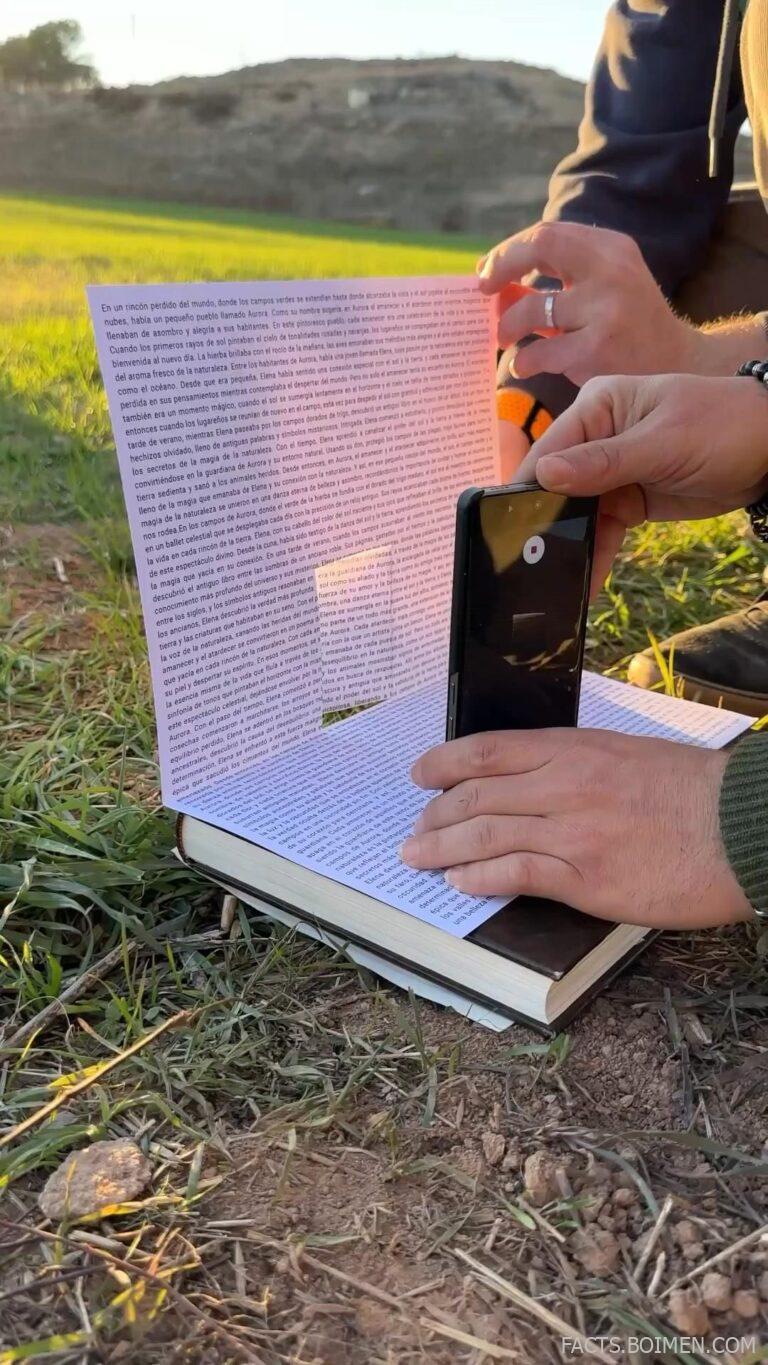
You’ve seen the viral posts: a jumbled paragraph that makes you squint, letters that swap and dance, words that blur. That’s a dyslexia simulator — a digital tool that mimics the reading experience of someone with dyslexia. But these simulators aren’t just viral curiosities; they’re powerful empathy builders, educational aids, and even design checkers. Here are 20 underrated simulators and tools that let you step into another reader’s world — and maybe see your own content in a new light.
Table of Contents(Click to Toggle)
- Why Explore Dyslexia Simulators?
- The 20 Best Dyslexia Simulators & Tools
- 1. Dsxyliea
- 2. OpenDyslexic
- 3. DyslexiaSimulator.com
- 4. See Dyslexia
- 5. Victor Widell’s Simulator
- 6. Dyslexia Reader
- 7. BeeLine Reader
- 8. Ghotit Real Writer
- 9. Dyslexia Gold
- 10. Learning Ally
- 11. Dyslexia Test App
- 12. Read & Write for Google Chrome
- 13. Typosaurus
- 14. Dyslexia Font
- 15. Color Veil
- 16. Spritz
- 17. NaturalReader
- 18. Voice Dream Reader
- 19. Dyslexia Friendly Style Guide
- 20. Accessibility Insights
- Bonus Mentions
- The Empathy Edge: Why Simulators Matter
Why Explore Dyslexia Simulators?
Dyslexia affects about 1 in 5 people, yet most of us have no idea what it feels like to read with it. Simulators bridge that gap. They scramble letters, distort spacing, and blur lines to recreate the cognitive load that dyslexic readers face daily. For educators, they build empathy; for designers, they test readability; for curious minds, they offer a glimpse into a different way of processing words. These 20 tools range from simple web pages to full-featured apps — each one a window into a world where reading isn’t automatic. Ready to see through new eyes?
The 20 Best Dyslexia Simulators & Tools
1. Dsxyliea : The Viral Simulator That Started It All
What it is: A web page that scrambles the letters of any text you type, mimicking the visual confusion of dyslexia.
Category: Web-based simulator
Why it stands out: It’s the exact tool from the pin — a simple, open-source page that lets you paste any text and watch it transform. The scrambling is random but realistic, with letters swapping positions while keeping the first and last letters intact.
Best for: Quick demos in classrooms, workshops, or for personal curiosity.
2. OpenDyslexic : The Font That Reduces Letter Confusion
What it is: A free, open-source font designed to mitigate common dyslexia symptoms like letter swapping and mirroring.
Category: Font / readability tool
Why it stands out: Unlike simulators, this is a practical solution. The font uses heavier bottom weights to anchor letters, reducing rotation and swapping. You can install it on your devices or use it on websites via a simple CSS snippet.
Best for: Dyslexic readers, educators creating materials, and designers aiming for inclusive typography.
3. DyslexiaSimulator.com : A Full-Featured Simulation Experience
What it is: An interactive simulator that offers multiple modes: letter swapping, word jumbling, and background distortion.
Category: Web-based simulator
Why it stands out: It goes beyond simple text scrambling. You can adjust the intensity, choose from different dyslexia types (visual, auditory, etc.), and even upload your own text. It’s a more comprehensive tool for understanding the condition.
Best for: Teachers wanting to demonstrate various dyslexia experiences, and researchers needing a flexible simulation.
4. See Dyslexia : A Visual Journey Through Reading Difficulties
What it is: A website that simulates the experience of reading with dyslexia through a series of interactive exercises.
Category: Web-based simulator
Why it stands out: It’s not just about scrambled text; it includes timed reading tasks, word recognition games, and a “virtual classroom” that shows how a dyslexic student might struggle in real-time. It’s a powerful empathy tool.
Best for: Parents, educators, and anyone who wants a holistic understanding of dyslexia’s impact.
5. Victor Widell’s Simulator : The Original Letter-Swap Demo
What it is: A minimalistic simulator that swaps letters within words based on a simple algorithm.
Category: Web-based simulator
Why it stands out: This is the original inspiration for many simulators. It’s bare-bones but effective, and its simplicity makes it easy to embed in presentations or share via link.
Best for: Quick demos and comparisons with more complex simulators.
6. Dyslexia Reader : A Chrome Extension That Simulates While You Browse
What it is: A browser extension that applies dyslexia-like distortions to any webpage you visit.
Category: Browser extension
Why it stands out: It lets you experience the web as a dyslexic user might, revealing how inaccessible many sites are. It also has a “calm mode” that shows the original text for comparison.
Best for: Web developers checking their own sites, and curious users who want to see the internet through a different lens.
7. BeeLine Reader : Color-Gradient Reading That Aids Focus
What it is: A reading tool that uses color gradients to guide the eye from the end of one line to the beginning of the next.
Category: Reading aid
Why it stands out: While not a simulator, it’s a proven aid for dyslexic readers. The gradient reduces line-jumping and improves reading speed. It’s available as a browser extension, mobile app, and PDF converter.
Best for: Dyslexic readers who want a practical tool, and anyone who struggles with tracking lines of text.
8. Ghotit Real Writer : A Writing Assistant for Dyslexic Writers
What it is: A writing and proofreading app specifically designed for people with dyslexia.
Category: Writing aid
Why it stands out: It offers context-sensitive spell checking, word prediction, and a dictionary that understands phonetic misspellings. It’s not a simulator, but it’s essential for understanding the challenges dyslexic writers face.
Best for: Dyslexic students and professionals who need writing support.
9. Dyslexia Gold : A Research-Based Reading Program with Built-In Simulations
What it is: An online program that combines reading exercises with simulations to show how dyslexia affects learning.
Category: Educational platform
Why it stands out: It includes a “dyslexia simulator” module as part of its teacher training, alongside phonics and eye-tracking games. It’s a comprehensive resource for understanding and addressing dyslexia.
Best for: Educators and parents looking for a structured approach to dyslexia support.
10. Learning Ally : Audiobook Library for Dyslexic Students
What it is: A nonprofit that provides a vast library of human-read audiobooks for students with print disabilities.
Category: Audiobook service
Why it stands out: While not a simulator, it’s a lifeline for dyslexic readers. The audiobooks are synchronized with text, allowing multi-sensory reading. It’s a practical alternative to struggling with print.
Best for: Students with dyslexia who need accessible textbooks and literature.
11. Dyslexia Test App : A Quick Self-Assessment Tool
What it is: A mobile app that offers a series of tests to assess the likelihood of dyslexia.
Category: Mobile app
Why it stands out: It includes a simulation mode that shows sample test questions as they appear to a dyslexic person. It’s not a clinical diagnosis, but it’s a useful screening tool and educational resource.
Best for: Adults who suspect they might have dyslexia, and parents screening their children.
12. Read & Write for Google Chrome : An All-in-One Literacy Support Extension
What it is: A Chrome extension that provides text-to-speech, word prediction, and other reading aids.
Category: Browser extension
Why it stands out: It’s widely used in schools and workplaces. While not a simulator, it helps dyslexic users by reading text aloud, highlighting words, and offering a picture dictionary. It also includes a “screen mask” that reduces visual stress.
Best for: Dyslexic users who need comprehensive support while browsing or writing.
13. Typosaurus : A Fun Typing Game That Simulates Dyslexia
What it is: A typing game where letters on the screen jumble and swap as you type, mimicking the visual chaos of dyslexia.
Category: Game / simulator
Why it stands out: It’s a gamified way to understand the frustration of dyslexic typing. The game tracks your accuracy and speed, giving you a sense of the cognitive load involved.
Best for: Students learning about dyslexia in a fun, interactive way.
14. Dyslexia Font : A Commercial Font with a Purpose
What it is: A font designed to increase readability for people with dyslexia, with unique letter shapes.
Category: Font / readability tool
Why it stands out: Unlike OpenDyslexic, this font offers a more polished aesthetic. It’s available for purchase and can be used in print and digital media. It’s a great alternative for designers who want a dyslexia-friendly option with a professional look.
Best for: Designers and organizations that need a dyslexia-friendly font with a commercial license.
15. Color Veil : A Simple Overlay to Reduce Visual Stress
What it is: A browser extension that applies a color overlay to web pages, reducing glare and visual distortions.
Category: Browser extension
Why it stands out: While not a simulator, it addresses a common visual symptom of dyslexia — sensitivity to bright backgrounds. Users can choose from various colors and opacity levels to find what works best for them.
Best for: Dyslexic readers who experience visual stress while reading on screens.
16. Spritz : Speed Reading Technology That Aids Focus
What it is: A reading method that presents one word at a time in a fixed position, reducing eye movement.
Category: Reading aid
Why it stands out: Although not designed for dyslexia, Spritz can help dyslexic readers by eliminating the need to track lines. It’s available as an app and API, and it’s particularly useful for reading on small screens.
Best for: Dyslexic readers who struggle with line tracking and want to increase reading speed.
17. NaturalReader : Text-to-Speech with Natural Voices
What it is: A text-to-speech tool that converts written text into spoken words, with a variety of natural-sounding voices.
Category: Text-to-speech
Why it stands out: It’s an essential tool for dyslexic readers who find listening easier than reading. It also has a Chrome extension and mobile app, making it accessible everywhere.
Best for: Dyslexic readers who want to listen to articles, emails, or documents.
18. Voice Dream Reader : A Premium Reading App with OCR and Annotation
What it is: A mobile app that reads text aloud from various sources, including PDFs, web pages, and even photos.
Category: Mobile app / text-to-speech
Why it stands out: It offers advanced features like OCR (optical character recognition) for scanning physical pages, and the ability to highlight and annotate. It also integrates with cloud services.
Best for: Dyslexic students and professionals who need a robust reading tool on the go.
19. Dyslexia Friendly Style Guide : A Practical Guide for Content Creators
What it is: A comprehensive guide from the British Dyslexia Association on how to write and design content that is accessible to dyslexic readers.
Category: Resource / guide
Why it stands out: It’s not a simulator, but it’s a crucial tool for understanding what makes text readable for dyslexic users. It covers font choices, spacing, color, and layout.
Best for: Web designers, content writers, and anyone creating public-facing materials.
20. Accessibility Insights : A Developer Tool to Test for Dyslexia-Friendly Design
What it is: A suite of tools from Microsoft that helps developers find and fix accessibility issues, including readability.
Category: Developer tool
Why it stands out: It includes a “Color Contrast” checker and a “Reading Order” tool that can help ensure your content is accessible to dyslexic users. It also has a “Simulator” feature that shows how your site appears to users with various visual impairments.
Best for: Web developers who want to make their sites more inclusive.
Bonus Mentions
Dyslexie Font : A Popular Commercial Font with a Global User Base
What it is: A font designed by a dyslexic designer, Christian Boer, to reduce letter confusion.
Category: Font
Why it stands out: It’s widely used in schools and businesses, and it’s been scientifically tested. The font is available for free for personal use.
Best for: Personal projects or educational materials.
Reading Rockets : A Comprehensive Resource for Parents and Educators
What it is: A national public media literacy initiative offering resources on how to help struggling readers, including those with dyslexia.
Category: Resource
Why it stands out: It includes a section on “Dyslexia Simulation” that provides a downloadable simulation activity for classroom use.
Best for: Teachers and parents seeking evidence-based strategies.
Understood : A Support Network for Learning and Attention Issues
What it is: A website that offers articles, videos, and tools for parents of children with learning differences, including dyslexia.
Category: Resource
Why it stands out: It has a “Simulation” section where you can experience what it’s like to have dyslexia, ADHD, and other conditions.
Best for: Parents and educators looking for a supportive community and practical advice.
Dyslexia.com : A Hub of Information on Dyslexia
What it is: A website run by Davis Dyslexia Association International, offering articles, research, and a free “Dyslexia Test” that includes a simulation.
Category: Resource
Why it stands out: It provides a unique perspective on dyslexia as a gift, and the simulation helps you understand the visual-spatial thinking style.
Best for: Those looking for a positive, strengths-based view of dyslexia.
The Empathy Edge: Why Simulators Matter
Dyslexia simulators are more than just internet curiosities. They are bridges to understanding a condition that affects millions. By experiencing the frustration of jumbled letters, we become more patient teachers, more thoughtful designers, and more compassionate colleagues. They remind us that accessibility isn’t just about compliance — it’s about human connection. So next time you encounter a block of text that makes your head spin, remember: that’s someone’s daily reality. And with these tools, you can start to build a web that works for everyone.
Have you tried any of these simulators? Did any of them surprise you? Share your own favorite accessibility tools in the comments below.