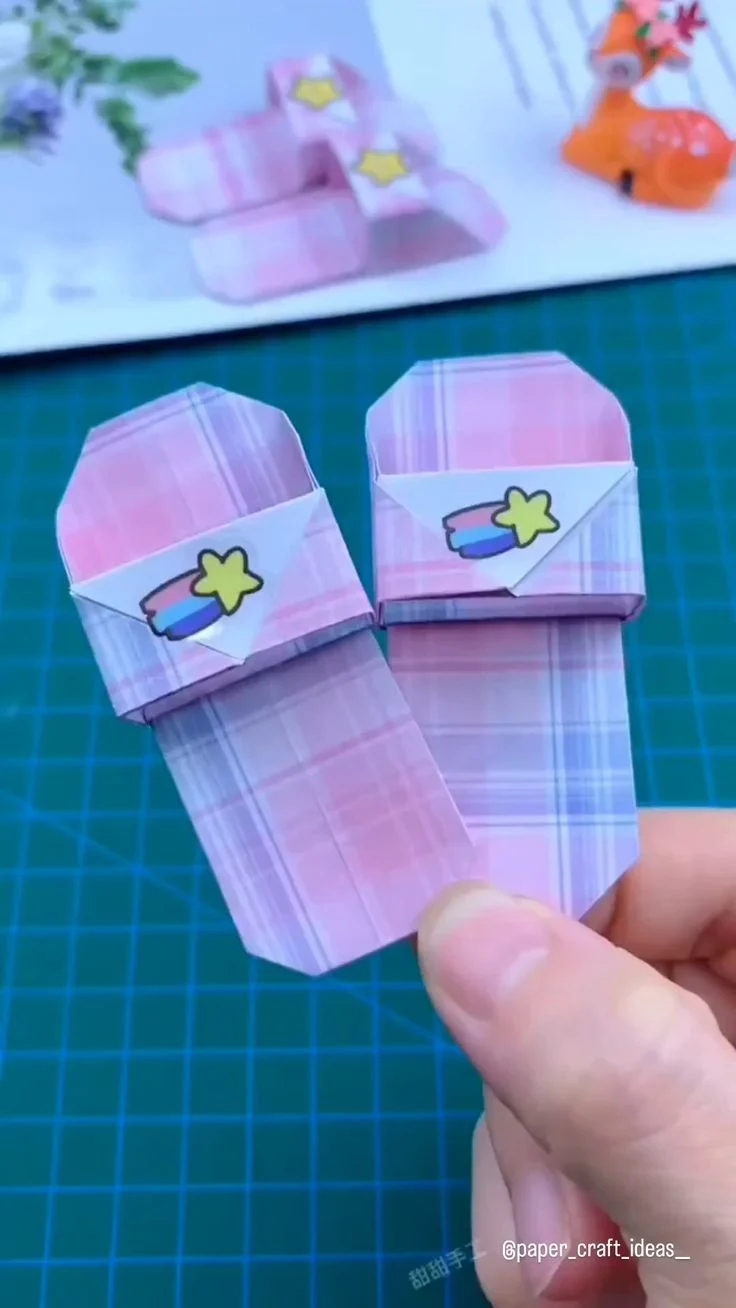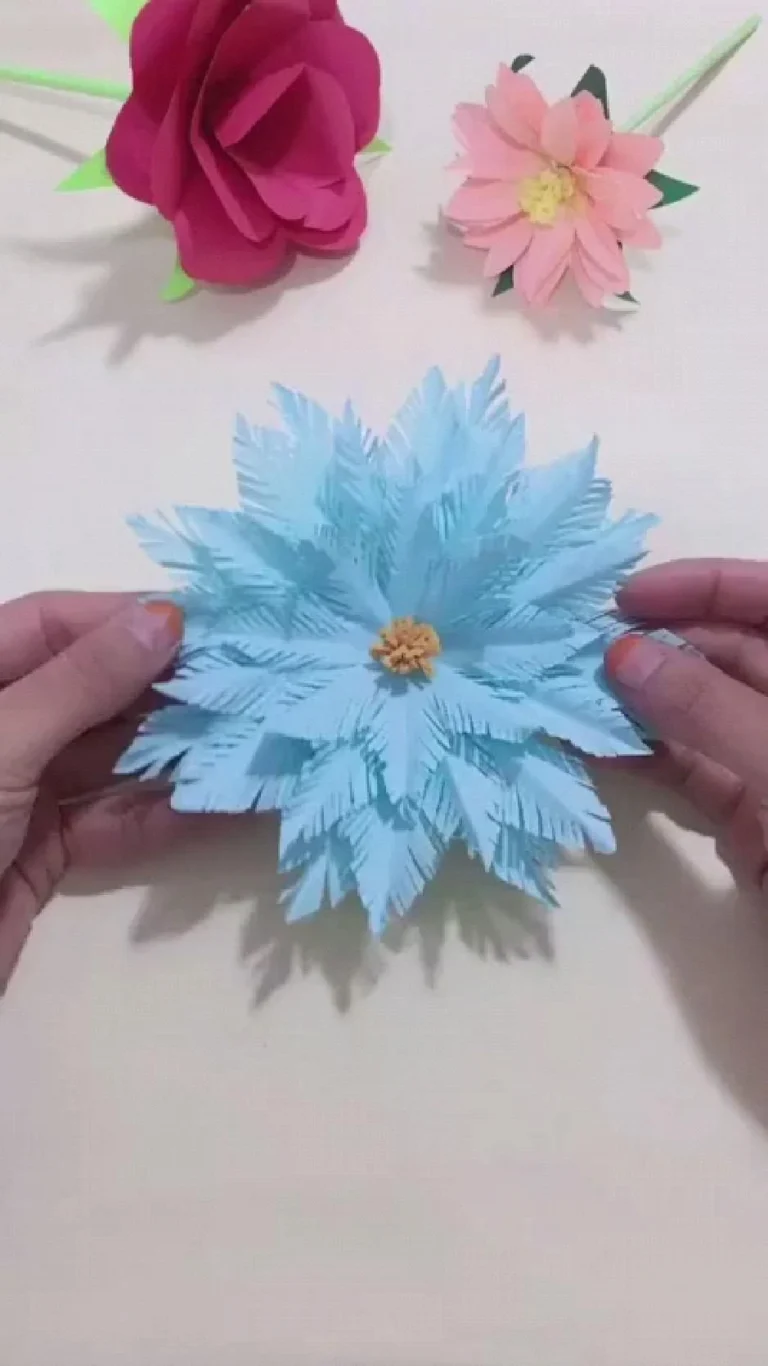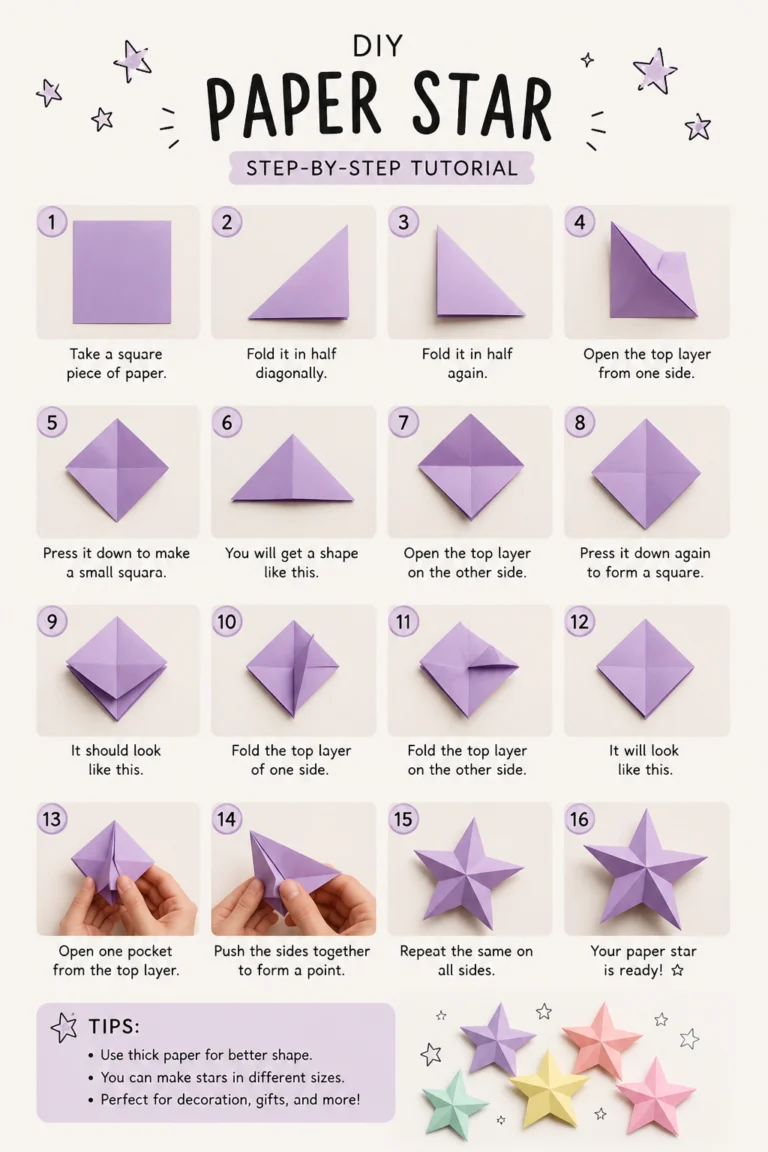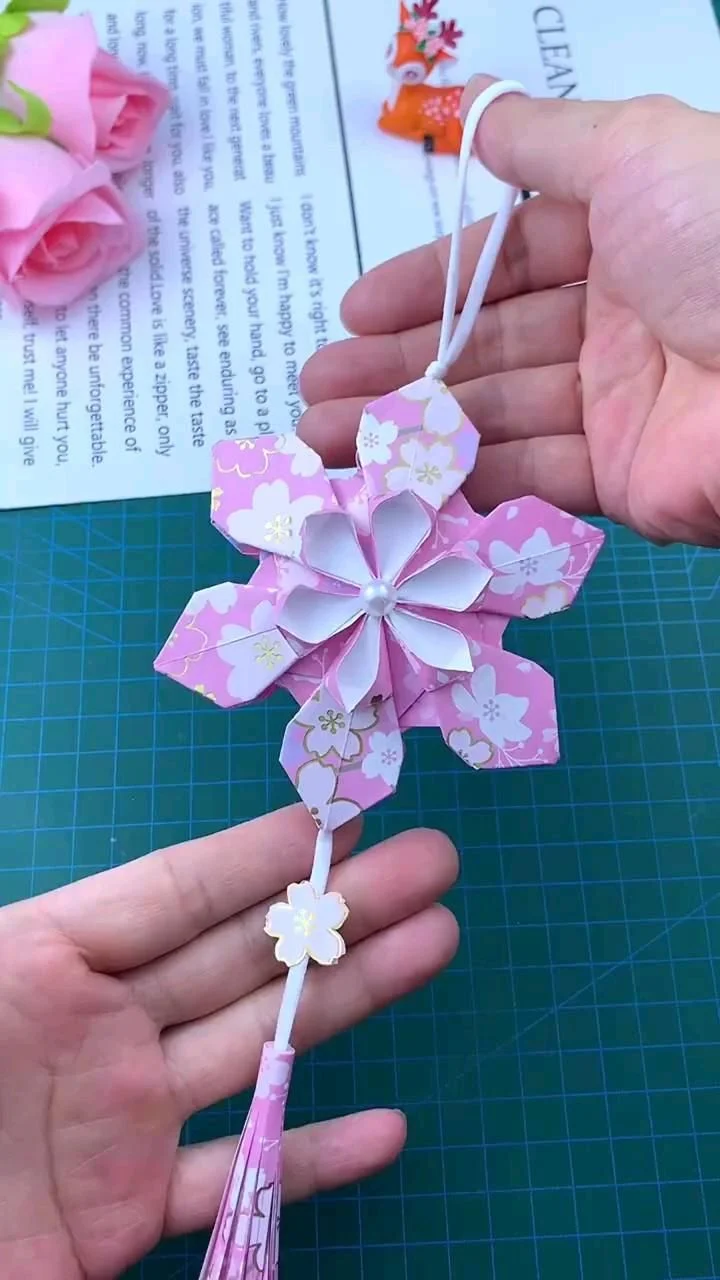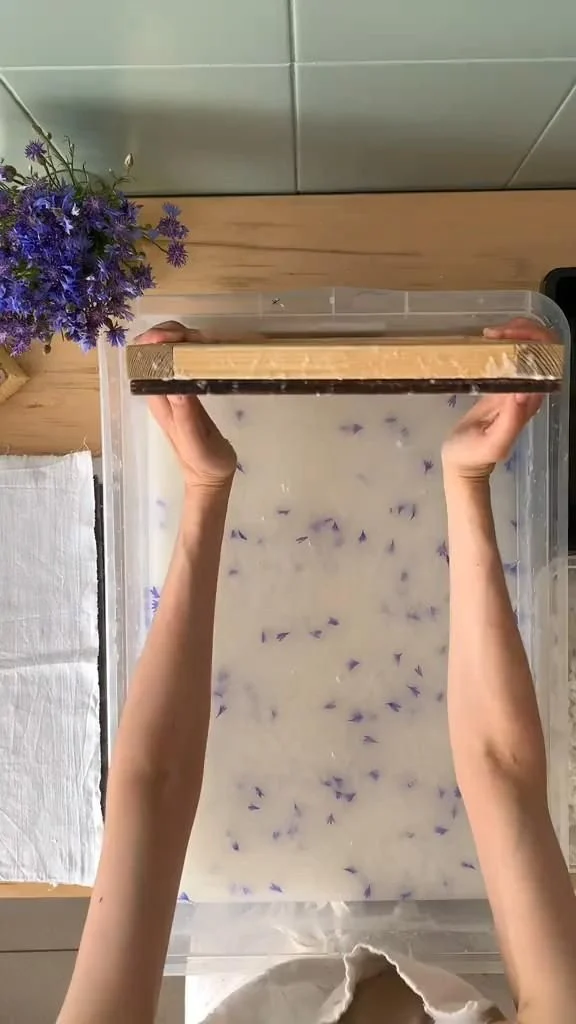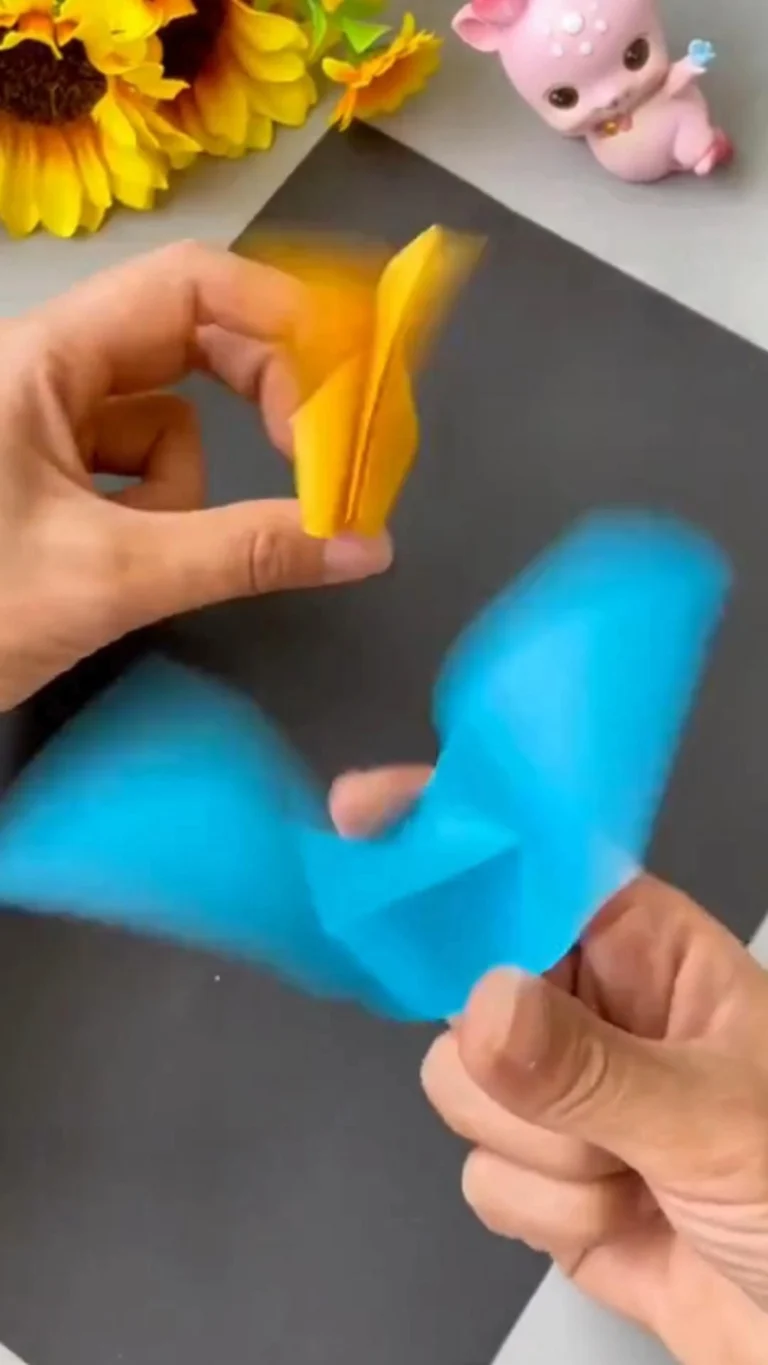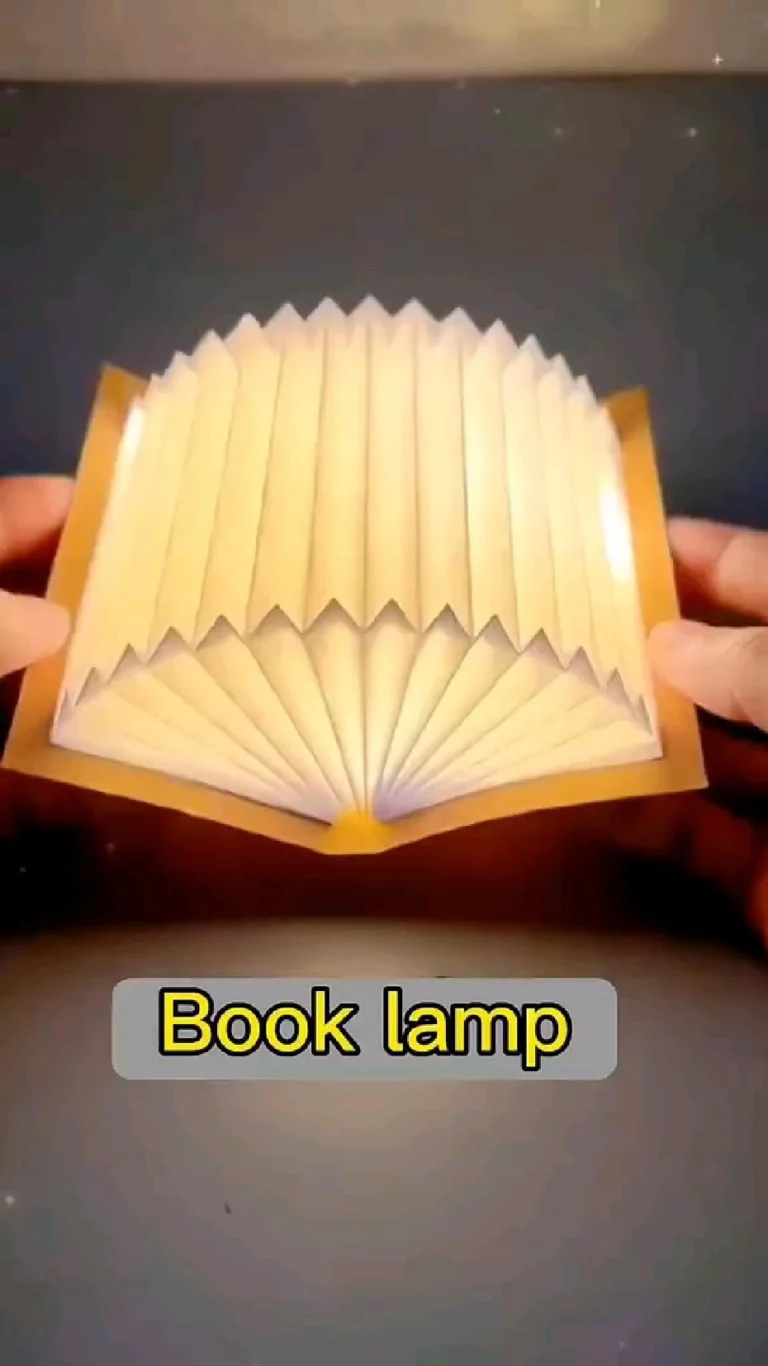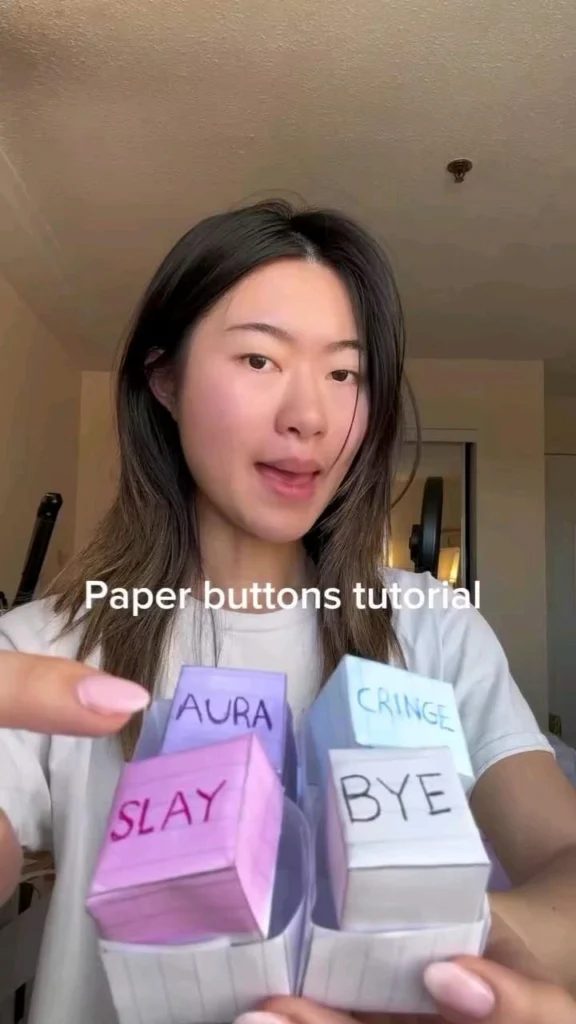
There is a particular kind of magic in turning a flat sheet of paper into something you can actually hold, flick, pin, or press. Paper buttons, origami stars, and tiny folded charms are the perfect antidote to a rainy afternoon or a scroll-fatigued brain. The best part? You need almost nothing: paper, scissors, a glue stick, and a few minutes. Below are 21 genuinely useful places to learn, print, fold, and get inspired, from step-by-step origami diagram libraries to printable button templates and quiet craft communities. Every link points to a real, working homepage, and each entry tells you exactly what you get and who it suits.
Table of Contents(Click to Toggle)
- Why Paper Buttons and Origami Stars Are Worth Your Afternoon
- 21 Paper Button and Origami Star Craft Resources
- 1. Origami.me
- 2. Origami Instructions
- 3. Paper Kawaii
- 4. Origami Resource Center
- 5. Craftsy (Bluprint Archive)
- 6. The Spruce Crafts
- 7. AllFreePaperCrafts
- 8. FaveCrafts
- 9. Instructables
- 10. Pinterest
- 11. YouTube
- 12. Reddit r/origami
- 13. Canon Creative Park
- 14. Brother Craft Downloads
- 15. Cricut Design Space
- 16. Silhouette Studio
- 17. Etsy
- 18. Ravelry (Paper & Craft Boards)
- 19. Spoonflower
- 20. Creativebug
- 21. Skillshare
- Bonus Mentions
- The Folded-Future of Boredom-Busting Crafts
Why Paper Buttons and Origami Stars Are Worth Your Afternoon
Paper crafts sit in a sweet spot: they are cheap enough to try without commitment, fast enough to finish in one sitting, and tactile enough to pull you off a screen. A folded origami star takes about two minutes once you know the sequence, and a homemade paper button can dress up a gift box, a scrapbook page, or a handmade card in under five. The resources below are not random craft roundups; they are the specific sites where the diagrams are clearest, the templates actually print at the right size, and the communities still answer questions. Whether you want a printable button template, a lucky star folding tutorial, or a machine-cut file for a button press, one of these 21 will match your skill level and your supply drawer.
21 Paper Button and Origami Star Craft Resources
1. Origami.me : Clear step-by-step diagrams for beginners
What it is: A clean, ad-light origami diagram library with photo-illustrated steps for stars, cranes, boxes, and simple modular pieces.
Category: Tutorial library
Why it stands out: Each tutorial lists the difficulty level and paper size up front, so you can grab the right square before you start folding. The lucky star and five-pointed star guides are especially easy to follow on a phone.
Best for: Absolute beginners who want one reliable diagram without a video.
2. Origami Instructions : A huge free archive of classic folds
What it is: A long-running site with hundreds of free diagram pages, from traditional stars to modular balls and flowers.
Category: Tutorial archive
Why it stands out: The site groups models by theme and difficulty, and includes printable diagram PDFs you can keep offline. The modular star section is a great next step after you master a single-sheet fold.
Best for: Crafters who like printed instructions and want a big browsing catalog.
3. Paper Kawaii : Cute, giftable paper projects with video
What it is: A blog and video channel focused on kawaii-style origami, paper boxes, and small giftable items.
Category: Blog and video tutorials
Why it stands out: Every project pairs a written post with an embedded video, which helps when a fold is hard to read. The mini star boxes and paper button-style embellishments are ideal for decorating cards and packages.
Best for: Visual learners who want a polished, gift-ready result.
4. Origami Resource Center : Deep reference and history
What it is: An encyclopedic origami site with diagrams, paper recommendations, and background on folding traditions.
Category: Reference site
Why it stands out: It explains paper weights and sizes in plain language, which matters when a star collapses because the paper is too thick. The site also links out to printable paper patterns you can cut to size.
Best for: Tinkerers who want to understand why a fold works, not just copy it.
5. Craftsy : Structured classes for paper and mixed crafts
What it is: A craft-class platform with video lessons across paper, sewing, and mixed media.
Category: Online learning
Why it stands out: Classes are chaptered, so you can jump straight to the paper-folding segment instead of watching a two-hour video. Many lessons include downloadable templates you can print at home.
Best for: Learners who prefer a guided course over scattered tutorials.
6. The Spruce Crafts : Fast, well-organized project how-tos
What it is: A large craft how-to site with clear, edited tutorials and printable templates.
Category: Tutorial site
Why it stands out: Articles are written in a consistent format with a supply list, time estimate, and photo steps. The paper-craft section covers everything from simple stars to handmade gift tags and button-style embellishments.
Best for: Readers who want a quick supply list before committing.
7. AllFreePaperCrafts : A giant free pattern hub
What it is: A curated collection site that links to thousands of free paper-craft tutorials and templates.
Category: Pattern directory
Why it stands out: It is organized by project type, so you can find printable button templates and star patterns in one place. Each entry links to the original creator, which keeps the credit with the maker.
Best for: Browsers who like to see many options before choosing one.
8. FaveCrafts : Seasonal and quick-win craft ideas
What it is: A craft idea site with seasonal roundups, quick projects, and printable guides.
Category: Idea hub
Why it stands out: The quick-craft collections are genuinely short, often under 30 minutes, which is perfect for a bored afternoon. Holiday paper-star and button garland ideas are easy to adapt with supplies you already own.
Best for: Last-minute crafters who need something finishable today.
9. Instructables : Community projects with photos and files
What it is: A maker community where users post step-by-step projects, often with downloadable cutting files.
Category: Community project site
Why it stands out: Search for “paper button” or “origami star” and you get real user projects with photos at every step and comments that troubleshoot common mistakes. Many posts include SVG files for cutting machines.
Best for: Makers who want to remix someone else’s project.
10. Pinterest : Visual inspiration and saved boards
What it is: The visual discovery platform where most paper-craft tutorials are first shared.
Category: Inspiration board
Why it stands out: Board-based saving makes it easy to collect star and button ideas for later, and most pins link back to the original tutorial. Use the search filter for “step by step” to skip vague inspiration images.
Best for: Collectors who want a personal mood board of paper ideas.
11. YouTube : Real-time folding you can pause and replay
What it is: The largest video library for paper crafts, with slow-motion folding channels.
Category: Video platform
Why it stands out: Watching hands fold is often faster to learn from than a diagram. Search “lucky star origami slow” for beginner-friendly channels that show each crease in real time.
Best for: Learners who need to see the motion, not just the result.
12. Reddit r/origami : Honest feedback and troubleshooting
What it is: A community forum where folders share finished models and ask for help.
Category: Community forum
Why it stands out: Post a photo of a lopsided star and you will usually get a specific answer about paper weight or a missed crease. The weekly threads are friendly to beginners.
Best for: Crafters who learn best by asking questions.
13. Canon Creative Park : Free printable paper craft templates
What it is: Canon’s free library of printable paper models, cards, and decorations.
Category: Printable templates
Why it stands out: Templates are professionally designed and print cleanly on standard paper. The card and decoration sections include small folded embellishments that work like paper buttons on gift tags.
Best for: Anyone with a home printer and no drawing skills.
14. Brother Craft Downloads : Machine-ready cut files and guides
What it is: Brother’s resource pages for craft cutting machines, including free project downloads.
Category: Cut-file library
Why it stands out: If you own a ScanNCut or similar cutter, these files let you cut dozens of identical paper button shapes in minutes. The guides explain blade depth and paper settings, which saves trial and error.
Best for: Crafters who want repeatable, precise shapes.
15. Cricut Design Space : Design and cut your own button shapes
What it is: Cricut’s free design software for laying out and cutting paper shapes.
Category: Design software
Why it stands out: You can size a circle to an exact button diameter, add stitch marks, and cut a whole sheet at once. The built-in shape library means no separate design tool is needed.
Best for: Cricut owners making batches of matching paper buttons.
16. Silhouette Studio : Precise vector layout for paper projects
What it is: The design software for Silhouette cutting machines, with a capable free tier.
Category: Design software
Why it stands out: The free version handles SVG import and precise alignment, which is handy for lining up button holes or star points. It also exports print-and-cut files so patterns land exactly on the cut lines.
Best for: Detail-oriented crafters who want print-and-cut accuracy.
17. Etsy : Instant-download templates and finished paper goods
What it is: A marketplace with thousands of digital craft templates and handmade paper items.
Category: Marketplace
Why it stands out: Digital downloads arrive instantly, so you can print a button template minutes after buying. It is also the fastest way to see how professional crafters finish and package paper buttons for sale.
Best for: Crafters who want a polished template without designing one.
18. Ravelry : Pattern organization habits worth borrowing
What it is: A massive fiber-craft pattern database with strong project-tracking tools.
Category: Pattern database
Why it stands out: It is not a paper site, but its project queue and stash-tracking features are exactly what paper crafters need to stop buying duplicate supplies. Many members also post paper-craft adjacent embellishment ideas in the forums.
Best for: Crafters who love organizing patterns and supplies.
19. Spoonflower : Custom-printed paper for one-of-a-kind buttons
What it is: A print-on-demand service for custom fabric, wallpaper, and gift wrap.
Category: Custom printing
Why it stands out: You can upload a tiny pattern and order it printed on paper or wrap, then cut it into button circles and star strips. It is the easiest route to matching sets for a party or a scrapbook theme.
Best for: Crafters who want a custom color palette.
20. Creativebug : Calm, well-shot craft classes
What it is: A subscription video-class library with a solid paper-craft section.
Category: Online learning
Why it stands out: The production quality is high and the pace is slow enough to fold along in real time. Classes often include a printable supply list, so you can gather everything before pressing play.
Best for: Crafters who want a relaxing, follow-along session.
21. Skillshare : Short, focused paper-craft lessons
What it is: A creative-class platform with many short lessons on origami and paper design.
Category: Online learning
Why it stands out: Lessons are often under an hour, which fits a single bored afternoon. Class projects encourage you to upload a photo of your finished star or button, giving you a reason to actually finish.
Best for: Learners who stay motivated by completing a project.
Bonus Mentions
wikiHow : Quick illustrated basics
Handy for a fast refresher on a single fold, with clear illustrations and a short supply list.
Amazon : Origami paper and button supplies
The fastest way to restock thin folding paper, glue dots, and button backs in one order.
Michaels : In-store paper aisles and classes
Useful when you want to feel the paper weight before buying, and some stores run short craft workshops.
JOANN : Fabric and paper craft supplies
Good for picking up patterned paper pads and small embellishments on sale.
Hobby Lobby : Seasonal paper and craft deals
Worth checking for seasonal paper pads that make festive stars and button sets.
The Folded-Future of Boredom-Busting Crafts
The best paper-craft resource is the one that matches how you actually learn: a diagram if you like quiet focus, a video if you need to see the motion, a cutting file if you want twenty identical buttons instead of one. Start with a single lucky star, then try a printable button template, and let the finished pieces pile up on your desk. The supplies cost almost nothing, and the skills transfer to cards, gift wrap, and scrapbooks. Which site above did you end up trying first, and what did you make with it? Share your favorite find in the comments so other readers can add it to their list.