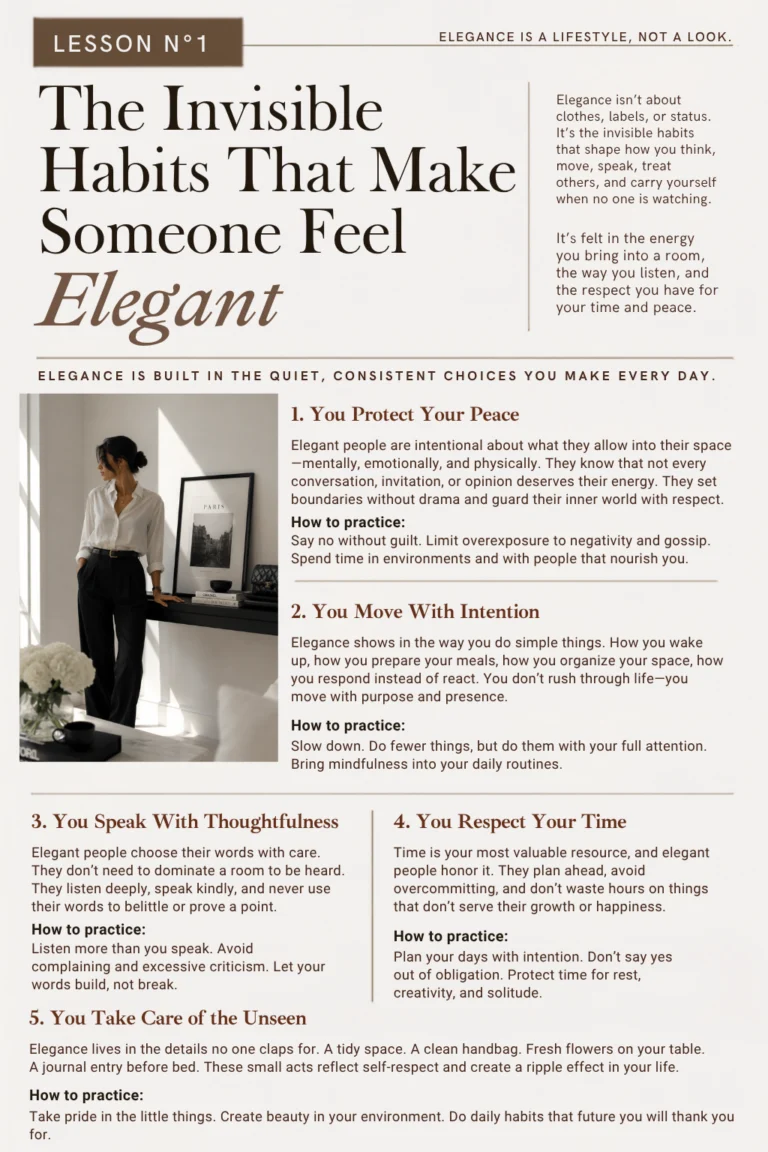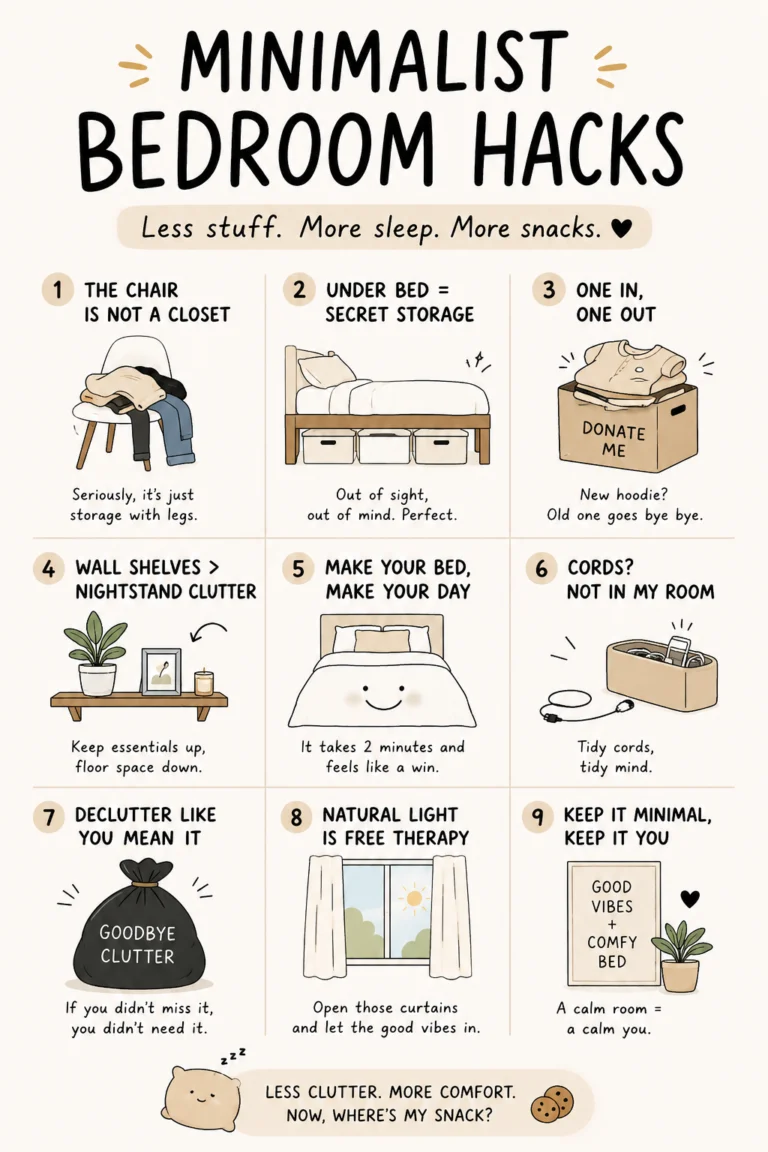
Your feed is a mirror. Scroll through enough chaos and the algorithm hands you more of it — louder takes, faster cuts, brighter thumbnails. The fix isn’t willpower. It’s giving your eyes (and your saved tabs) somewhere calmer to land. This list collects 19 genuinely clean websites — minimal design, no clutter, no outrage bait — that quietly reset the tone of your browsing. Save it, revisit it when the noise gets loud, and watch how quickly your recommendations start to feel like a deep breath instead of a slot machine.
Table of Contents(Click to Toggle)
Why a Cleaner Feed Starts With Cleaner Websites
Recommendation engines learn from behavior, not intentions. Every frantic scroll, every tab you abandon mid-load, every page that ambushes you with autoplay video teaches the algorithm that you tolerate chaos. Swap a few of those sessions for calm, low-stimulation sites and the pattern shifts — you linger longer, you bounce less, and the content that follows you around starts to look like the content you actually chose.
The sites below share a few traits: restrained typography, generous whitespace, no pop-ups begging for your email, and a clear sense of purpose. Some are tools, some are quiet reading rooms, and a few are just pleasant places to exist online for five minutes. All of them are the opposite of a doom scroll.
19 Clean Websites to Refresh Your FYP
1. Coolors : Instant, beautiful color palettes with zero clutter
What it is: A palette generator that spits out five-color combinations with a single tap of the spacebar.
Category: Design tool
Why it stands out: The interface is almost entirely whitespace and color — no sidebars, no upsell banners. You can lock colors you like, export to hex or PNG, and check contrast ratios without leaving the page. It’s the rare creative tool that feels like a calm desk rather than a control panel.
Best for: Anyone refreshing a mood board, a bullet journal spread, or a clean-girl aesthetic grid without opening Photoshop.
2. Are.na : A quiet, ad-free place to collect ideas
What it is: A bookmarking and mood-board platform built around “channels” you can fill with images, links, and text.
Category: Curation and saving
Why it stands out: No likes, no follower counts, no algorithmic feed. Channels are either public or private, and the whole thing loads fast and stays silent. It’s the closest thing to a library shelf for your brain.
Best for: People who save hundreds of pins and want somewhere calmer to actually organize them.
3. Muji : Minimalist product browsing that doubles as a mood reset
What it is: The online home of the Japanese lifestyle brand known for unbranded, functional design.
Category: Shopping and inspiration
Why it stands out: Product photography is soft, consistent, and uncluttered — the opposite of a flash-sale page. Browsing stationery or storage boxes here is oddly meditative, and the site’s design language is a masterclass in restraint.
Best for: Anyone who wants visual calm while browsing, even if they never add to cart.
4. Raindrop.io : A tidy home for every link you’ve ever saved
What it is: A cross-platform bookmark manager with collections, tags, and full-text search.
Category: Productivity
Why it stands out: It pulls in previews, sorts by type, and lets you build nested collections so your saved recipes don’t live next to your tax documents. The free tier covers most personal use, and the browser extension is one click.
Best for: Recovering from tab hoarding and turning a messy bookmark bar into something you’d actually screenshot.
5. A Soft Murmur : Ambient sound mixing for a quieter headspace
What it is: A browser-based mixer for rain, thunder, waves, wind, and birdsong.
Category: Focus and ambience
Why it stands out: Each sound has its own slider, so you can build a personal blend and leave it running in a background tab. No account, no download, no ads interrupting the rain. There’s also a built-in timer if you like sessions.
Best for: Studying, reading, or replacing the chaotic audio of a short-form feed with something steady.
6. Cosmos : A visual discovery feed that feels curated, not engineered
What it is: An image-saving and discovery platform with a soft, gallery-like interface.
Category: Visual inspiration
Why it stands out: The grid is spacious, the color palette is muted, and the recommendations lean toward art, interiors, and fashion rather than outrage. It’s what a mood board would look like if it had taste.
Best for: Replacing a chaotic image feed with one that actually inspires your next project.
7. Zen Habits : Long-form simplicity reading with no pop-ups
What it is: Leo Babauta’s long-running blog on minimalism, habits, and slowing down.
Category: Reading and lifestyle
Why it stands out: Plain text, generous line spacing, no sidebar ads. Posts are short enough to finish in one sitting and specific enough to act on — like decluttering a single drawer rather than your whole life.
Best for: A five-minute read that leaves you calmer than when you started.
8. My Mind : A private, beautifully blank space for saved inspiration
What it is: A personal visual bookmarking tool with automatic tagging and a distraction-free interface.
Category: Curation and saving
Why it stands out: The interface is essentially a blank canvas — no folders to manage, no social layer. You save something and it’s filed by color and content automatically. It’s paid after a trial, but the design is genuinely serene.
Best for: Creatives who want a private mood board that feels like a clean desk.
9. Notion : One tidy workspace for notes, lists, and plans
What it is: A flexible workspace combining documents, databases, and simple project tracking.
Category: Productivity
Why it stands out: Its clean default templates make it easy to build a weekly reset page, a reading list, or a habit tracker without design skills. The free plan is generous for personal use, and everything syncs across devices.
Best for: Turning a scattered notes app into a single calm dashboard.
10. WindowSwap : Look out of a stranger’s window for a minute
What it is: A site that plays short, silent video loops filmed from windows around the world.
Category: Ambience and escape
Why it stands out: There’s no feed, no comments, no next-video autoplay — just a view of rain in Seoul or sunlight in Lisbon. It’s a tiny, deliberate pause that resets your attention faster than a scroll ever could.
Best for: A 60-second mental break between tasks.
11. Excalidraw : Sketchy, hand-drawn diagrams in the browser
What it is: A free whiteboard tool with a deliberately hand-drawn look.
Category: Creative tool
Why it stands out: No sign-up required to start drawing. The wobbly lines make rough ideas feel approachable, and you can export to PNG or share a live link. It’s the rare tool that’s both useful and relaxing to look at.
Best for: Mapping out a plan or a mood board without opening a heavy design app.
12. Standard Ebooks : Beautifully formatted free classics
What it is: A volunteer project that professionally formats public-domain books for e-readers.
Category: Reading
Why it stands out: Every cover is redesigned, every chapter is proofread, and downloads are free in EPUB, Kindle, and PDF formats. The catalog is smaller than the big free-book sites, but the quality is unmistakable.
Best for: Building a clean digital library that looks good on a shelf app.
13. Sidenote : A quiet space for short daily notes
What it is: A minimal note-taking tool built around one short entry per day.
Category: Journaling
Why it stands out: The constraint is the feature — you write a few lines, not an essay. It’s private by default and the interface is almost blank, which makes it easy to actually keep up with.
Best for: Anyone who wants a journaling habit without the pressure of a full diary.
14. Coolors Contrast Checker : Make sure your clean aesthetic is readable
What it is: A free tool that checks whether two colors meet accessibility contrast standards.
Category: Design tool
Why it stands out: Paste in a background and text color and it tells you the contrast ratio instantly, with suggestions for a nearby shade that passes. It’s a small, useful habit for anyone building a clean-looking page or profile.
Best for: Creators who want a minimal look that’s still easy on the eyes.
15. Kinopio : A playful spatial canvas for messy thoughts
What it is: A browser-based canvas where you place cards, connect them, and arrange ideas spatially.
Category: Creative tool
Why it stands out: The visual style is soft and hand-drawn, and the whole thing feels like arranging sticky notes on a very tidy desk. Spaces can be shared, which makes it handy for planning with a friend.
Best for: Brain-dumping a project or a trip plan without a rigid template.
16. The Quiet Place : A deliberately silent corner of the internet
What it is: A minimal site offering a calm, distraction-free space to pause.
Category: Ambience and escape
Why it stands out: There’s nothing to scroll, nothing to like, and nothing asking for your email. It’s the digital equivalent of a quiet room — a small reminder that not every website needs a feed.
Best for: A deliberate pause when your thumb is reaching for the app out of habit.
17. Are.na Blocks : Collect and connect ideas in one clean space
What it is: The core “block” feature of Are.na, where individual pieces of content can be saved and connected across channels.
Category: Curation and saving
Why it stands out: Blocks can link to each other, so a saved image can point to an essay that points to a project. It’s a gentle introduction to networked thinking, and the interface stays minimal throughout.
Best for: Anyone who wants their saved inspiration to actually connect instead of piling up.
18. Tiny Wow : Free file tools with no account required
What it is: A collection of browser-based utilities for converting, compressing, and editing files.
Category: Utility
Why it stands out: No login, no watermark on most tools, and a plain interface that gets out of the way. Need to compress a PDF or convert an image for a clean-looking post? It’s a two-click job.
Best for: Quick file tasks when you don’t want to install anything.
19. Internet Artifacts : A museum of the early web in one clean page
What it is: An interactive timeline of internet history, from the first email to early viral moments.
Category: Curiosity and learning
Why it stands out: The design is spare and the pacing is slow on purpose — you click through artifacts at your own speed. It’s a rare piece of web nostalgia that doesn’t rely on autoplay or pop-ups.
Best for: A ten-minute curiosity break that leaves you feeling informed rather than drained.
Bonus Mentions
Rainbow Hunt : A daily color-matching game with a soft palette
What it is: A small browser game where you guess the color that matches a target hue.
Category: Play
Why it stands out: One round a day, no streak guilt, and a clean interface that’s easy on the eyes.
Best for: A two-minute creative break.
The Good Trade : Slow-living reading with a clean layout
What it is: An online magazine covering mindful living, sustainability, and wellness.
Category: Reading
Why it stands out: Calm typography and practical, non-alarmist articles that pair well with a quiet morning.
Best for: Replacing a chaotic news feed with something gentler.
Pinterest : The original clean-aesthetic save board, used deliberately
What it is: The visual discovery platform most of us already use.
Category: Curation and saving
Why it stands out: When you curate boards around a single calm theme and mute noisy ones, the recommendations follow suit.
Best for: Anyone starting their feed reset from the app they already love.
Pexels : Free, high-quality photos for a clean feed
What it is: A stock photo library with free-to-use images.
Category: Creative resource
Why it stands out: Search filters are simple, and the collection leans bright and minimal — perfect for refreshing a profile grid.
Best for: Sourcing cover images without a subscription.
Google Fonts : Clean typography for your own little corner of the web
What it is: A free library of open-source fonts you can preview and download.
Category: Design resource
Why it stands out: The preview tool shows real text instantly, and the pairing suggestions make a clean look easy to copy.
Best for: Anyone building a personal site or a tidy digital journal.
The Cleanest Corner of the Internet (So Far)
A feed reset isn’t about deleting everything — it’s about giving your attention better places to land. Start with two or three of these, bookmark them somewhere you’ll actually see them, and let the calm ones replace the loud ones over a week or two. The algorithm follows your behavior, so the quietest sites you visit become the quietest recommendations you get.
Which clean website did you save first — and what’s the one hidden gem you’d add to this list? Drop it in the comments so the next reader can find it too.