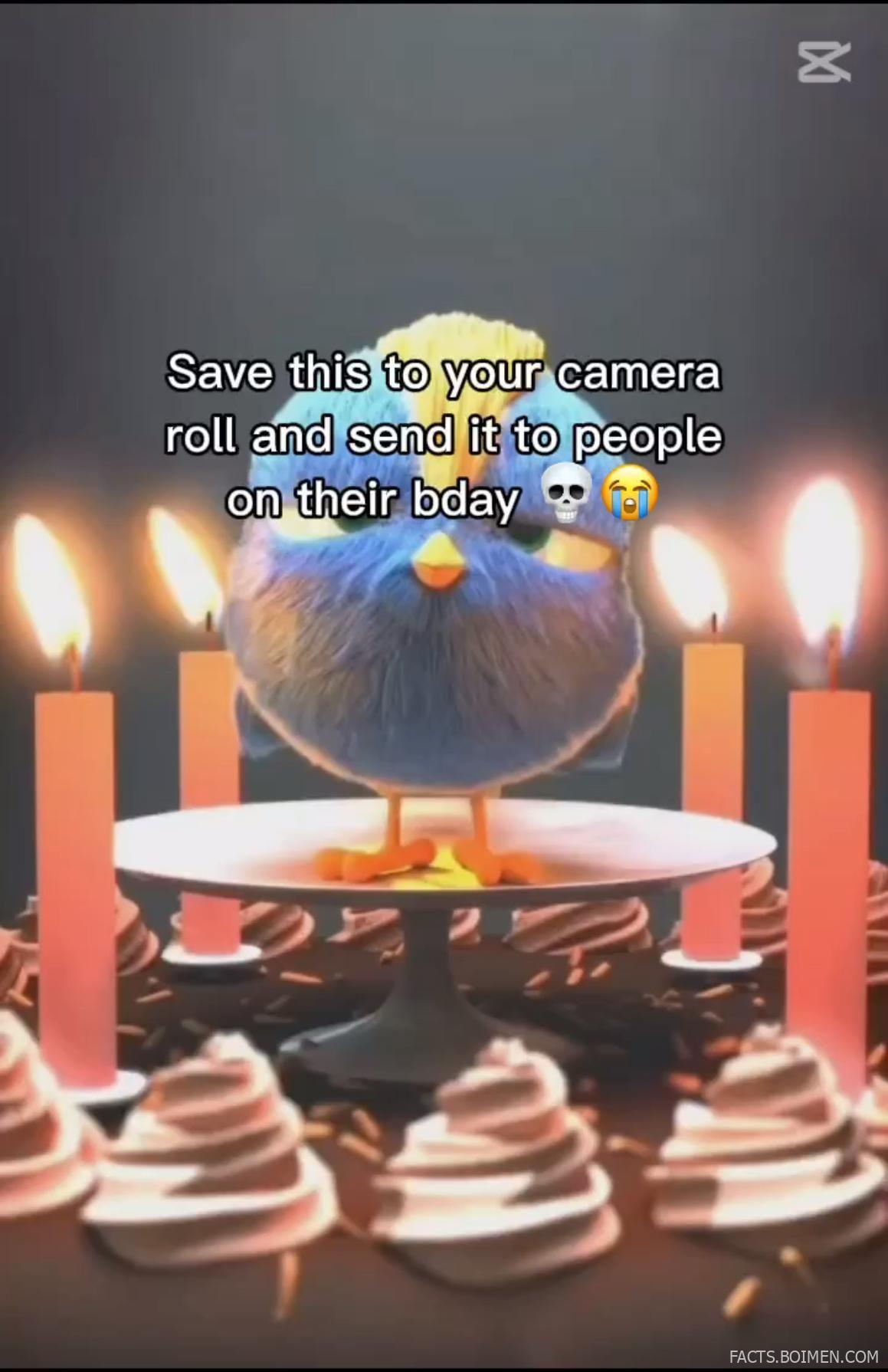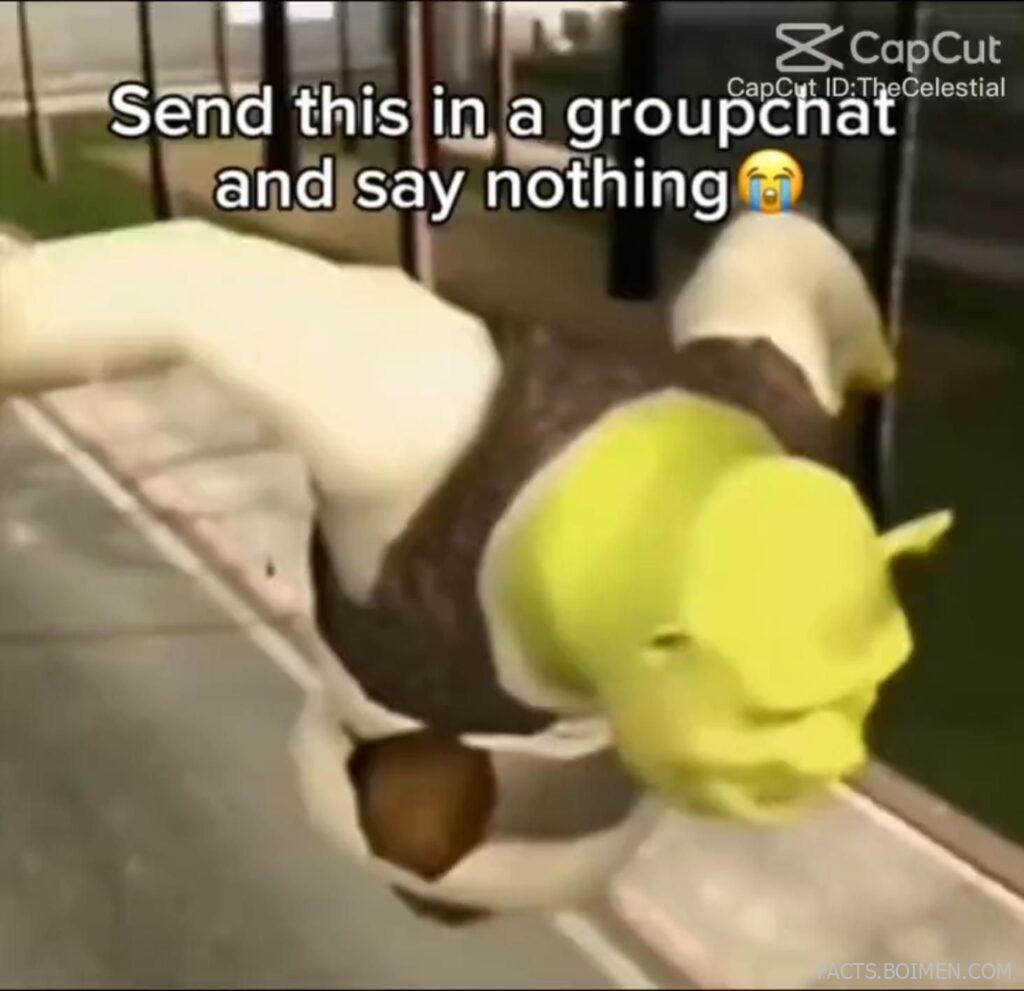
Every viral meme video starts somewhere quiet. Before it floods your group chats and For You page, it’s usually built with a tool most people haven’t explored yet.
The Pinterest snapshot points to a familiar format: bold caption text, chaotic energy, and a CapCut watermark in the corner. It’s the blueprint of modern meme culture—short, fast, remixable, and made to be shared without explanation.
If you want to experiment with that style (or invent the next one), these underrated platforms and tools are where creators are quietly building tomorrow’s inside jokes.
Table of Contents
- Why Meme Video Tools Are the New Creative Playground
- 1. CapCut
- 2. VEED
- 3. Kapwing
- 4. Clideo
- 5. Canva
- 6. Mixkit
- 7. Streamable
- 8. FlexClip
- 9. InShot
- 10. Typito
- 11. Ezgif
- 12. Adobe Express
- 13. Clipchamp
- 14. VLLO
- 15. LightMV
- Bonus: GIPHY Create
- Bonus: Imgflip
- Bonus: Wave.video
- Bonus: Mojo
- The Internet’s Next Inside Joke Starts Here
Why Meme Video Tools Are the New Creative Playground
Short-form video has turned editing into a social language. A well-timed zoom, auto-caption, or dramatic cut can be funnier than the clip itself. The tools you choose shape the humor.
While mainstream apps get the spotlight, a growing ecosystem of lightweight editors, browser-based remix tools, and audio-reactive platforms is powering meme culture behind the scenes.
Exploring beyond the obvious not only expands your creative control—it helps you develop a distinct editing style before trends become templates.
1. CapCut: The fast-track editor behind countless meme clips
What it is:
A free video editing app and web editor built for short-form content with templates, auto-captions, and effects.
Category:
Video Editing
Why it stands out:
- Huge library of meme-ready templates
- Auto captions styled for social feeds
- Quick export formats optimized for vertical video
Best for:
Creators making fast, text-heavy meme edits for TikTok and group chats.
2. VEED: Browser-based editing without the download
What it is:
An online video editor with subtitle tools, screen recording, and simple timeline controls.
Category:
Online Video Editor
Why it stands out:
- Works entirely in your browser
- Clean subtitle styling tools
- Easy trimming for reaction clips
Best for:
Quick meme edits on laptops without installing software.
3. Kapwing: Collaborative meme studio
What it is:
A web-based creative platform for video editing, meme generation, and team collaboration.
Category:
Meme & Video Creation
Why it stands out:
- Dedicated meme generator tools
- Shared workspaces for group projects
- Precise timeline for comedic timing
Best for:
Friends building inside jokes together.
4. Clideo: Simple tools for fast meme cuts
What it is:
A collection of online video utilities for cutting, resizing, looping, and compressing clips.
Category:
Video Utilities
Why it stands out:
- Extremely simple interface
- Fast resizing for different platforms
- No steep learning curve
Best for:
Turning random clips into quick reaction memes.
5. Canva: Design-first meme video maker
What it is:
A visual design platform with video editing, animation, and text tools.
Category:
Design & Video
Why it stands out:
- Drag-and-drop animated text
- Massive font and sticker library
- Templates tailored for social posts
Best for:
Bold caption-driven meme videos.
6. Mixkit: Free assets for chaotic edits
What it is:
A free library of stock videos, sound effects, and music clips.
Category:
Creative Assets
Why it stands out:
- No-cost sound effects for punchlines
- Short stock clips perfect for reaction inserts
- Simple licensing structure
Best for:
Layering dramatic sounds into meme edits.
7. Streamable: Instant clip hosting for sharing
What it is:
A minimal video hosting platform for quick uploads and links.
Category:
Video Hosting
Why it stands out:
- Fast upload process
- Simple shareable links
- No complex setup
Best for:
Dropping unexplained clips straight into group chats.
8. FlexClip: Template-heavy quick editor
What it is:
An online video maker with customizable templates and text animation features.
Category:
Online Video Editor
Why it stands out:
- Prebuilt short-form templates
- Animated text overlays
- Beginner-friendly layout
Best for:
Creators experimenting with viral-style formats.
9. InShot: Mobile editing powerhouse
What it is:
A smartphone video editing app designed for social media content.
Category:
Mobile Video Editing
Why it stands out:
- Intuitive mobile controls
- Built-in filters and glitch effects
- Quick aspect ratio adjustments
Best for:
Editing memes entirely from your phone.
10. Typito: Text-driven storytelling editor
What it is:
An online video editor focused on kinetic typography and subtitle styling.
Category:
Text & Video Editing
Why it stands out:
- Strong caption animation tools
- Clean interface
- Great for bold headline overlays
Best for:
Meme formats that rely heavily on text timing.
11. Ezgif: The underrated GIF lab
What it is:
A simple online GIF maker and editor for trimming, resizing, and adding text.
Category:
GIF Editing
Why it stands out:
- Extremely lightweight
- Frame-by-frame control
- Perfect for reaction loops
Best for:
Turning short clips into looping meme GIFs.
12. Adobe Express: Quick edits with pro polish
What it is:
A simplified creative tool for graphics and short video editing.
Category:
Creative Suite
Why it stands out:
- Professional-grade templates
- Easy brand-style text overlays
- Smooth export quality
Best for:
Sharable memes that look unexpectedly clean.
13. Clipchamp: Timeline control in your browser
What it is:
A web-based video editor with multi-track timelines and stock integrations.
Category:
Online Video Editor
Why it stands out:
- Advanced timeline precision
- Screen and webcam recording
- Accessible from most devices
Best for:
More complex meme remixes.
14. VLLO: Clean mobile editor for punchy cuts
What it is:
A mobile video editing app known for intuitive controls and simple overlays.
Category:
Mobile Editing
Why it stands out:
- Smooth trimming tools
- Layer-based editing
- Beginner-friendly tutorials
Best for:
Sharp comedic timing on mobile.
15. LightMV: Auto-styled short video maker
What it is:
An online platform that generates stylized videos from templates and uploaded media.
Category:
Template Video Maker
Why it stands out:
- Quick automatic styling
- Minimal manual editing required
- Social-ready export sizes
Best for:
Fast meme-style slideshows with dramatic flair.
GIPHY Create: Instant GIF meme builder
Quickly turn video snippets into captioned GIFs ready for chat reactions.
Imgflip: Classic meme generator hub
A fast way to generate image-based memes with familiar templates.
Wave.video: Social-ready video templates
Offers short-form video layouts ideal for dramatic captions and shareable edits.
Mojo: Animated story maker
Designed for animated social stories with bold typography and motion effects.
The Internet’s Next Inside Joke Starts Here
The meme in that Pinterest snapshot is simple: a caption, a strange visual, and the confidence to send it without context. The tools behind it are just as accessible.
Explore these platforms now, experiment with pacing and text, and you might find yourself starting the next wave of unexplained group chat chaos.