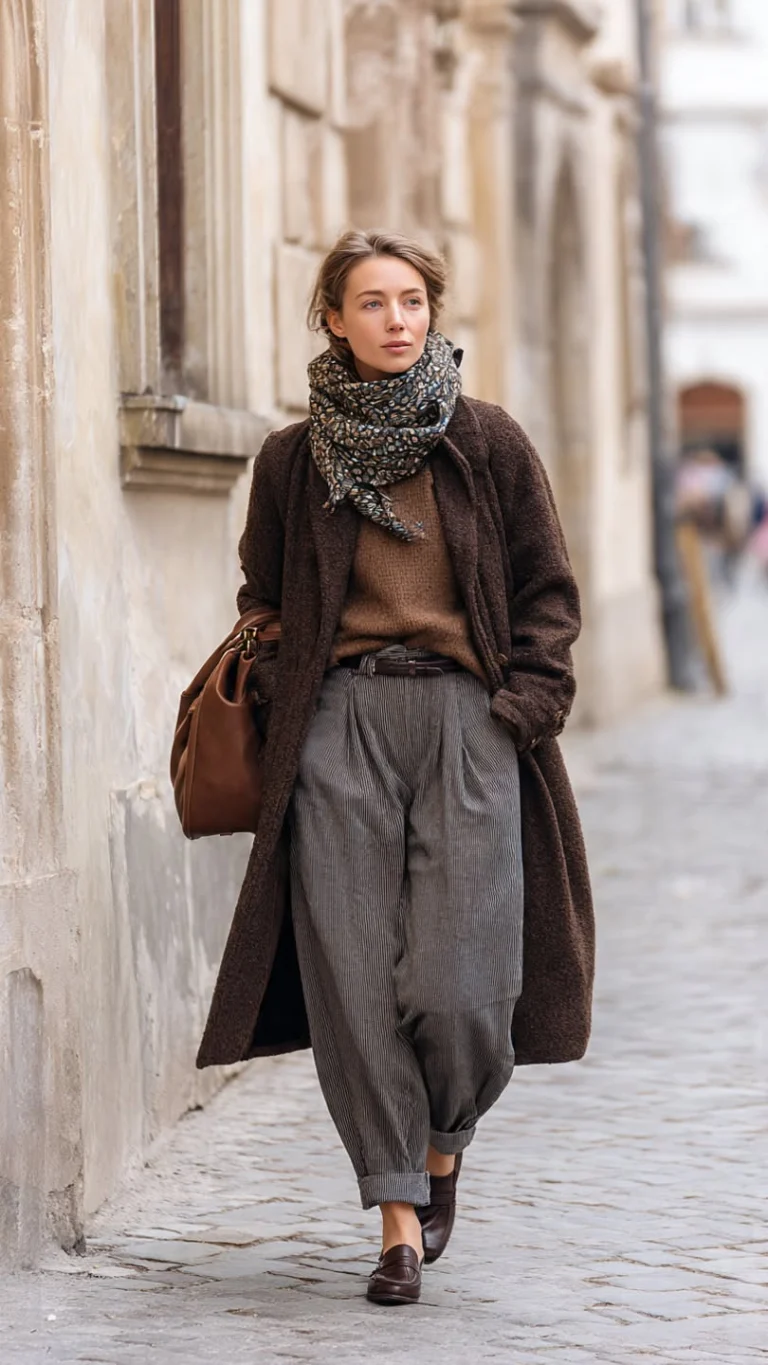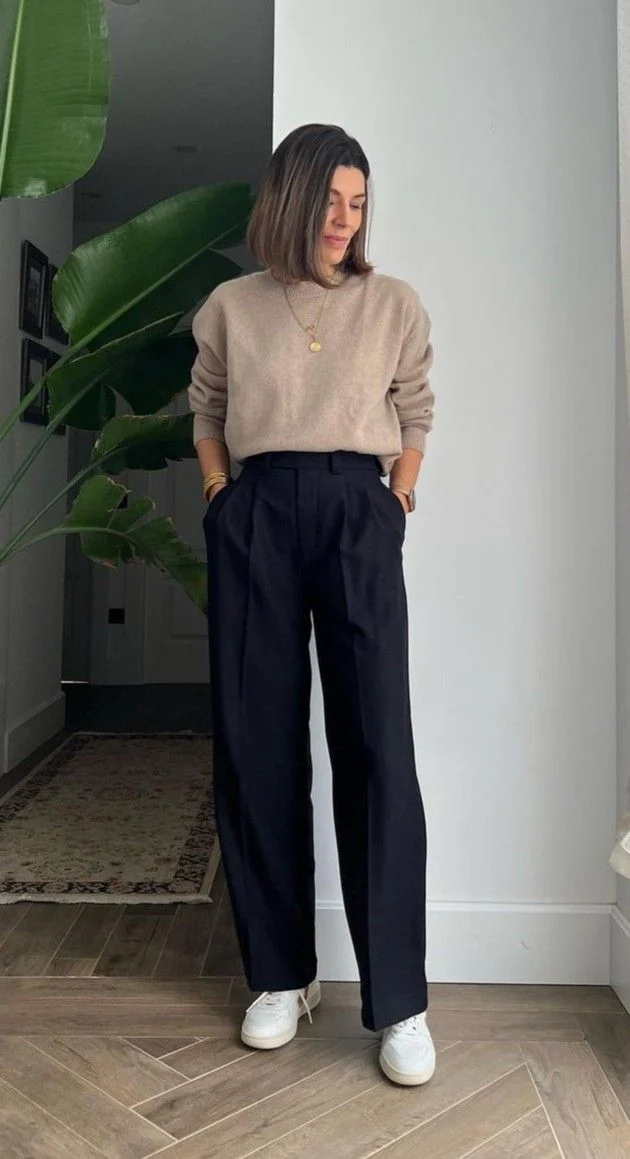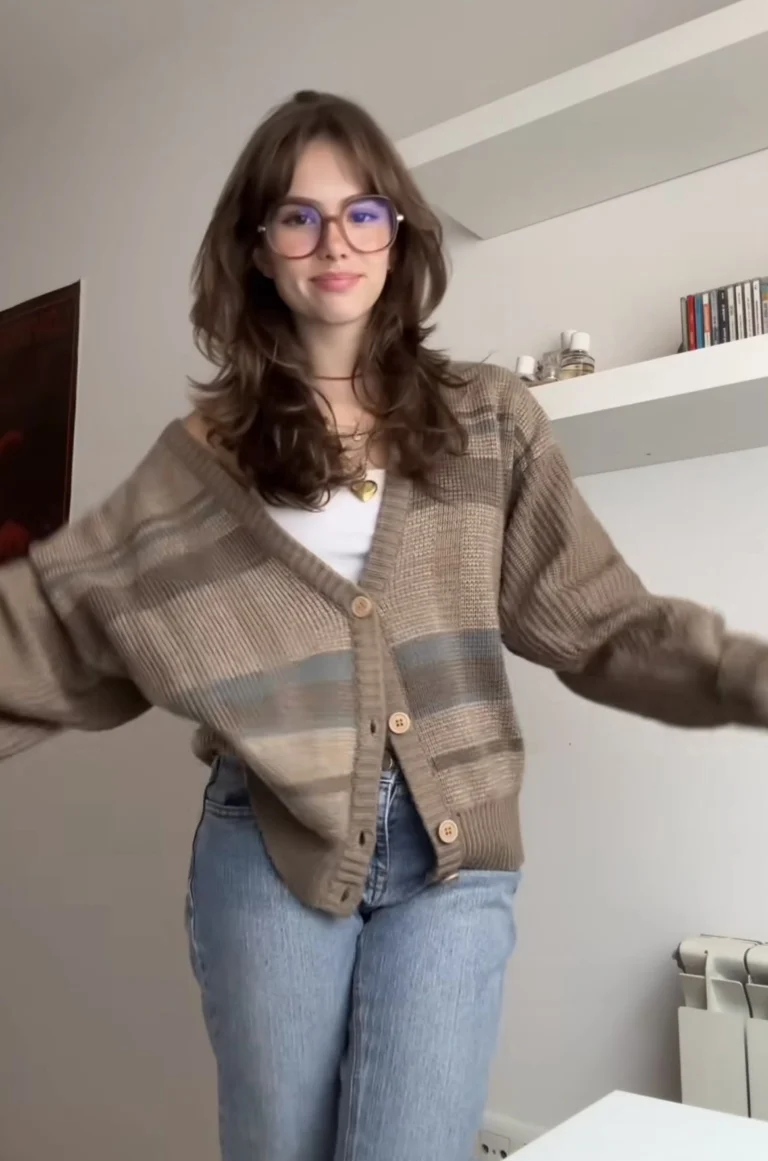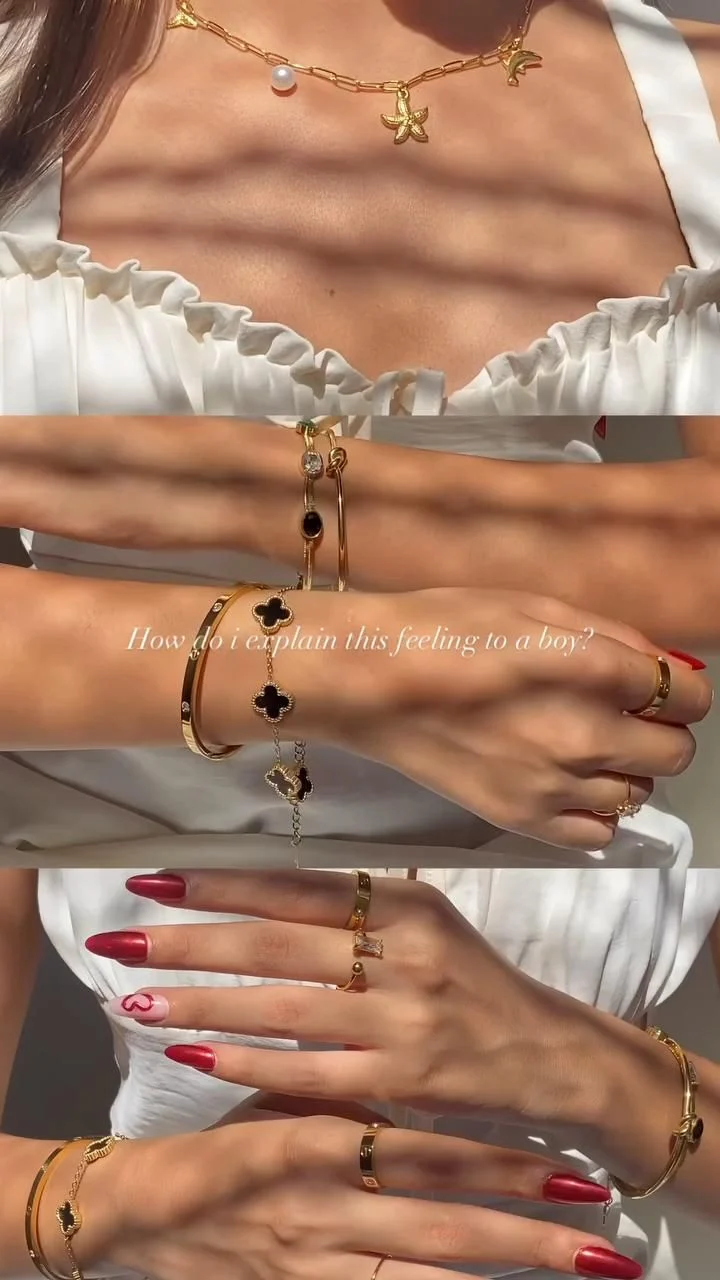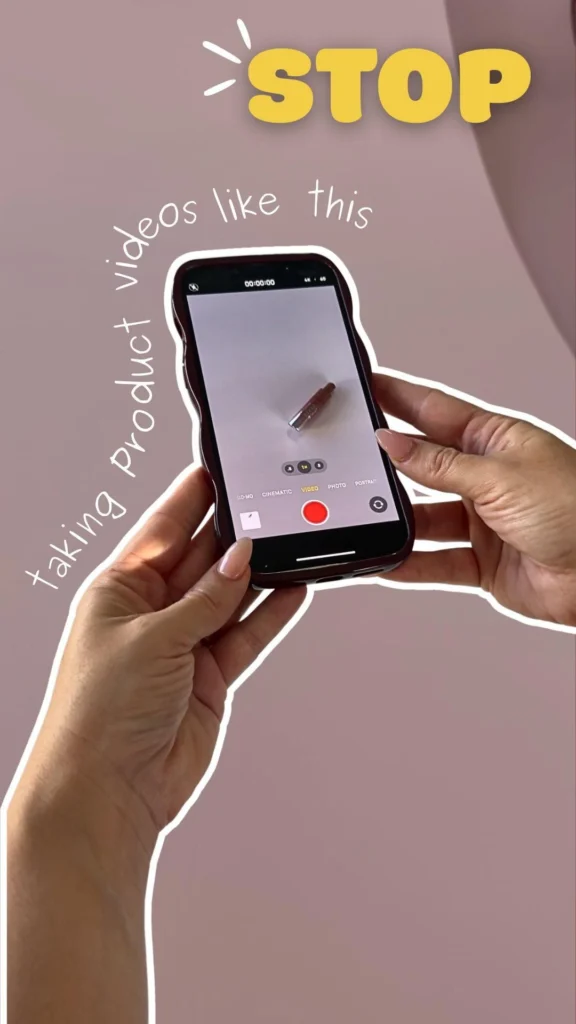
That pin promised a stop-motion, slow-motion cinematic portrait effect you can pull off from a single photo, and the good news is it is absolutely achievable without a film school degree. The trick is knowing which tool handles the motion, which handles the grade, and which one simply makes the whole thing feel like a movie still that breathes. Below are 19 tools and apps that let you turn a static portrait into a slow, cinematic loop, starting with the one most creators reach for first.
Table of Contents(Click to Toggle)
Why Slow-Motion Cinematic Portraits Are Everywhere Right Now
A single portrait that drifts, breathes, and settles into a slow cinematic loop reads as premium. It stops the scroll because the eye expects a still image and gets gentle motion instead. The effect also solves a real problem: not every creator has a video shoot budget, but almost everyone has a decent photo and a phone. Modern tools now interpolate frames, add depth parallax, and apply film grades in seconds, so the gap between a snapshot and a movie still has basically closed. The list below is ordered from the fastest beginner-friendly route to the most precise professional control, so you can pick your lane.
19 Tools for Slow-Motion Cinematic Photo Portraits
1. CapCut : The fastest phone-first route to a slow cinematic portrait
What it is: A free mobile and desktop editor with a dedicated slow-motion speed curve and photo-to-video motion presets.
Category: Mobile video editor
Why it stands out:
- Import a portrait, drop it on the timeline, and use the speed curve to ease into a 0.2x drift rather than a flat slow-down.
- The built-in keyframe tool lets you slowly push in on the face for that dolly feel.
- Film-style filters and grain overlays are one tap away.
Best for: Creators who want the whole effect finished on a phone in under five minutes.
2. Canva : Photo animation and cinematic framing without editing experience
What it is: A design platform whose video editor includes photo animation styles like Pan, Rise, and Fade.
Category: Design and light video tool
Why it stands out:
- Applying a slow “Pan” animation to a portrait instantly creates a cinematic drift.
- Letterbox bars and film-grain frames can be layered on top in seconds.
- Exporting to MP4 is straightforward, though true frame interpolation is limited.
Best for: Anyone already building content in Canva who wants motion without leaving the canvas.
3. Kling AI : Turns a still portrait into a slow, believable moving shot
What it is: A generative video model that animates a single image with camera and motion prompts.
Category: AI image-to-video
Why it stands out:
- Prompt “slow cinematic push-in, subtle head turn” and it renders a few seconds of motion.
- Handles hair and fabric movement better than most still-photo animators.
- Free credits are limited, so plan your generations carefully.
Best for: Creators who want real motion, not just a zoom on a frozen frame.
4. Runway : Pro-grade image-to-video with camera controls
What it is: An AI video suite with Gen models and motion brushes for animating stills.
Category: AI video platform
Why it stands out:
- Camera motion presets (pan, tilt, dolly) map cleanly onto portrait shots.
- The motion brush lets you isolate a face or shoulder and animate only that region.
- Rendering costs credits, so it rewards a clear plan before you hit generate.
Best for: Editors who want granular control over exactly what moves in the frame.
5. Pika : Playful AI motion with cinematic camera modifiers
What it is: An AI video generator with modifiers like slow motion and camera pan.
Category: AI image-to-video
Why it stands out:
- One-click “slow motion” and “pan” modifiers keep the workflow short.
- Good at keeping facial identity stable across short clips.
- Clip lengths are short, so it suits looping social content rather than long scenes.
Best for: Quick experiments where you want a cinematic loop in a couple of tries.
6. Luma Dream Machine : Cinematic camera moves from a single photo
What it is: An AI video model that accepts an image and a natural-language camera instruction.
Category: AI image-to-video
Why it stands out:
- Excels at smooth, slow orbital and dolly moves that feel filmic.
- Prompting “slow motion, shallow depth of field” produces a convincing portrait clip.
- Free tier is rate-limited, so queue generations when you are not in a hurry.
Best for: Portrait shots that need an elegant, steady camera drift.
7. Motionleap : Animate a still photo with layered motion
What it is: A photo animation app that adds motion arrows, overlays, and 3D parallax.
Category: Photo animation app
Why it stands out:
- Draw a motion path across a portrait and watch it drift cinematically.
- The 3D parallax tool separates subject from background for depth.
- Works best on photos with clear subject separation, so busy backgrounds can get messy.
Best for: Turning a flat portrait into a looping, layered motion clip.
8. Pixaloop : Sky, water, and subtle motion for cinematic stills
What it is: A still-photo animation app from the same family as Motionleap, focused on ambient motion.
Category: Photo animation app
Why it stands out:
- Great for outdoor portraits where you want drifting clouds or swaying hair behind the subject.
- Camera-motion presets add a slow push without manual keyframes.
- Motion is 2D, so extreme camera moves can reveal warping.
Best for: Environmental portraits that need atmosphere rather than a full 3D move.
9. VN Video Editor : Free desktop-grade editing on mobile with speed curves
What it is: A free multi-track editor for mobile and desktop with curve-based speed control.
Category: Mobile and desktop editor
Why it stands out:
- Speed curves let you start fast and ease into slow motion for a dramatic beat.
- No watermark on exports, which matters for portfolio work.
- Learning curve is steeper than CapCut but the control is worth it.
Best for: Creators who want pro-style speed ramps without paying for software.
10. InShot : Quick speed adjustment and cinematic filters
What it is: A popular mobile editor with speed controls, filters, and photo-to-video import.
Category: Mobile editor
Why it stands out:
- Import a still, set duration, and apply a slow zoom with keyframes.
- Film-style filters and vignette tools help sell the cinematic look.
- Free version adds a watermark, so plan around it.
Best for: Fast edits when you want the effect finished before a coffee refill.
11. Videoleap : Layered compositing and speed ramps on mobile
What it is: A mobile editor known for masking, blending, and precise speed controls.
Category: Mobile editor
Why it stands out:
- Masking lets you isolate a face and animate only that layer.
- Blend modes add glow and filmic light leaks over a portrait.
- Some features sit behind a subscription.
Best for: Mobile creators who want After Effects-style layering in their pocket.
12. DaVinci Resolve : Free color grading that makes the slow motion feel filmic
What it is: A professional editor and color suite with a generous free version.
Category: Desktop editor and color suite
Why it stands out:
- Optical flow retiming creates smooth slow motion from lower-frame-rate footage.
- Color grading tools let you build a genuine cinematic teal-and-orange grade.
- Heavy on hardware, so older laptops may struggle.
Best for: Anyone who wants the final portrait clip to look genuinely graded, not filtered.
13. Adobe After Effects : The precision option for parallax and time remapping
What it is: Adobe’s motion graphics and compositing application.
Category: Desktop compositing
Why it stands out:
- Time remapping gives frame-accurate control over a slow-motion curve.
- Camera mapping on a layered portrait creates true 3D parallax.
- Subscription cost and a steep learning curve are real barriers.
Best for: Designers who want total control over every frame of the effect.
14. Wondershare Filmora : Speed ramping presets for beginners
What it is: A consumer editor with a dedicated speed-ramp panel and motion presets.
Category: Desktop and mobile editor
Why it stands out:
- Drag-and-drop speed ramps remove the guesswork from slow-motion timing.
- Built-in cinematic LUTs and film overlays speed up the grade.
- Watermark on the free export is the main trade-off.
Best for: Beginners who want guided speed ramps rather than manual keyframes.
15. Topaz Video AI : Frame interpolation that makes slow motion buttery
What it is: A dedicated upscaling and frame-interpolation application.
Category: Desktop AI video utility
Why it stands out:
- Interpolates extra frames so a slow clip stays smooth instead of stuttering.
- Upscales a soft phone clip to a sharper finish.
- It is a paid tool and processing takes time on long clips.
Best for: Perfecting slow motion after the edit is locked.
16. Flow Frames : A free frame-interpolation option for Windows
What it is: A free Windows app that interpolates frames using open-source models.
Category: Desktop utility
Why it stands out:
- Works well for smoothing slow-motion clips without a subscription.
- Requires a reasonably capable GPU for decent speed.
- Interface is utilitarian, but the output quality is impressive for free.
Best for: Budget-conscious editors willing to tinker for smooth results.
17. LeiaPix : Depth-based parallax from a single portrait
What it is: A tool that converts a 2D image into a depth-animated clip.
Category: Depth animation
Why it stands out:
- Generates a depth map automatically and animates a slow 3D sway.
- Great for portraits where the subject pops from the background.
- Exports are short loops, ideal for social posts rather than long videos.
Best for: A subtle, cinematic depth effect with almost no manual work.
18. Photoroom : Clean cutouts for layered cinematic compositions
What it is: An AI photo editor with precise background removal and templates.
Category: Photo editing
Why it stands out:
- Clean subject cutouts make it easy to layer a portrait over a moving background in an editor.
- Batch tools help when you are producing a series of portraits.
- It is a photo tool, so motion still happens in your editor of choice.
Best for: Preparing portraits for compositing before the animation step.
19. Ezgif : Free speed and frame tools for quick loops
What it is: A browser-based GIF and video utility with speed and frame tools.
Category: Browser utility
Why it stands out:
- Change playback speed and frame rate on a clip without installing anything.
- Handy for converting a slow-motion clip into a looping GIF for Pinterest.
- File-size limits apply and the interface is bare-bones.
Best for: Last-minute speed tweaks and loop conversions in a browser tab.
Bonus Mentions
Pexels : Free cinematic B-roll to layer under portraits
What it is: A free stock photo and video library.
Category: Stock media
Why it stands out:
- Slow-motion background clips can sit behind a cutout portrait for instant depth.
- Free to use, no attribution required.
Best for: Adding atmosphere without shooting extra footage.
Unsplash : High-quality stills for layered compositions
What it is: A free high-resolution photo library.
Category: Stock media
Why it stands out:
- Great source for textured backgrounds to animate behind a portrait.
- Consistent, editorial-quality imagery.
Best for: Building a cinematic backdrop for your portrait loop.
Photopea : Free browser Photoshop alternative for prep work
What it is: A browser-based image editor with advanced layer tools.
Category: Browser photo editor
Why it stands out:
- Separate a portrait into layers for parallax without installing software.
- Handles PSD files and advanced masking.
Best for: Prepping layers before an animation pass.
Remove.bg : One-click cutouts in seconds
What it is: An AI background removal service.
Category: AI photo utility
Why it stands out:
- Instant clean cutouts for compositing a portrait onto a moving scene.
- Free resolutions are limited, but fine for social posts.
Best for: Fast subject isolation before the edit.
VEED : Browser editing with speed and caption tools
What it is: An online video editor with speed controls and auto-captions.
Category: Browser editor
Why it stands out:
- Slows clips and adds cinematic captions without installing anything.
- Free exports carry a watermark.
Best for: Quick browser edits on a borrowed computer.
The Slow-Motion Portrait Toolkit That Actually Sticks
The pattern across all 19 tools is simple: one app creates the motion, another refines the grade, and a third smooths the frames. Start with CapCut or Canva if you want the effect today, graduate to Runway or Kling when you want real camera moves, and finish with DaVinci Resolve or Topaz when you want it to look like a film still that moves. The cinematic look comes from restraint: a slow push, a shallow depth of field, a gentle grain, and a grade that does not shout. Pick two tools from this list, practice the same portrait five times, and you will have a repeatable signature effect. Which tool from this list are you trying first, and did you find a hidden gem of your own worth adding?