
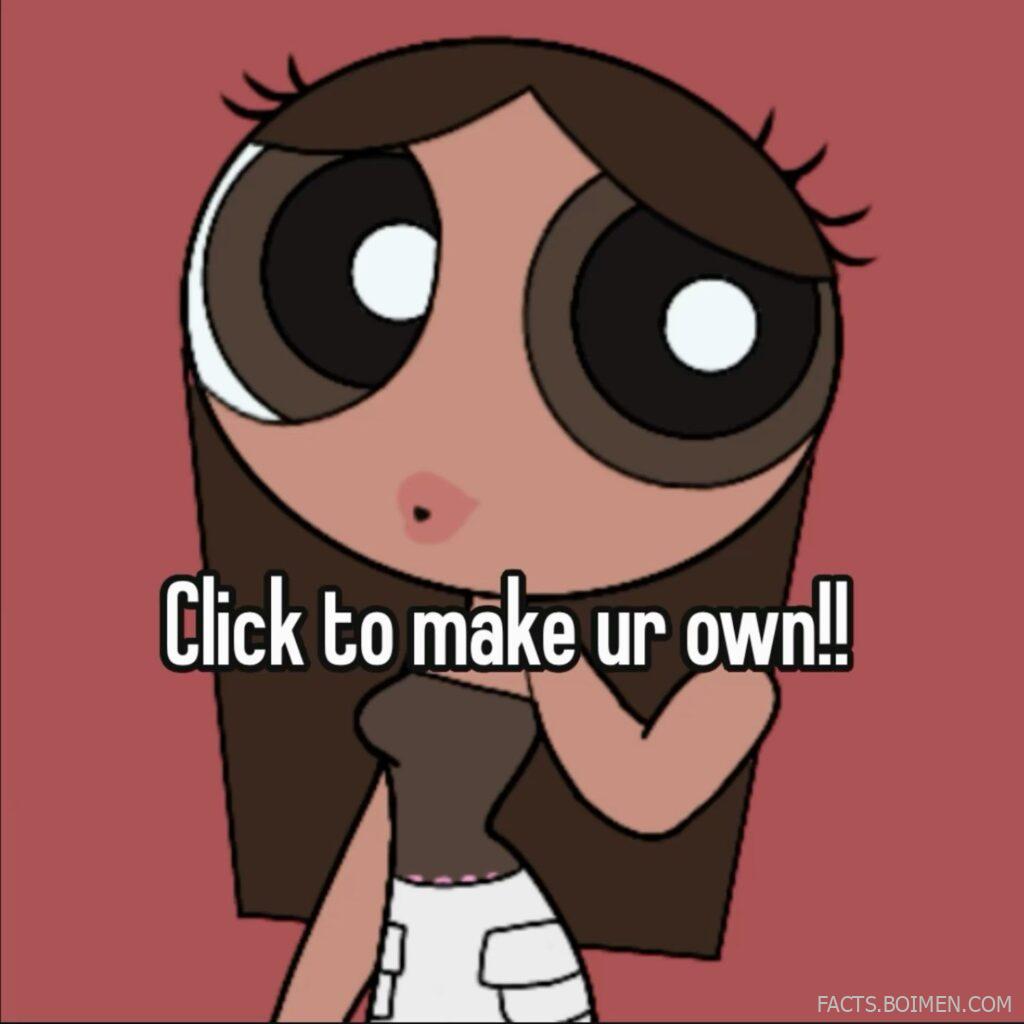
If you clicked because a little cartoon promise said you could make your own Powerpuff Girls aesthetic profile pic, you are in exactly the right place. The original “Powerpuff Yourself” style creator that swept the internet still works, but it is far from the only way to turn yourself into a pastel, big-eyed, sugar-and-spice character. Below are 15 tools, most of them free and browser-based, that let you click, drag, and download a custom avatar in minutes. Some are built for the classic Powerpuff look, others for a softer, dreamier aesthetic that fits the same mood board.
Table of Contents(Click to Toggle)
Why Powerpuff Girls Aesthetic Avatars Are Everywhere
The Powerpuff Girls look is deceptively simple: huge eyes, tiny nose, a color-coded outfit, and a flat pastel background. That simplicity is exactly why it works as a profile picture. It reads instantly at small sizes, it feels nostalgic without being childish, and it lets you pick a color identity (pink, blue, or green) the way other aesthetics use a filter. The “Powerpuff Yourself” creator turned this into a genuine internet moment, and the demand never really died. What changed is the supply: dozens of independent avatar makers now offer the same soft, big-eyed, sticker-like style with more options, more skin tones, more hair textures, and more control over the final image. The tools below are the ones worth your time, starting with the exact creator the pin promised.
15 Profile Pic Makers To Click And Create
1. Powerpuff Yourself : The original click-to-create avatar maker
What it is: The official Cartoon Network-adjacent avatar builder that lets you design a Powerpuff-style version of yourself in a browser.
Category: Character creator
Why it stands out:
- It is the exact tool the pin was pointing at, so the look matches the promise immediately.
- You can adjust skin tone, hair, eyes, outfit, and accessories, then download a clean square image.
- It runs on mobile browsers without an app install, which is why it spread through Pinterest and TikTok so fast.
Best for: Anyone who wants the classic Powerpuff aesthetic with zero learning curve.
2. Picrew : A massive library of independent avatar makers
What it is: A Japanese platform hosting thousands of user-made character creators, many in a soft, big-eyed, pastel style.
Category: Avatar maker directory
Why it stands out:
- Search terms like “pastel,” “chibi,” or “cute” surface creators that feel like a Powerpuff cousin.
- Each maker has its own rules, and most allow personal use as a profile picture.
- It is free, though some creators lock certain layers behind a small tip.
Best for: People who want variety and are happy to browse a few creators before picking one.
3. Cartoon Network Powerpuff Girls Games : Official character fun with a nostalgic edge
What it is: The official Cartoon Network hub for Powerpuff Girls games and activities, including dress-up and character play.
Category: Official brand hub
Why it stands out:
- It is the most authentic source for the original art style and color palette.
- Several mini-games let you style characters, which you can screenshot for a profile pic.
- Availability of individual games shifts over time, so check what is live before you plan around one title.
Best for: Fans who want the real deal and do not mind a little browsing.
4. Meiker.io : Dress-up games with a huge pastel catalog
What it is: A browser platform full of dress-up and character creation games, many with anime and cartoon aesthetics.
Category: Dress-up game hub
Why it stands out:
- You can layer hair, eyes, outfits, and backgrounds, then export a finished look.
- It works on phones and does not require an account for most games.
- Quality varies by creator, so preview a few before committing to one design.
Best for: Anyone who wants a Powerpuff-adjacent look with more wardrobe choices.
5. Neopets Customization : Build a character with a whole world attached
What it is: The long-running virtual pet site whose customization system lets you dress a character in thousands of items.
Category: Virtual world
Why it stands out:
- The pastel and plushie aesthetics overlap heavily with the Powerpuff mood board.
- You can screenshot your customized pet for a genuinely unique profile picture.
- Some items are rare or expensive in-game, so a specific look can take patience.
Best for: Nostalgic players who want a character that feels lived-in.
6. Avachara : A classic anime avatar creator
What it is: A long-standing avatar generator with an anime style and a wide range of hair, eyes, and outfits.
Category: Avatar creator
Why it stands out:
- It is fast, free, and produces a clean portrait you can crop into a circle.
- The style leans cute and soft, which fits the Powerpuff aesthetic well.
- The interface is older, so expect a slightly dated feel rather than a modern app.
Best for: Quick, no-fuss avatars with an anime tilt.
7. Rinmaru Games : Detailed dress-up with a storybook feel
What it is: A collection of dress-up and character creation games with a polished, illustrated style.
Category: Dress-up games
Why it stands out:
- The art is more detailed than most free creators, so the result looks less generic.
- Several games focus on cute, colorful characters that suit a pastel profile pic.
- Some titles rely on older browser tech, so a desktop browser is the safer bet.
Best for: Readers who want a more illustrated, less sticker-like avatar.
8. Doll Divine : One of the oldest and largest dress-up archives
What it is: A huge archive of dress-up games spanning fantasy, anime, and cartoon styles.
Category: Dress-up archive
Why it stands out:
- It has been running for years, so the catalog is enormous and well organized.
- Many games let you export a transparent PNG for flexible cropping.
- Because it is a hub, each game has its own rules, so check usage notes per title.
Best for: Browsers who enjoy discovering a new creator every visit.
9. Canva : Turn any avatar into a polished profile picture
What it is: A free design platform with templates, stickers, and background removal tools.
Category: Design tool
Why it stands out:
- You can drop in a Powerpuff-style character and add a pastel gradient, sparkles, or a border.
- The background remover cleans up screenshots so the character sits on a flat color.
- Free plan is generous, but some premium elements are watermarked until you upgrade.
Best for: Adding a final aesthetic layer before you upload.
10. PicsArt : Mobile editing with cute sticker packs
What it is: A photo and design app with stickers, filters, and drawing tools built for social-ready images.
Category: Mobile editor
Why it stands out:
- Its sticker library is packed with hearts, stars, and cartoon elements that match the aesthetic.
- You can add a soft glow or pastel filter in a couple of taps.
- Some features sit behind a subscription, so stick to the free tools if you are just making one pic.
Best for: Finishing a profile pic entirely on your phone.
11. Bitmoji : A recognizable avatar you can style endlessly
What it is: Snapchat’s avatar system, available as a standalone app and browser experience.
Category: Avatar app
Why it stands out:
- You can pick outfits, hair, and expressions, then save a still image for any platform.
- It is fast and free, and the results are instantly readable at small sizes.
- The style is more modern cartoon than Powerpuff, so it is a cousin rather than a clone.
Best for: A clean, consistent avatar across multiple apps.
12. Zmoji : Cartoon avatars and stickers in one place
What it is: An avatar maker that produces cartoon-style characters plus a sticker pack.
Category: Avatar app
Why it stands out:
- It focuses on a friendly, rounded cartoon look that suits a cute profile picture.
- You get both a static avatar and stickers, useful for chats and stories.
- Some customization options are premium, and the free set is smaller than it first appears.
Best for: People who want an avatar and stickers from one tool.
13. Ready Player Me : A 3D avatar that works across apps
What it is: A cross-app 3D avatar system you can create from a photo or from scratch.
Category: 3D avatar platform
Why it stands out:
- It is the best pick if you want a slightly more dimensional look than flat cartoon art.
- You can export a still image and use it as a profile picture anywhere.
- It is 3D by design, so it will not replicate the flat Powerpuff style exactly.
Best for: Gamers and anyone who wants a modern, dimensional avatar.
14. Charat : Japanese avatar makers with a soft palette
What it is: A Japanese avatar site with several creators, including cute and chibi styles.
Category: Avatar creator
Why it stands out:
- The color palettes lean pastel, which matches the Powerpuff aesthetic closely.
- It offers multiple generators, so you can switch styles without leaving the site.
- Some menus are in Japanese, though the visual interface is easy to follow.
Best for: Readers who love the Japanese cute-avatar look.
15. Kisekae World : Deep dress-up with exportable results
What it is: A long-running dress-up and character creation site with a dedicated community.
Category: Dress-up community
Why it stands out:
- The customization depth is high, so you can fine-tune a look rather than accept a preset.
- It has an active community that shares tips and character codes.
- The interface is dated and some features need a desktop browser, so expect a learning curve.
Best for: Tinkerers who want maximum control over the final image.
Bonus Mentions
Instagram Avatar Stickers : Quick pastel edits inside Stories
Instagram’s sticker and drawing tools are not a dedicated creator, but they are a fast way to add sparkles, hearts, and pastel frames to an avatar you already made. Best for a last-minute polish before posting.
Pinterest : A mood board before you create
Searching “Powerpuff aesthetic” on Pinterest gives you a free reference board of color palettes and poses. Use it to decide your look first, then build it in one of the creators above.
DeviantArt : Free bases and templates from artists
Many artists share free-to-use character bases with clear credit rules. It is a great option if you want a hand-drawn feel rather than a generator, but always read the usage terms.
Remove.bg : Clean up any screenshot instantly
If your avatar export has a messy background, this tool strips it in seconds so you can drop the character onto a flat pastel color.
Photopea : A free browser editor for final touches
A surprisingly powerful free editor that runs in your browser. Use it to resize, add a soft glow, or layer a background behind your new avatar.
The Internet’s Best-Kept Avatar Secrets (So Far)
The best profile pictures rarely come from a single click. They come from a small chain: pick a creator that matches your aesthetic, screenshot or export the character, then clean it up with a background remover and a design tool. Powerpuff Yourself is the fastest route to the exact look the pin promised, but the tools above give you options when you want more skin tones, more hair textures, or a softer pastel finish. Most are free, all are browser-friendly, and none require you to be an artist. Start with item one, then wander down the list until something clicks. Which creator gave you the profile pic you actually kept? Share your find in the comments, because the next great avatar tool is usually discovered by someone else first.



