
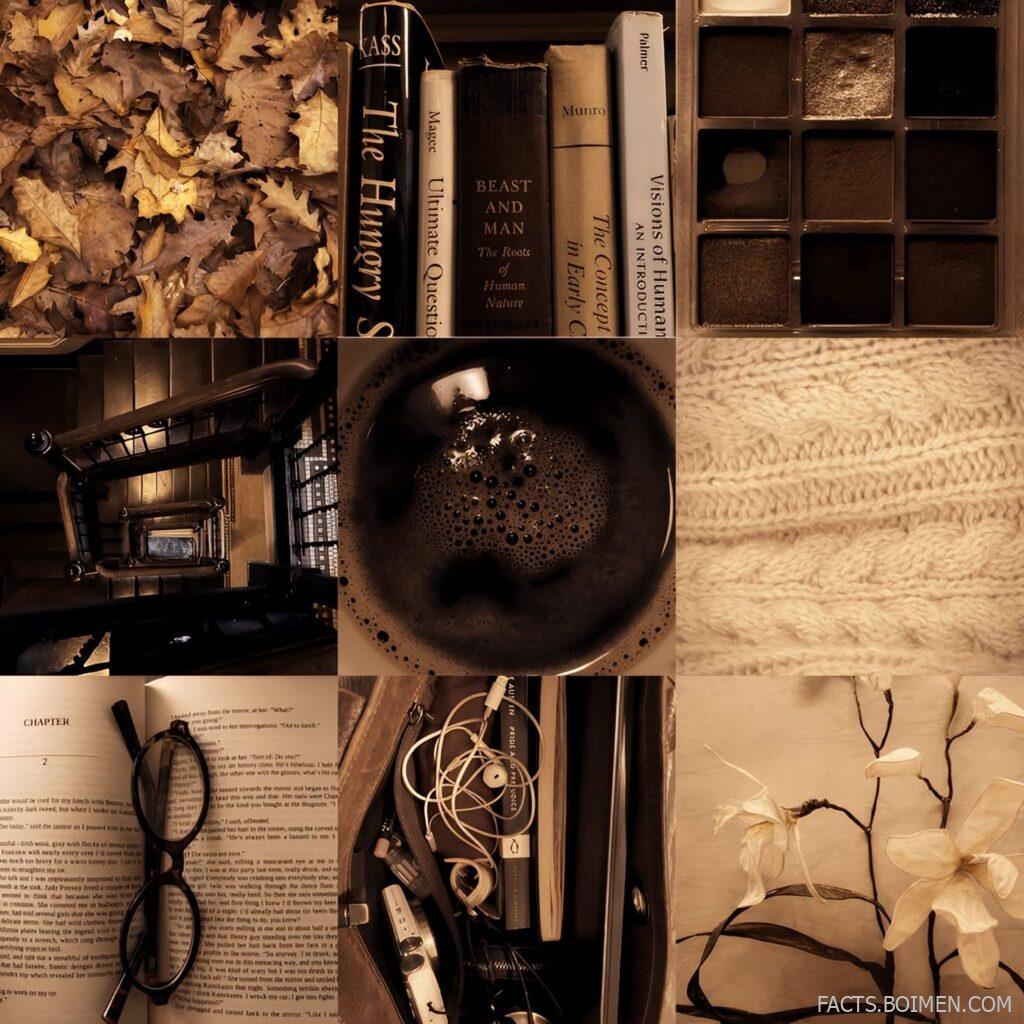
There is a particular kind of internet rabbit hole that starts with one soft-focus image and ends three hours later with a folder full of saved icons, color palettes, and half-finished collage ideas. Moodboards are not just decoration — they are how a lot of people figure out what they actually like. The problem is that most of the obvious platforms show you the same recycled content in the same order for everyone. The sites below are the ones people find later, the ones that still feel like a personal collection rather than an algorithm feed. Some are built for curating, some for finding, and a few are quietly the best places on the internet for messy girl icons and layout inspiration.
Table of Contents(Click to Toggle)
Why Curated Moodboards Beat the Algorithm Feed
A moodboard is a small act of editing. You choose five images out of five hundred, and the choosing is the point. That is exactly what most social feeds remove from the process — they choose for you, then reward you for scrolling past. The sites in this list put the selection back in your hands, whether through a blank canvas, a tightly tagged archive, or a community where people still post things because they love them rather than because they performed well. If you have ever searched for a specific shade of messy girl icon and come up empty on the big platforms, the smaller archives below are where that content actually lives. Most are free, several need no account, and a few will change how you save inspiration permanently.
19 Moodboard Sites for Aesthetic Icons and Layouts
1. Tumblr : The original home of the aesthetic moodboard
What it is: A blogging platform that became the internet’s de facto moodboard archive, with millions of image posts tagged by mood, color, and era.
Category: Social curation and image blogging
Why it stands out:
- Tag pages like #moodboard and #girlicon still surface genuinely niche, hand-picked image sets
- Reblogging preserves credit chains, so you can trace an image back to its original poster
- Custom blog themes let you turn your own archive into a styled layout
Best for: Anyone hunting messy icons, soft-grunge layouts, and the specific Tumblr aesthetic that Pinterest tends to flatten.
2. Are.na : Ad-free visual research channels
What it is: A quiet, text-and-image bookmarking platform built around public “channels” that anyone can browse.
Category: Visual research and curation
Why it stands out:
- No algorithm, no ads, no engagement metrics — just collections people made on purpose
- Channels often mix images with notes and links, which reads more like a sketchbook than a feed
- Search is genuinely good for abstract queries like “soft architecture” or “washed-out film”
Best for: Designers and students who want inspiration without the dopamine loop.
3. Pinterest : The endless board, for better and worse
What it is: The largest visual bookmarking network, organized into boards and driven by recommendations.
Category: Discovery and bookmarking
Why it stands out:
- Sheer volume means almost any micro-aesthetic has a board somewhere
- Board sections let you subdivide a single mood into color stories or seasons
- The tradeoff is heavy repetition — the same ten images circulate for months
Best for: Fast, broad searching when you need volume more than originality.
4. Cosmos : A slower, more deliberate Pinterest alternative
What it is: A visual discovery app built around clusters, where saved images group themselves into themed collections.
Category: Visual discovery
Why it stands out:
- Clusters create accidental moodboards from your own saves, which is surprisingly useful for spotting a palette
- The interface is deliberately minimal, with no comment sections or follower counts
- Invite-based access keeps the content quality noticeably higher than open platforms
Best for: People who want Pinterest’s browsing feel without its noise.
5. Savee : A designer’s image bookmarking tool
What it is: A minimalist save-and-organize platform aimed at creatives, with boards and a browser extension.
Category: Inspiration bookmarking
Why it stands out:
- The extension saves any image from any site in two clicks, which makes building a board effortless
- Public boards are browsable and tend toward editorial, fashion, and graphic design imagery
- Free tier is generous; paid plans add private boards and team sharing
Best for: Building a personal reference library that stays organized.
6. Behance : Full project moodboards from working designers
What it is: Adobe’s portfolio network, where designers post complete projects including their research and moodboard stages.
Category: Portfolio and process
Why it stands out:
- Many projects include the actual moodboard slide used to pitch a brand, which is rare elsewhere
- Filtering by color is a genuinely underused feature for palette hunting
- Comment sections are professional, so feedback is often actionable
Best for: Seeing how moodboards become real design decisions.
7. Dribbble : Polished visual snippets and UI inspiration
What it is: A showcase platform where designers post small shots of work in progress and finished pieces.
Category: Design inspiration
Why it stands out:
- Excellent for interface and typography moodboards rather than photography
- Tags and color search make it easy to assemble a consistent visual language
- Heavily curated, so the average quality is high but the range is narrower
Best for: Anyone building a layout or branding board with a digital edge.
8. Unsplash : Free high-resolution photography for boards
What it is: A library of free-to-use photos contributed by a large photographer community.
Category: Stock photography
Why it stands out:
- Search by mood words like “hazy” or “muted” works better than you would expect
- Every image has a consistent license, so using them in a public board or blog is straightforward
- Collections curated by users often read like ready-made moodboards
Best for: Sourcing clean base images for a collage or blog layout.
9. Pexels : A second free photo library with different taste
What it is: Another free stock photo and video site, with a slightly warmer, more lifestyle-leaning catalog.
Category: Stock photography
Why it stands out:
- Stronger selection of candid, film-grain-style images than most free libraries
- Video clips are included, useful for animated moodboards or reels
- Simple attribution rules and no account needed to download
Best for: Filling gaps when Unsplash feels too cool and corporate.
10. Coolors : Generate the palette behind the mood
What it is: A fast color palette generator with export tools and a large library of community palettes.
Category: Color tools
Why it stands out:
- Press the spacebar to generate endless five-color combinations, then lock the shades you like
- Extract a palette directly from an uploaded image, which is perfect for matching a moodboard
- Free tier covers most needs; exports include CSS and PNG
Best for: Turning a vague vibe into an actual set of hex codes.
11. Milanote : Build a real, shareable moodboard
What it is: A visual workspace where you drag images, notes, links, and swatches onto an infinite canvas.
Category: Planning and collage
Why it stands out:
- The canvas feels like a physical pinboard, with free positioning instead of a rigid grid
- Boards can be shared by link, which makes them easy to send to a collaborator
- Free plan allows a limited number of boards, which is usually enough for a personal project
Best for: Actually assembling a moodboard rather than just collecting images.
12. Figma Community : Free templates for layouts and icon sets
What it is: A public library of design files and templates shared by Figma users.
Category: Design templates
Why it stands out:
- Search “moodboard” and you get dozens of ready-made grid layouts you can duplicate in one click
- Icon packs and sticker sets are free to remix for personal projects
- Everything runs in the browser, so no software install is required
Best for: Anyone who wants a polished layout without starting from a blank page.
13. It’s Nice That : Daily editorial on visual culture
What it is: An online magazine covering emerging art, design, and photography.
Category: Editorial inspiration
Why it stands out:
- Articles frequently include image grids that function as instant moodboards
- Coverage leans toward new and unknown creators rather than established names
- No paywall, and the archive goes back years
Best for: Finding references nobody else has pinned yet.
14. Fonts In Use : Typography references for layout boards
What it is: A community archive documenting real-world typography, tagged by typeface, format, and industry.
Category: Typography reference
Why it stands out:
- Every entry names the exact fonts used, so you can actually recreate a look
- Filtering by format (poster, packaging, web) narrows results fast
- Volunteer-run and ad-light, with a genuinely obsessive level of detail
Best for: Adding a type layer to an otherwise image-only moodboard.
15. Designspiration : Color-filtered image search
What it is: A curated image search engine for design and photography, built around a five-color filter.
Category: Visual search
Why it stands out:
- Pick up to five colors and the results match that exact palette, which is rare and genuinely useful
- The catalog is smaller than Pinterest but far less repetitive
- Save-to-board features are simple and require no setup
Best for: When you know the color story but not the subject.
16. Niice : Collaborative boards for teams and friends
What it is: A moodboard and inspiration tool designed for sharing and commenting with other people.
Category: Collaboration
Why it stands out:
- Boards update live, so everyone sees the same version without emailing screenshots
- Private by default, which suits personal projects you are not ready to publish
- Smaller community than the big platforms, so it feels less crowded
Best for: Group projects, or building a board with a friend across time zones.
17. Giphy : Animated accents and moving icons
What it is: A searchable library of GIFs and stickers, much of it user-uploaded.
Category: Motion and stickers
Why it stands out:
- Sticker packs include sparkles, film grain, and lo-fi overlays that work well on top of static boards
- Search by aesthetic terms surfaces surprisingly specific results
- Free to embed, with clear attribution guidance
Best for: Adding movement to a layout or a social post version of your board.
18. Internet Archive : The deep archive of old web aesthetics
What it is: A nonprofit digital library preserving websites, images, and media, including the Wayback Machine.
Category: Digital archive
Why it stands out:
- Browse defunct blogs and early-2000s personal sites for authentic vintage layouts
- Image collections include public-domain photography and vintage print scans
- Completely free, nonprofit, and unlikely to disappear
Best for: Y2K and early-internet moodboards that need real source material.
19. Tumblr Theme Garden : Turn your archive into a styled layout
What it is: Tumblr’s official directory of blog themes, many of them free and highly customizable.
Category: Layout and customization
Why it stands out:
- Themes are built specifically for image-heavy blogs, with grid and masonry options
- Many allow custom fonts and color schemes, so the blog itself becomes the moodboard
- Free themes are clearly labeled, and installation takes one click
Best for: Anyone who wants their collection to look as good as it feels.
Bonus Mentions
Pexels : Quick video loops for animated boards
Already covered above for stills, but its short video clips are the easiest free source for subtle background motion in a moving moodboard.
Behance : Brand guideline decks
Searching “brand guidelines” on Behance returns full PDFs that often include a moodboard page — useful as a structure template even if the subject matter is unrelated.
Coolors : Palette trends page
The community section shows which palettes are being saved most often, which is a low-effort way to check whether your color story feels current.
Are.na : Editorial channels
Several channels are maintained by magazines and studios as public research logs, and they update quietly without any notification noise.
The Moodboard Sites Worth Keeping
The best moodboard tools are the ones that get out of the way. A good board should feel like a drawer you keep opening, not a feed you keep refreshing. Start with Tumblr if you want the raw, messy, genuinely personal side of the aesthetic internet, then add Are.na or Savee once you want structure. Keep Coolors and Designspiration open in a second tab for the moments when you know the color but not the image. None of these require a subscription to be useful, and most work fine without an account at all. The real value comes from the editing — the act of choosing five things out of five hundred is what turns a folder of saves into something that actually looks like you.
Which of these did you already know about, and what is the one obscure site you guard like a secret? Drop it in the comments — the best finds always come from other people’s bookmarks.



