
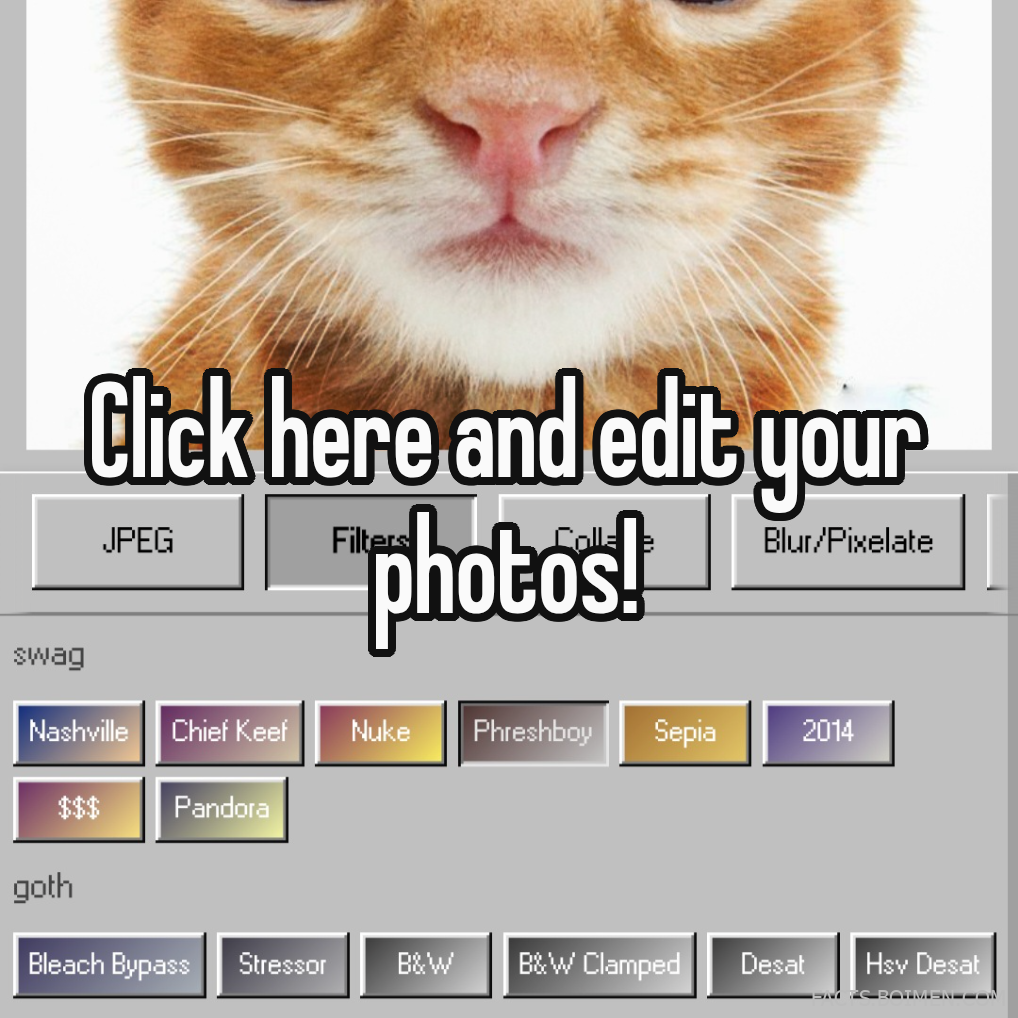
If you clicked through looking for a way to edit JPEG Filter photos with blur, pixelate, sepia, bleach bypass, and the rest of that wild filter list, you are in the right place. The promise on that pin was simple: click here and start editing. Below are 20 genuinely useful, mostly free tools that let you apply those effects to JPEGs without installing heavy software or creating a dozen accounts. Some are browser-based, some are mobile-first, and a few are quiet little web apps that deserve far more attention than they get.
Every entry includes what the tool is, how it fits, why it stands out, and who it suits best. Bookmark the ones that match your workflow and skip the rest — this is a menu, not a checklist.
Table of Contents(Click to Toggle)
Why JPEG filter editing is still worth your time
JPEG is the most common image format on the web, and it is also the one most people assume they cannot edit without losing quality. That assumption is only half true. A single re-save does introduce compression artifacts, but the right tools let you work non-destructively, preview effects before committing, and export at high quality. Filters like bleach bypass, sepia, clamped desaturation, and blur or pixelate masks are not just gimmicks — they are the vocabulary of a whole visual era, from 2014 Tumblr aesthetics to modern moody product photography.
What makes this list useful is that it mixes professional-grade editors with tiny single-purpose web apps. You might not need Photoshop-style layers to add a pixelated blur box over a face, and you might not want a mobile app to apply a sepia wash to a batch of ten images. Having both kinds of tools in one place saves the most precious resource of all: the time you would otherwise spend searching.
20 Free JPEG Filter Editors and Effect Tools
1. Photopea : A full Photoshop-style editor that runs in a browser tab
What it is: A free, browser-based image editor that opens JPEG, PSD, PNG, and more, with layers, masks, and a filter gallery.
Category: Advanced browser editor
Why it stands out: It supports Smart Filters, so you can apply Gaussian Blur or Pixelate as a live effect and adjust it later without destroying the original pixels. The filter gallery includes noise, mosaic, and stylize options that map neatly onto the aesthetic in the pin list.
Best for: Anyone who wants real layer-based control without installing anything.
2. Pixlr : Fast, friendly editing with strong one-click effects
What it is: A cloud editor with both a quick-edit mode and an advanced Pixlr E workspace.
Category: Browser editor
Why it stands out: The effects panel includes blur, pixelate, and a range of color washes, and the quick mode is genuinely quick — open a JPEG, apply an effect, export, done. Free tier includes a limited number of saves per day.
Best for: Casual edits where speed matters more than precision.
3. Canva : Design-first editing with drag-and-drop filter presets
What it is: A template-driven design platform that also handles photo effects.
Category: Design platform
Why it stands out: Its photo editor has adjustable blur sliders, duotone and tint presets, and a pixelate-style effect available through apps inside the platform. It is especially good when the JPEG is going into a social post or a poster rather than standing alone.
Best for: Creators who edit photos as part of a larger layout.
4. Fotor : A one-stop photo enhancer with an effects library
What it is: A web and mobile editor with filters, retouching, and batch tools.
Category: All-in-one editor
Why it stands out: The effects library is large and clearly labeled, including blur variants and vintage color grades that resemble sepia and bleach bypass. Batch processing is available on paid plans, which is handy for applying one look to a whole folder of JPEGs.
Best for: People who want a guided, preset-heavy experience.
5. BeFunky : Approachable editing with a solid effects tab
What it is: A browser and mobile editor known for its straightforward interface.
Category: Browser editor
Why it stands out: The effects tab groups blur, pixelate, and color filters into clear categories, and each effect has a simple intensity slider. It also offers a decent batch editor on its Plus plan, and the free version handles single-image edits well.
Best for: Beginners who want effects without a learning curve.
6. LunaPic : An old-school web editor with an enormous free effects menu
What it is: A long-running browser editor with dozens of filters and no sign-up required.
Category: Classic web editor
Why it stands out: The filter menu is unusually deep — pixelate, mosaic, blur, sepia, and many retro grades — and most effects apply instantly with no account. It also has animation and collage tools if you want to go further.
Best for: Quick experiments where you want to try ten effects in a minute.
7. PhotoMania : Free online effects with a playful, sticker-friendly twist
What it is: A web-based photo effects site with a large catalog of looks and frames.
Category: Effect catalog
Why it stands out: It leans into fun rather than precision, with vintage washes, blur frames, and pixel-style overlays. It is a good place to find a look you can then refine in a more serious editor.
Best for: Casual edits and social-ready images.
8. IMG2GO : A converter that doubles as a light editor
What it is: A free online file converter with a built-in image editor.
Category: Converter plus editor
Why it stands out: You can apply blur, pixelate, grayscale, and other effects and then export as JPEG, PNG, or WebP in the same session. That makes it a rare one-stop shop for people whose real goal is a specific output format.
Best for: Converting and lightly editing in one pass.
9. PineTools : Tiny single-purpose tools for exact effects
What it is: A collection of no-frills web utilities, including dedicated image tools.
Category: Utility toolbox
Why it stands out: Each effect has its own page — blur an image, pixelate an image, convert to grayscale — with no account and no clutter. If you know exactly what you want, this is often the fastest route on the entire list.
Best for: Precision tasks without any interface noise.
10. RedKetchup Image Editor : A bare-bones editor with surprisingly deep filters
What it is: A straightforward online image editor with a filter menu and no sign-up.
Category: Lightweight editor
Why it stands out: It offers blur, sharpen, pixelate, and a range of color adjustments that run entirely in the browser. The interface is plain, which means less time hunting for buttons and more time applying effects.
Best for: Users who prefer function over polish.
11. Kapwing : A studio for images and video with blur and pixelate tools
What it is: A browser-based creative studio with image and video editing.
Category: Creative studio
Why it stands out: It has a dedicated blur tool for hiding details and a pixelate option for faces or text, plus background removal and resizing. The free tier adds a watermark, which is worth knowing before you start.
Best for: Creators who need to blur or pixelate content for privacy.
12. Adobe Express : Polished editing with professional-looking presets
What it is: Adobe’s free-to-start browser and mobile design tool.
Category: Design suite
Why it stands out: Its photo effects include blur, duotone, and a set of color presets that can approximate sepia and bleach bypass looks. The free plan is generous for single-image edits and includes Adobe’s familiar quality.
Best for: Anyone who wants a clean, trusted interface.
13. Snapseed : Google’s mobile editor with serious selective tools
What it is: A free mobile photo editor with advanced local adjustments.
Category: Mobile editor
Why it stands out: The selective edit and brush tools let you blur or desaturate just part of a JPEG, and the vintage and grainy film filters cover the retro end of the spectrum. It is free with no ads, which is increasingly rare.
Best for: Mobile editing with fine local control.
14. VSCO : The preset app that defined an era of color grading
What it is: A mobile and desktop app built around film-inspired presets.
Category: Preset app
Why it stands out: VSCO’s presets are the closest thing to a time machine for that 2014 aesthetic, with faded, desaturated, and grain-heavy looks. Some presets are free, while the full library requires a membership.
Best for: Recreating the moody, faded look of early-2010s social media.
15. PicsArt : A mobile creative suite with blur and pixelate effects
What it is: A feature-rich mobile and web editor with effects, stickers, and templates.
Category: Mobile creative suite
Why it stands out: It includes motion blur, radial blur, and pixelate effects, plus a large library of aesthetic filters. The free version is usable, though many effects sit behind a subscription.
Best for: Social creators who want a lot of effects in one app.
16. GIMP : The free desktop editor with serious filter control
What it is: A powerful open-source desktop image editor.
Category: Desktop software
Why it stands out: Its filter menu includes blur, pixelize, and a full color-adjustment suite, and it supports layer masks so you can apply effects selectively. It is free forever, though the learning curve is steeper than browser tools.
Best for: Users who want desktop power without a subscription.
17. Paint.NET : A lightweight Windows editor with practical effects
What it is: A free image editor for Windows with a clean, fast interface.
Category: Desktop software
Why it stands out: It includes blur, pixelate, and a range of color adjustments, and it opens JPEGs instantly. The plugin ecosystem adds more effects if you need them, and it runs comfortably on modest hardware.
Best for: Windows users who want speed and simplicity.
18. PhotoScape X : A friendly desktop editor with batch filters
What it is: A free desktop editor with editing, collage, and batch modules.
Category: Desktop software
Why it stands out: The batch module lets you apply a filter to an entire folder of JPEGs at once, which is ideal if you want one consistent look across a set. Filters include blur, pixelate, and vintage color grades.
Best for: Applying one effect to many images quickly.
19. Polarr : Precise color grading with custom filter creation
What it is: A browser and mobile editor focused on color and tone.
Category: Color grading tool
Why it stands out: You can build your own filters with curve and HSL controls, which is how you get a convincing bleach bypass or clamped desaturation look rather than a generic preset. The free tier covers most of what a casual editor needs.
Best for: Users who want to design their own signature look.
20. CSS Filter Playgrounds : Live code sandboxes for blur, sepia, and grayscale
What it is: Browser-based code playgrounds where developers test CSS filter effects on images.
Category: Developer playground
Why it stands out: If you are building a website and want a JPEG to render with a blur, sepia, or grayscale effect without editing the file, a CSS filter playground lets you preview the exact values live. It is a niche but genuinely useful corner of the web.
Best for: Web developers and curious tinkerers.
Bonus Mentions
Photopea Online Filters : A quick return trip for Smart Filter experiments
What it is: Photopea’s filter gallery, worth a second look for non-destructive blur and pixelate work.
Category: Advanced browser editor
Why it stands out: Smart Filters stay editable, so you can dial a Gaussian blur up or down after the fact.
Best for: Iterating on an effect until it is exactly right.
IMG2GO Batch Tools : Convert and effect multiple files in one go
What it is: The batch side of IMG2GO’s converter and editor.
Category: Converter plus editor
Why it stands out: Handy when you need the same effect and the same output format across a folder.
Best for: Bulk conversions with a light edit.
PineTools Grayscale and Blur Pages : Direct links to the exact effect you need
What it is: Individual utility pages for single effects.
Category: Utility toolbox
Why it stands out: No menus, no accounts — just the effect and a download button.
Best for: One-off tasks you want finished in seconds.
GIMP Filter Plugins : Extend the free desktop editor
What it is: Community plugins that add extra effects to GIMP.
Category: Desktop software
Why it stands out: Plugins can add specialized blur and color effects beyond the built-in set.
Best for: GIMP users who want more variety.
The quiet corner of the internet that keeps giving
The best part of a list like this is that most of these tools are not trying to be famous. They are small, focused, and often free, which is exactly why they stay useful long after trendier apps get buried under subscriptions. Whether you need a pixelated blur over a face, a sepia wash for a nostalgic edit, or a bleach bypass look for a moody photo set, there is a tool here that will do it in a browser tab or a mobile app without a credit card.
Start with the one that matches your device and your patience level, then keep the rest bookmarked for the day you need a different effect. The internet is full of these quiet corners — they just rarely get pinned.
Which of these did you end up using, and what is your own go-to hidden-gem editor? Share it in the comments — I am always adding to this list.



