
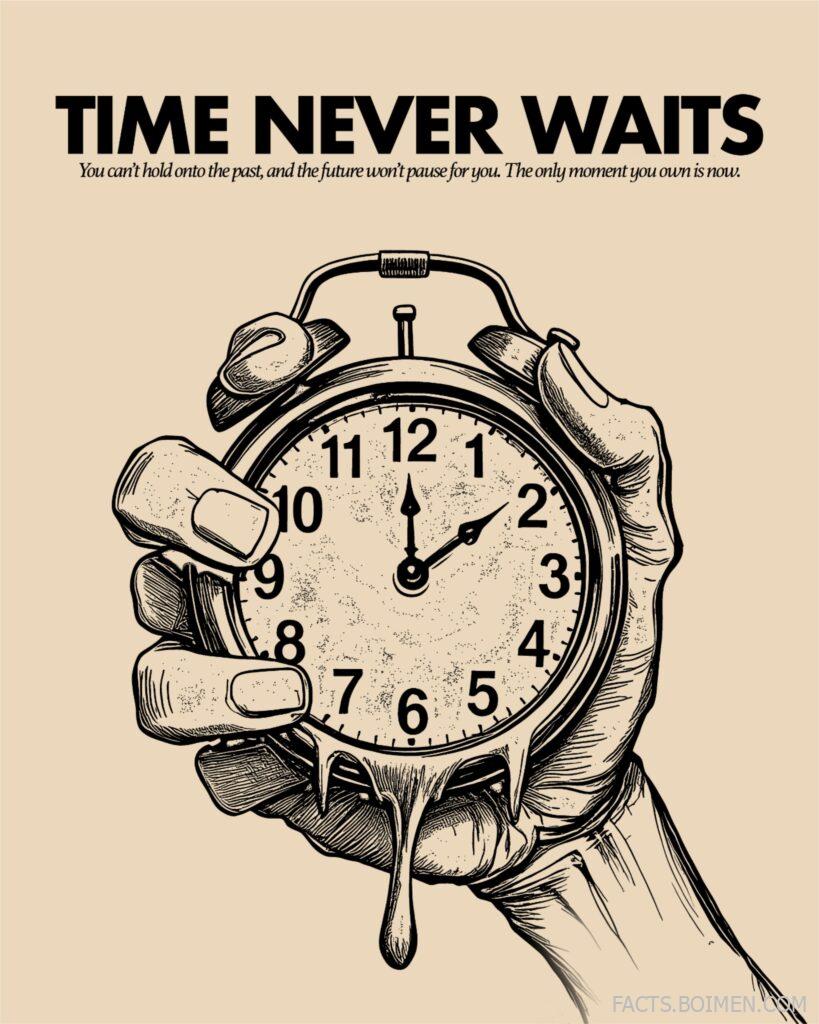
The pin said it plainly: you cannot hold onto the past, and the future will not pause for you. The only moment you own is now. That thought is easy to nod at and hard to live, because most of us never actually see time passing — we see a lock screen, a notification, a meeting that starts in four minutes. So this list collects twenty genuinely underrated clock and time-awareness tools: full-screen clocks, countdown timers, life calendars, and quiet focus gadgets that make the present moment visible without turning your day into a productivity cult. None of them are viral. All of them are free or nearly free. Start with the first one, because it is the closest thing to the promise on that pin.
Table of Contents(Click to Toggle)
- Why Time-Awareness Tools Change How You Spend Your Day
- 1. Time.is
- 2. Online Stopwatch
- 3. PomoDone
- 4. TimeAndDate World Clock
- 5. Flip Clock Online
- 6. Timer Tab
- 7. Life Calendar by Wait But Why
- 8. E.gg Timer
- 9. Clockify
- 10. Forest
- 11. Toggl Track
- 12. TickTick
- 13. Year Progress
- 14. Countdown Timer by Timeanddate
- 15. Sessions
- 16. Noisli
- 17. Sunsama
- 18. Momentum Dashboard
- 19. Focus To-Do
- 20. Rainmeter
- Bonus Mentions
- The Quiet Power of Watching the Clock
Why Time-Awareness Tools Change How You Spend Your Day
Most productivity advice tells you to manage tasks. Very little of it tells you to manage perception. Yet the research on time perception is consistent: when people can see time physically elapsing, they estimate task duration more accurately and procrastinate less. A visible clock does something a to-do list cannot — it converts an abstract resource into something your eyes can track.
That is the real reason tools like full-screen clocks, countdown timers, and life calendars keep spreading by word of mouth. They are not apps that nag you. They are mirrors. A browser tab showing the exact atomic time, a timer counting down your last twenty minutes of focus, a grid of tiny squares representing the weeks of your life — each one quietly reframes the same sentence from that pin: the only moment you own is now.
Below are twenty of the best low-exposure options, ordered from the simplest to the most immersive. Every one of them runs in a browser or installs in under a minute, and none require a subscription to be useful.
1. Time.is : The cleanest exact-time clock on the internet
What it is: A single-purpose website that shows the current time in any city, synchronized to atomic clocks and accurate to within a fraction of a second.
Category: Precision clock
Why it stands out:
- It displays how far your device clock drifts from the real time, often revealing a few seconds of error.
- A full-screen mode turns any spare monitor into a giant, distraction-free clock.
- No ads above the fold, no account, no cookie wall.
Best for: Anyone who wants a truthful clock rather than a decorative one.
2. Online Stopwatch : A stopwatch and timer that load instantly
What it is: A long-running web tool offering stopwatches, countdown timers, and classroom-friendly timers with no sign-up.
Category: Timer utility
Why it stands out:
- The bomb-countdown and split-lap modes are surprisingly good for workouts and presentations.
- Works offline once loaded, so a flaky connection will not stop your timer.
- Large, high-contrast digits readable from across a room.
Best for: Teachers, coaches, and anyone timing something right now.
3. PomoDone : Pomodoro timing layered onto your existing task list
What it is: A Pomodoro timer that connects to task managers like Todoist, Trello, and Asana, so your focus sessions attach to real work.
Category: Focus timer
Why it stands out:
- It logs time automatically against the task you were actually working on.
- Free tier covers unlimited Pomodoro sessions; integrations are the paid part.
- Works as a browser extension, desktop app, and mobile app.
Best for: People who already keep a task list and want time data without extra logging.
4. TimeAndDate World Clock : Track every timezone you care about
What it is: A world clock page that lets you pin multiple cities and see their local times side by side.
Category: Timezone reference
Why it stands out:
- Useful for remote workers coordinating across three or four timezones.
- Includes sunrise, sunset, and daylight-saving transition dates for each city.
- The personal world clock saves your city list in a bookmarkable URL.
Best for: Distributed teams and families spread across countries.
5. Flip Clock Online : A retro flip clock for your second screen
What it is: A browser-based flip clock with the mechanical look of a vintage station clock.
Category: Ambient clock
Why it stands out:
- Customizable colors and a genuinely satisfying flip animation.
- Light enough to leave running all day on an old tablet.
- Full-screen support makes it a natural desk clock replacement.
Best for: People who want a clock they enjoy glancing at.
6. Timer Tab : A timer, stopwatch, and alarm in one tab
What it is: A minimal web app combining countdown timer, stopwatch, and alarm clock with a live clock face.
Category: Timer utility
Why it stands out:
- Set a timer by typing a natural phrase like “10 min” into the URL.
- No installation and no account, and it keeps running in a background tab.
- The visual clock face is unusually elegant for a free tool.
Best for: Quick timers when you do not want another app.
7. Life Calendar by Wait But Why : Your whole life as a grid of weeks
What it is: The original life-in-weeks visualization from the Wait But Why blog, showing a human lifespan as roughly 4,000 small boxes.
Category: Perspective tool
Why it stands out:
- Seeing your elapsed weeks filled in is one of the most clarifying visuals online.
- Printable versions exist for people who prefer paper on the wall.
- It is free and has no app, no tracking, and no upsell.
Best for: Anyone who needs a long-term view, not another daily planner.
8. E.gg Timer : The fastest countdown on the web
What it is: A bare-bones countdown timer where you type the duration directly into the address bar.
Category: Countdown timer
Why it stands out:
- Typing e.ggtimer.com/20 takes less time than opening any timer app.
- The page is almost entirely white space, so it is easy on the eyes.
- An audible alert plays when the countdown ends.
Best for: Speedy kitchen, meeting, and break timers.
9. Clockify : Free time tracking with no seat limits
What it is: A time-tracking service with a genuinely unlimited free plan for individuals and small teams.
Category: Time tracking
Why it stands out:
- The free tier includes unlimited users, projects, and tracking — rare in this category.
- Reports reveal which projects quietly consume your week.
- Browser extension and desktop app keep tracking one click away.
Best for: Freelancers and small teams who need honest time data.
10. Forest : Grow a tree by staying off your phone
What it is: A focus app that plants a virtual tree when you start a session and lets it wither if you leave the app.
Category: Focus gamification
Why it stands out:
- The visual consequence of a dead tree is a stronger deterrent than a notification.
- Coins earned from focus sessions fund real tree planting through the developer’s partner program.
- Works across phone, browser, and desktop with synced progress.
Best for: People who respond better to gentle gamification than strict blockers.
11. Toggl Track : One-click timers for billable work
What it is: A polished time tracker built around a single prominent start button.
Category: Time tracking
Why it stands out:
- The interface is deliberately minimal, which keeps tracking friction low.
- Idle detection asks what you were doing when you stepped away.
- Free plan covers up to five users with unlimited tracking.
Best for: Consultants who bill by the hour and hate admin work.
12. TickTick : Tasks, Pomodoro, and a calendar in one
What it is: A task manager that folds in a built-in Pomodoro timer and a daily calendar view.
Category: Task and time manager
Why it stands out:
- The Pomodoro panel sits beside your task list, so focus and planning share one screen.
- Natural-language input turns “pay rent tomorrow 9am” into a scheduled task.
- Habit tracking and a calendar feed round out the free tier.
Best for: People who want one app instead of three.
13. Year Progress : Watch the year fill up in real time
What it is: A tiny single-page site showing the percentage of the current year that has already elapsed.
Category: Perspective tool
Why it stands out:
- The progress bar updates continuously, which makes the passage of time oddly tangible.
- It takes two seconds to check and is easy to bookmark.
- No accounts, no tracking, and no clutter.
Best for: A quick, honest gut-check on how the year is going.
14. Countdown Timer by Timeanddate : Count down to any date that matters
What it is: A customizable countdown that can target a specific date and time, not just a duration.
Category: Event countdown
Why it stands out:
- Set it to a birthday, launch, or trip and share the link with others.
- Optional background images and messages make it presentation-ready.
- Handles timezones correctly, which most simple countdowns get wrong.
Best for: Anticipation, launches, and shared milestones.
15. Sessions : A focus timer wrapped around guided sessions
What it is: A focus app that pairs a timer with structured work sessions and break prompts.
Category: Focus timer
Why it stands out:
- Session templates reduce the decision fatigue of “how long should I work?”.
- Break reminders are gentle rather than intrusive.
- A clean interface that stays out of the way during deep work.
Best for: Deep-work sessions longer than a standard Pomodoro.
16. Noisli : Background sound with a built-in timer
What it is: A ambient-sound mixer with a timer so your focus block ends when the sound does.
Category: Focus environment
Why it stands out:
- Mix rain, coffee shop, and white noise to mask unpredictable office sound.
- The timer closes the loop between sound and session length.
- Works in the browser without an install.
Best for: Noisy environments and people who focus better with sound.
17. Sunsama : A daily plan built around realistic time
What it is: A daily planner that asks you to estimate how long each task will take before you commit to it.
Category: Daily planning
Why it stands out:
- It pulls tasks from your existing tools and forces an honest time estimate.
- The day view shows whether your plan actually fits the hours available.
- A shutdown ritual closes the day and rolls unfinished work forward.
Best for: Chronic over-planners who end every day behind.
18. Momentum Dashboard : A new-tab clock that keeps your focus
What it is: A browser new-tab replacement showing a clock, a daily photo, and a single focus intention.
Category: Browser dashboard
Why it stands out:
- Replacing the new-tab page removes a major source of idle browsing.
- The greeting and focus prompt reframe every tab you open.
- The free version includes the clock, photo, and weather.
Best for: Anyone who opens twenty tabs before breakfast.
19. Focus To-Do : Pomodoro and tasks with cross-device sync
What it is: A Pomodoro timer and task list that syncs across phone, desktop, and browser.
Category: Focus timer
Why it stands out:
- Detailed statistics show your most productive hours of the day.
- Whitelist mode blocks distracting apps during a session.
- Free on all major platforms, including a browser extension.
Best for: People who want Pomodoro data, not just a beep.
20. Rainmeter : Build a desktop clock exactly how you want it
What it is: A free Windows desktop customization engine with thousands of community skins, including clocks, calendars, and system meters.
Category: Desktop customization
Why it stands out:
- You can place a large analog clock, a week counter, or a countdown directly on the desktop.
- The skin community is enormous and mostly free.
- It is lightweight once configured, running quietly in the background.
Best for: Tinkerers who want their desktop to keep time their way.
Bonus Mentions
Zeit Online Clock Widgets : Simple embedded time displays
A lightweight option for anyone who wants a clock widget they can drop into a personal page or dashboard without writing code.
Clockface : A gentle hourly chime for your desk
Plays a soft chime on the hour so you feel time passing without staring at a screen.
TimeLeft : Countdown and reminder widgets for Windows
A small utility that keeps countdowns and reminders visible in the corner of your desktop.
Toggl Plan : A visual timeline for weeks ahead
Useful when you need to see how the next few weeks actually fit together before committing.
Marinara Timer : A shareable Pomodoro for teams
Lets a group run the same focus and break cycle together, which is handy for study sessions.
The Quiet Power of Watching the Clock
None of these tools will give you more hours. What they do is make the hours you already have visible, and visibility changes behavior more reliably than willpower. A full-screen clock on a second monitor, a countdown that ends your focus block, a grid of weeks that shows how much of your life has already been spent — each one is a small, honest mirror.
The pin got it right. The past is not something you can grip, and the future does not slow down for anyone. But the present is something you can actually watch, measure, and use. Pick one tool from this list, leave it open for a week, and notice how differently you treat twenty minutes when you can see them ticking away.
Which clock or timer has actually stuck in your daily routine? Share your find in the comments — the best underrated tools usually spread person to person.



