
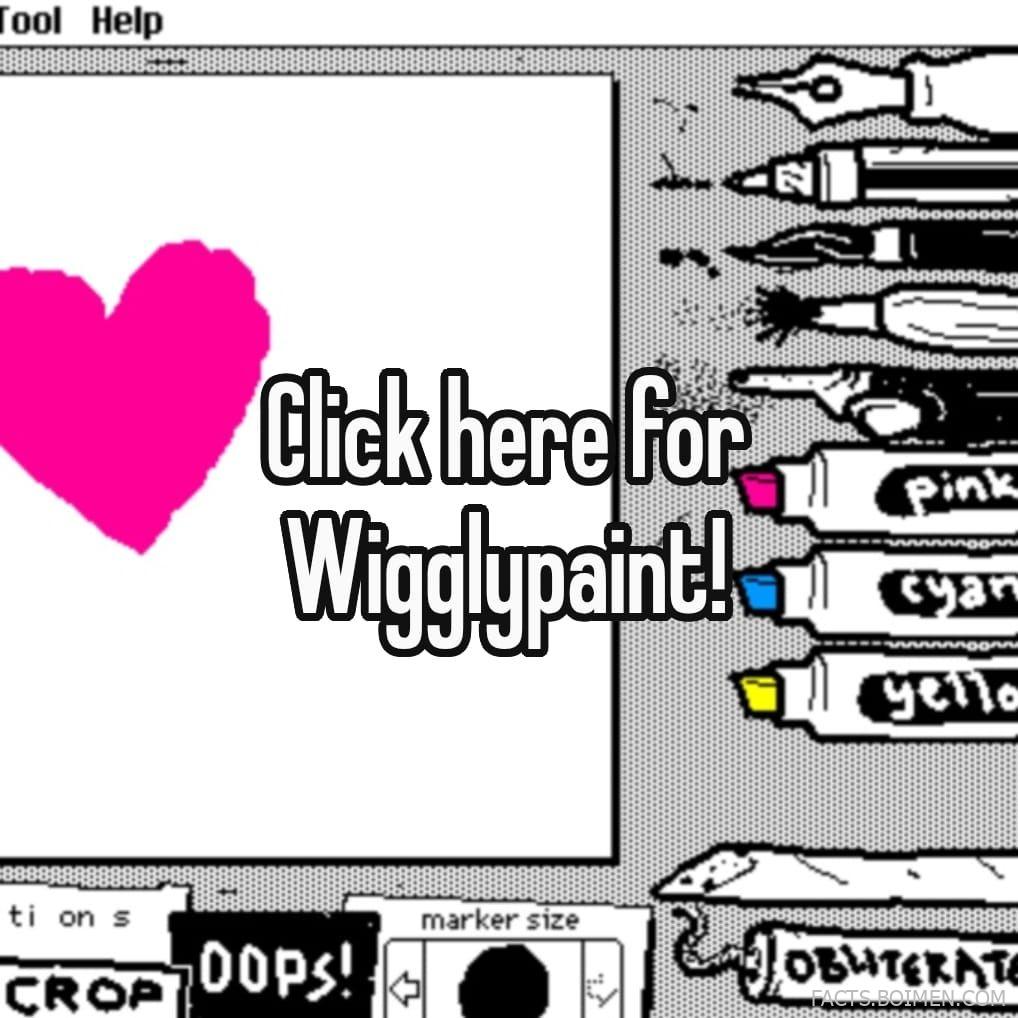
You clicked on a pin that promised something delightfully weird: a tool called Wigglypaint. Maybe you saw the wobbly, hand-drawn lines and thought, “I need that in my life.” Good news: Wigglypaint is real, and it’s a blast. Even better, the internet is full of similar hidden gems that let you create mesmerizing, trippy, or just plain fun digital art. This list rounds up the best of them—from the original wiggly wonder to tools that bend reality, simulate paint, or turn your mouse into a particle cannon. Get ready to lose an afternoon.
Table of Contents(Click to Toggle)
Why Wigglypaint and Its Kind Are So Addictive
There’s something magical about drawing tools that take your input and make it unpredictable. Wigglypaint adds a wobble to your strokes, so every line feels alive, like it’s dancing on the screen. It’s the digital equivalent of drawing with a shaky hand, but in a way that feels deliberately playful. These tools strip away the pressure of making something “good” and let you just enjoy the process. They’re perfect for stress relief, for procrastination, or for sparking creative ideas without a blank canvas staring back at you. Plus, they’re all free and run right in your browser—no downloads, no sign-ups, just instant fun.
The 15 Best Wigglypaint Alternatives and Similar Fun Tools
1. Wigglypaint : The Original Wobbly Drawing Tool
What it is: A web-based drawing app that adds a random wobble to every stroke you make, creating charmingly imperfect lines.
Category: Fun drawing tool
Why it stands out: It’s the exact tool from the pin—the one that makes your drawings look like they’re vibrating with life. The wobble is adjustable, so you can go from subtle tremor to full-on earthquake. The interface is minimal: just a canvas and a color picker. It’s surprisingly therapeutic to watch your scribbles come alive.
Best for: Anyone who wants to create quirky, animated-feeling art with zero learning curve.
2. Scribbler Too : Turn Photos into Line Art
What it is: A tool that converts your photos into animated scribble drawings, using a series of lines that trace the image.
Category: Photo-to-art converter
Why it stands out: You upload a picture, and it generates a mesmerizing animation of lines drawing the image over and over. You can adjust the density and speed of the scribbles. It’s like watching a robot hand draw your favorite photo in a continuous loop. The results are perfect for sharing on social media.
Best for: Creating unique profile pictures or just being hypnotized by your own face in scribble form.
3. Silk : Generative Art with Symmetry
What it is: An interactive generative art tool that creates beautiful, flowing symmetrical patterns as you move your mouse.
Category: Generative art
Why it stands out: Your cursor becomes a paintbrush of light, leaving trails of glowing, colorful lines that mirror themselves in a kaleidoscope effect. You can change colors, adjust symmetry, and even save your creations. It’s mesmerizing and produces stunning, frame-worthy digital art with almost no effort.
Best for: Relaxation, meditation, or creating background images that look like they came from a sci-fi movie.
4. Sumopaint : Full-Featured Online Editor
What it is: A complete image editor that runs in your browser, with layers, filters, and a huge brush library.
Category: Online art suite
Why it stands out: Unlike the playful tools on this list, Sumopaint is a serious alternative to Photoshop. It supports layers, blend modes, and even has a community for sharing your work. The brush engine includes realistic media like oil paint and watercolor, so you can get that messy, tactile feel without the cleanup.
Best for: Digital artists who want a free, powerful editor without installing anything.
5. Bomomo : Chaotic Particle Painting
What it is: A simple painting tool where your mouse controls a swarm of particle brushes that explode with color.
Category: Experimental painting
Why it stands out: You choose from a set of wild brush behaviors—like “bomomo” which shoots a flurry of dots, or “spiral” that twists your strokes into vortexes. The results are unpredictable, often looking like abstract expressionism on acid. It’s pure chaos, and that’s the fun.
Best for: Burning off creative energy or making oddly satisfying abstract wallpapers.
6. JacksonPollock.org : Drip Painting, Digitally
What it is: A web-based tribute to the famous painter, letting you create drip-and-splatter art with your mouse.
Category: Interactive art
Why it stands out: Click and drag to fling virtual paint across the canvas. The colors are vibrant and the splatters are surprisingly realistic. It’s incredibly satisfying to create a Pollock-esque masterpiece in seconds. The site is minimal and loads instantly.
Best for: Feeling like a modern artist even if you can’t draw a straight line.
7. This is Sand : Zen Sand Art Generator
What it is: A relaxing tool that lets you pour virtual sand onto a canvas, creating layered, textured art.
Category: Relaxation art
Why it stands out: You click to pour sand, and it piles up realistically, letting you build dunes and patterns. The sound of the sand trickling (if you enable it) is deeply calming. It’s a great stress reliever and produces surprisingly beautiful gradient artwork.
Best for: Mindfulness breaks or creating unique digital sand paintings.
8. Sketchpad : Versatile Online Drawing App
What it is: A full-featured drawing application that works in any browser, with a familiar interface.
Category: Online drawing
Why it stands out: It includes shapes, text, layers, and a variety of brushes and fill tools. You can import images and edit them. It’s like a simplified Photoshop that’s perfect for doodling or quick graphics. The interface is intuitive, making it great for beginners.
Best for: Quick sketches, mind maps, or adding text to images.
9. Pixilart : Pixel Art Community
What it is: A pixel-art drawing tool with a social network built in, allowing you to share your creations.
Category: Pixel art
Why it stands out: The editor is designed specifically for pixel art, with a grid and color palette optimized for that retro look. You can animate your pixel art frame by frame. The community is active, so you can get feedback and inspiration.
Best for: Fans of retro gaming and anyone who wants to try pixel art.
10. Aggie.io : Collaborative Drawing with Friends
What it is: A real-time collaborative drawing tool that lets multiple people work on the same canvas simultaneously.
Category: Collaborative art
Why it stands out: You create a room and share a link; friends can join and draw together, seeing each other’s strokes live. It’s chaotic, fun, and perfect for remote hangouts. There’s even a chat feature.
Best for: Virtual game nights or collaborative art projects with friends.
11. Kleki : Simple and Clean Drawing Tool
What it is: A minimalistic drawing app that focuses on essential tools without clutter.
Category: Minimalist drawing
Why it stands out: It offers a clean interface with just the basics: brush, eraser, color picker, and layers. It’s incredibly fast to load and use, making it perfect for quick doodles. The canvas can be resized, and you can export your work as PNG.
Best for: Quick ideas, note-taking, or anyone who prefers simplicity.
12. Mutapic : Mutate and Evolve Artwork
What it is: A tool that lets you mutate an image through a series of random transformations, creating evolving art.
Category: Generative art
Why it stands out: You start with a base image (or a random one) and click to mutate—it changes colors, shapes, and patterns in surprising ways. You can save the results and keep mutating. It’s like playing God with pixels.
Best for: Generating unique textures or just watching art evolve organically.
13. QueekyPaint : Fun Brushes and Effects
What it is: An online drawing community with a wide array of playful brushes and effects.
Category: Community art
Why it stands out: The brush library includes everything from neon glows to rainbow gradients to pattern stamps. You can draw on others’ art, join contests, and share your work. The effects are perfect for creating trippy, eye-catching pieces.
Best for: Experimenting with unconventional brushes and getting social feedback.
14. AutoDraw : AI-Powered Sketch Recognition
What it is: A drawing tool that uses machine learning to guess what you’re trying to draw and suggests polished icons.
Category: AI drawing
Why it stands out: You scribble a rough shape, and AutoDraw offers a library of professionally drawn images that match your sketch. You can then click to replace your doodle with the clean version. It’s like having an art assistant.
Best for: Creating quick graphics for presentations or just seeing if AI can read your mind.
15. YouiDraw Painter : Vector Drawing with Realistic Brushes
What it is: A vector-based drawing tool that simulates realistic brush strokes.
Category: Vector art
Why it stands out: It combines the scalability of vector graphics with the organic feel of raster brushes. You can adjust brush size, opacity, and even tilt. The interface is professional-grade but still accessible.
Best for: Creating logos or illustrations that need to be resized without losing quality.
Bonus Mentions
Artflow.ai : Turn Text into Art
Type a description and let AI generate a unique image. It’s a different kind of creativity, but just as addictive.
Fotojet : Collage and Design Tool
Create stunning collages, banners, and social media graphics with drag-and-drop ease. Perfect for non-designers.
Picrew : Character Maker
Build your own avatar using hundreds of user-created templates. It’s a harmless time sink that yields adorable results.
The Joy of Digital Doodling
There you have it: 15 tools that prove creativity doesn’t need a fancy studio. Whether you’re making wobbly masterpieces, zen sand gardens, or chaotic particle explosions, these sites offer a quick escape from the mundane. The best part? They’re all free and run in your browser, so the next time you have five minutes to spare, you can dive into a world of digital play. Which of these tools surprised you the most? Or do you have a favorite hidden gem we missed? Share it in the comments below—we’re always looking for new ways to get lost in art.



