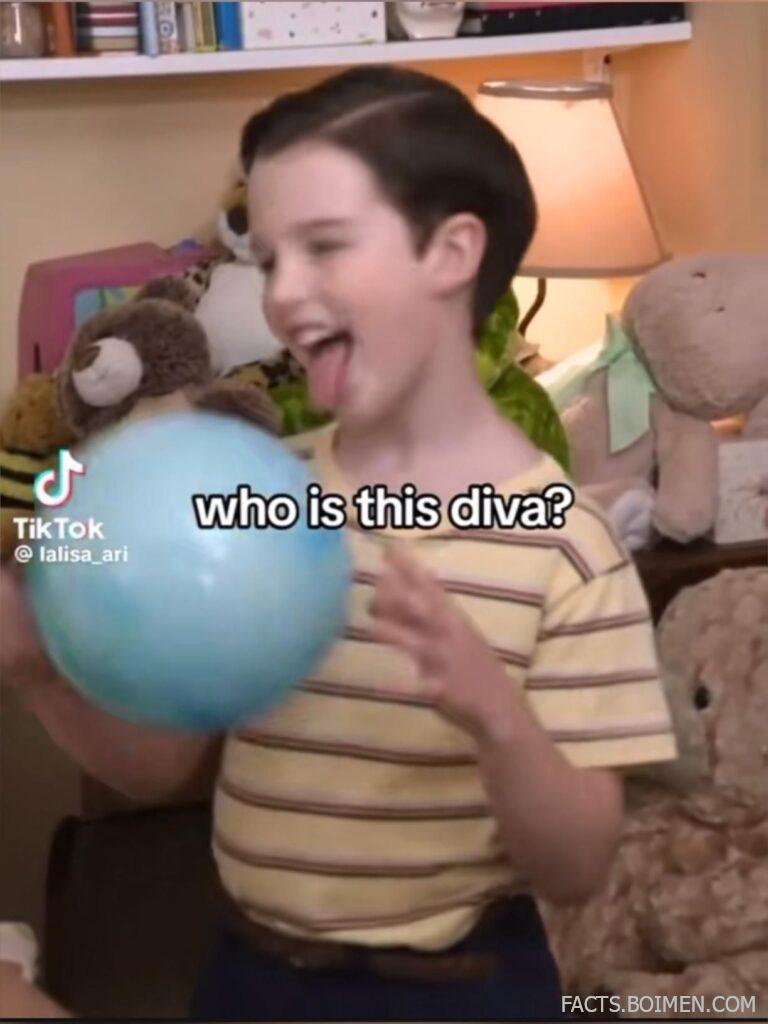
A single screenshot can revive an entire fandom. One dramatic eye roll, one chaotic line of dialogue, one perfectly timed reaction shot — and suddenly the internet has a new inside joke.
If you’ve ever saved a Young Sheldon clip, screen-grabbed a comfort-show moment, or added bold white text over a chaotic TV frame, you already know the magic of fandom edits. But most creators rely on the same handful of mainstream apps.
Behind the scenes, there’s a whole ecosystem of lesser-known websites built specifically for clipping, captioning, remixing, and transforming TV moments into viral content. Here are 17 underrated platforms that make meme-making and fandom editing easier — and way more fun.
Table of Contents
- Why TV Fandom Edits Are Quietly Taking Over Your Feed
- 1. Kapwing
- 2. Clideo
- 3. EZGIF
- 4. Canva
- 5. Streamable
- 6. GIPHY
- 7. Veed.io
- 8. Imgflip
- 9. Remove.bg
- 10. Photopea
- 11. Mixkit
- 12. Pexels Videos
- 13. CapCut Web
- 14. Tenor
- 15. Subtitle Edit Online
- 16. LunaPic
- 17. FlexClip
- Bonus: PlayPhrase
- Bonus: Yarn
- Bonus: Unsplash
- Bonus: Coolors
- Your Favorite Scene Is One Edit Away From Becoming a Moment
Why TV Fandom Edits Are Quietly Taking Over Your Feed
Short-form video culture has turned reaction shots and nostalgic sitcom moments into a language of their own. A single frame can communicate irony, admiration, chaos, or full-on “diva energy.”
Unlike traditional fan art, meme edits are fast. They’re remixable. They evolve. And they travel across TikTok, Pinterest, Instagram, and beyond within hours.
Having the right tools isn’t about going viral — it’s about speed, creativity, and being able to turn that perfect scene into something instantly shareable before the trend passes.
1. Kapwing: Browser-Based Meme & Clip Studio
What it is:
An online video editor built for trimming clips, adding captions, resizing for social platforms, and exporting quickly.
Category:
Online Video Editor
Why it stands out:
- No software download required.
- Smart auto-captioning for dialogue-heavy scenes.
- Easy resizing for TikTok, Reels, and Shorts.
- Clean interface ideal for quick reaction edits.
Best for:
Turning TV scenes into captioned meme clips in minutes.
2. Clideo: Fast Video Cutter & Compressor
What it is:
A suite of simple browser tools for cutting, compressing, merging, and resizing video files.
Category:
Video Utility Tools
Why it stands out:
- Minimal learning curve.
- Works entirely online.
- Useful for trimming reaction moments precisely.
- Great for reducing file sizes for social uploads.
Best for:
Quickly isolating that one iconic reaction shot.
3. EZGIF: GIF Maker & Frame Editor
What it is:
A long-running online toolkit for creating, editing, optimizing, and captioning GIFs.
Category:
GIF Creation
Why it stands out:
- Frame-by-frame editing options.
- Easy text overlay tools.
- Optimization controls for smoother looping.
- No account required.
Best for:
Turning sitcom moments into endlessly looping reaction GIFs.
4. Canva: Drag-and-Drop Meme Templates
What it is:
A visual design platform with templates for memes, social posts, and short-form video overlays.
Category:
Graphic Design Platform
Why it stands out:
- Hundreds of meme-ready templates.
- Easy bold text styling.
- Built-in animation options.
- Brand kits for consistent fan pages.
Best for:
Creating aesthetic fandom edits with clean typography.
5. Streamable: Instant Video Hosting for Clips
What it is:
A fast video hosting platform designed for sharing short clips via simple links.
Category:
Clip Hosting
Why it stands out:
- Quick uploads and link generation.
- Embeddable players.
- Minimal interface distractions.
- No complex editing workflow required.
Best for:
Sharing short TV moments in chats or communities.
6. GIPHY: Searchable GIF Library & Creator
What it is:
A massive GIF search engine that also allows users to upload and create custom GIFs.
Category:
GIF Platform
Why it stands out:
- Huge existing reaction archive.
- Custom text overlay tools.
- Discoverability through tags.
- Easy sharing across platforms.
Best for:
Distributing fandom reaction loops at scale.
7. Veed.io: Auto-Subtitle Video Editor
What it is:
An online editor known for automatic subtitle generation and stylish caption presets.
Category:
Online Video Editor
Why it stands out:
- Accurate speech-to-text captions.
- Customizable subtitle styles.
- Great for dialogue-driven scenes.
- Cloud-based workflow.
Best for:
Caption-heavy edits where the line delivery matters.
8. Imgflip: Classic Meme Generator
What it is:
A straightforward meme generator with text overlays and image templates.
Category:
Meme Creation
Why it stands out:
- Simple top-and-bottom text format.
- Fast publishing.
- Community browsing section.
- No design skills needed.
Best for:
Traditional reaction meme formats.
9. Remove.bg: Instant Background Remover
What it is:
An AI-powered tool that removes backgrounds from images automatically.
Category:
Image Editing Utility
Why it stands out:
- One-click background removal.
- Clean cutouts for character edits.
- Saves time in collage-style memes.
- Works directly in browser.
Best for:
Placing TV characters into new chaotic scenarios.
10. Photopea: Browser Photoshop Alternative
What it is:
A powerful online image editor that supports layered files and advanced design features.
Category:
Advanced Image Editing
Why it stands out:
- Supports PSD files.
- Layer masks and blending modes.
- Runs entirely in browser.
- Free to use.
Best for:
High-effort fandom graphics and layered edits.
11. Mixkit: Free Video Assets Library
What it is:
A collection of free stock video clips, music, and templates for creative projects.
Category:
Creative Assets
Why it stands out:
- Royalty-free music options.
- Cinematic overlays and transitions.
- No sign-up required for many assets.
- Great for dramatic edit builds.
Best for:
Adding flair to character tribute edits.
12. Pexels Videos: Free Background Footage Source
What it is:
A library of free stock videos that can be used as aesthetic backdrops.
Category:
Stock Media
Why it stands out:
- High-resolution video backgrounds.
- Free downloads.
- Searchable by mood or theme.
- Useful for mood-based edits.
Best for:
Aesthetic fandom montages.
13. CapCut Web: Online Version of Viral Edit App
What it is:
The browser-based version of the popular short-form video editing platform.
Category:
Short-Form Video Editor
Why it stands out:
- Trending effect templates.
- Built-in transitions.
- Auto-caption support.
- Optimized for vertical video.
Best for:
TikTok-style character edits.
14. Tenor: Reaction GIF Search Engine
What it is:
A widely integrated GIF search engine used in messaging apps and keyboards.
Category:
GIF Distribution
Why it stands out:
- Massive reaction database.
- Easy upload process.
- Tag-based discoverability.
- High visibility in messaging apps.
Best for:
Making your edit searchable across chat platforms.
15. Subtitle Edit Online: Subtitle Timing Tool
What it is:
A web-based subtitle editor for timing and formatting caption files.
Category:
Subtitle Editing
Why it stands out:
- Fine-tuned subtitle timing.
- Clean export options.
- Useful for dialogue-heavy scenes.
- Helps polish caption precision.
Best for:
Perfectly timed quote edits.
16. LunaPic: Retro-Style Online Effects Lab
What it is:
An online image editor packed with filters, animation effects, and stylization tools.
Category:
Image Effects
Why it stands out:
- Dozens of quirky filters.
- Animation effects for images.
- No login required.
- Surprisingly deep toolkit.
Best for:
Retro or chaotic meme aesthetics.
17. FlexClip: Storyboard-Based Video Editor
What it is:
A simple online video editor built around drag-and-drop storyboard creation.
Category:
Online Video Editor
Why it stands out:
- Beginner-friendly interface.
- Text animation presets.
- Template-driven workflow.
- Fast exports for social media.
Best for:
Quick character highlight reels.
PlayPhrase: Search TV Dialogue by Phrase
Type a phrase and see video clips from shows where it’s spoken — ideal for finding specific reaction lines.
Yarn: Quote-Based TV Clip Search
Search by quote and instantly find short TV and movie clips that match.
Unsplash: High-Quality Background Images
Free, aesthetic images for mood boards and layered fan edits.
Coolors: Color Palette Generator
Generate cohesive color schemes inspired by your favorite character’s vibe.
Your Favorite Scene Is One Edit Away From Becoming a Moment
Fandom culture moves fast. One expressive frame, one sarcastic line, one dramatic pause — and suddenly the timeline has a new obsession.
With the right mix of clipping tools, caption engines, and creative assets, you can turn any TV moment into something shareable, remixable, and uniquely yours. The mainstream apps get the spotlight, but these quieter platforms are where the real creative control lives — at least for now.