
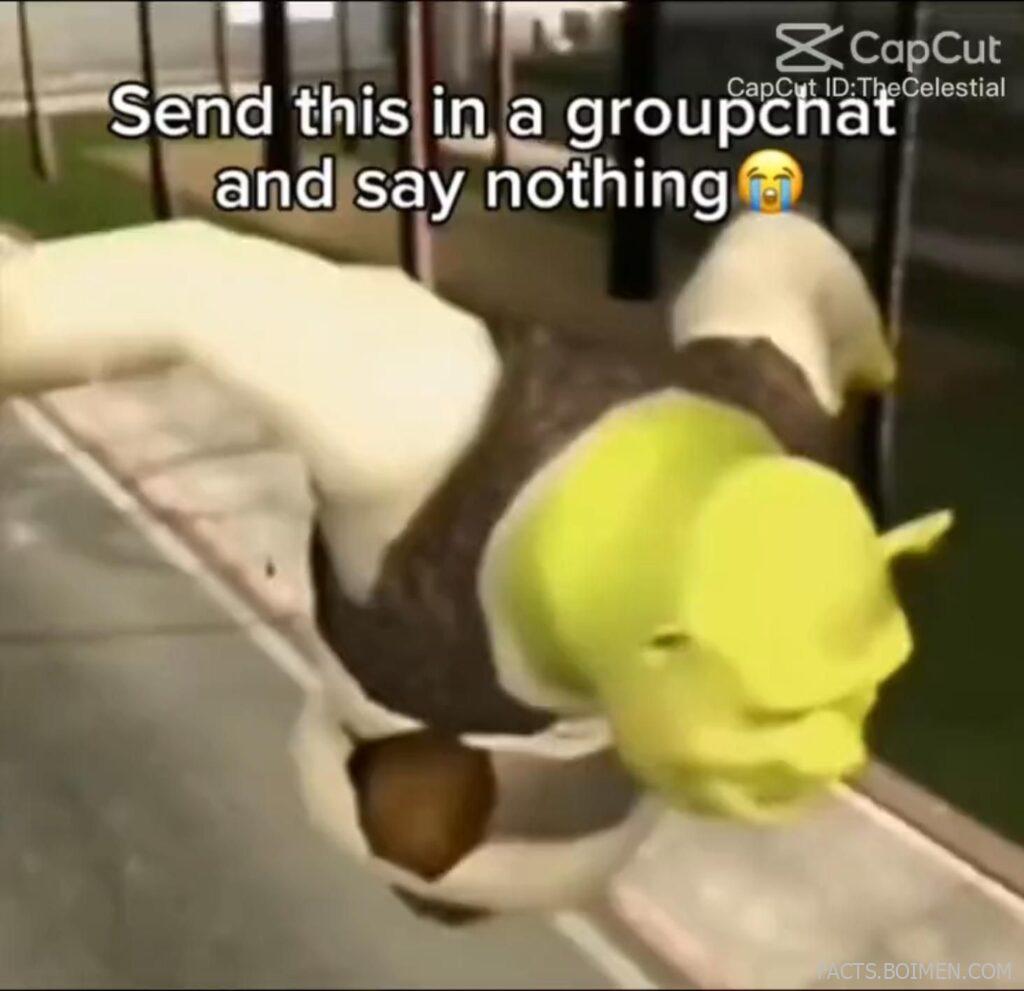
Some of the funniest things on the internet aren’t polished YouTube productions or studio-shot TikToks. They’re chaotic, low-effort memes dropped into a group chat with zero explanation. The kind that makes everyone type “??? 😭” within seconds.
The image above captures that exact energy: absurd visual, bold caption, and a format clearly designed to be screenshotted, shared, and misunderstood in the best way possible. Behind those viral moments are surprisingly powerful (and often underrated) tools.
If you’ve ever wanted to create your own “send this and say nothing” masterpiece, these platforms make it ridiculously easy. Some are browser-based, some are mobile-first, and a few are hidden gems creators quietly rely on every day.
Table of Contents
- Why Meme Tools Are Quietly Powering Internet Culture
- 1. CapCut
- 2. Kapwing
- 3. Imgflip
- 4. VEED
- 5. Canva
- 6. Clideo
- 7. Remove.bg
- 8. GIPHY
- 9. Ezgif
- 10. FlexClip
- 11. InShot
- 12. Photopea
- 13. Streamable
- 14. Tenor
- 15. Mixkit
- 16. Piskel
- 17. Adobe Express
- Bonus: Lumen5
- Bonus: Cutout.pro
- Bonus: Kapwing Meme Generator
- Bonus: Canva GIF Maker
- The Internet’s Funniest Moments Start With Simple Tools
Why Meme Tools Are Quietly Powering Internet Culture
Memes aren’t just jokes anymore. They’re a communication style. A reaction. A personality test. In group chats, memes replace paragraphs of explanation with one perfectly timed image or 7-second clip.
What makes modern meme culture different is speed. Trends appear, peak, and disappear in days. The best tools help you create and share in minutes, not hours. Templates, auto-captions, background removal, and quick exports are no longer “pro features” — they’re essentials.
If you know where to look, you don’t need expensive software to make something that feels native to the internet. These tools lower the barrier between idea and upload.
1. CapCut: Template-driven short-form video editor
What it is:
A free video editing platform popular for short-form content, offering mobile and desktop apps with built-in templates and effects.
Category:
Video Editing
Why it stands out:
- Massive library of trending templates
- Auto-captions and AI-powered effects
- Exports optimized for social platforms
- Beginner-friendly but surprisingly powerful
Best for:
Creating fast, trend-based meme videos for group chats and short-form platforms.
2. Kapwing: Browser-based meme and video studio
What it is:
An online content creation platform that lets you edit videos, add subtitles, and generate memes directly in your browser.
Category:
Online Video & Meme Editor
Why it stands out:
- No software installation required
- Quick meme templates
- Automatic subtitle generation
- Easy resizing for different platforms
Best for:
Turning screenshots or short clips into captioned meme content quickly.
3. Imgflip: Classic meme generator hub
What it is:
A simple, fast meme generator with thousands of popular meme templates ready to customize.
Category:
Meme Generator
Why it stands out:
- Huge searchable meme library
- Instant text overlay editing
- No learning curve
- Fast image downloads
Best for:
Creating classic top-and-bottom text memes in seconds.
4. VEED: Clean online video editor with auto subtitles
What it is:
A browser-based video editor focused on subtitles, simple effects, and quick social-ready exports.
Category:
Video Editing
Why it stands out:
- Accurate automatic subtitles
- Simple drag-and-drop interface
- Built-in text animation tools
- Cloud-based workflow
Best for:
Reaction clips and subtitled meme videos.
5. Canva: Design platform with meme templates
What it is:
A visual design platform offering customizable meme templates, animations, and social media layouts.
Category:
Graphic Design & Meme Creation
Why it stands out:
- Huge template ecosystem
- Animated text and elements
- One-click background removal (Pro)
- Easy mobile app editing
Best for:
Polished meme graphics that still feel internet-native.
6. Clideo: Simple online video toolkit
What it is:
A set of lightweight browser tools for trimming, looping, compressing, and captioning videos.
Category:
Video Utilities
Why it stands out:
- Minimal interface
- Quick trimming and looping
- No complex timeline required
- Works entirely online
Best for:
Editing short chaotic clips before dropping them in chat.
7. Remove.bg: Instant background remover
What it is:
An AI-powered tool that automatically removes backgrounds from images in seconds.
Category:
Image Editing
Why it stands out:
- One-click background removal
- Clean cutouts for meme edits
- Fast processing
- No manual masking required
Best for:
Creating absurd character mashups and reaction images.
8. GIPHY: GIF creation and discovery engine
What it is:
A platform for discovering, creating, and sharing GIFs across messaging apps and social media.
Category:
GIF Creation
Why it stands out:
- Massive GIF database
- Built-in GIF maker
- Instant shareability
- Searchable reaction library
Best for:
Turning short clips into endlessly loopable reactions.
9. Ezgif: No-frills GIF editor
What it is:
A straightforward online tool for resizing, cutting, optimizing, and adding text to GIFs.
Category:
GIF Editing
Why it stands out:
- Frame-by-frame editing
- GIF optimization tools
- Fast loading interface
- Free to use
Best for:
Fine-tuning reaction GIFs before sending them.
10. FlexClip: Beginner-friendly online video maker
What it is:
A web-based video editor with templates, stock assets, and text animation tools.
Category:
Video Editing
Why it stands out:
- Template-driven editing
- Simple timeline controls
- Stock media library
- Quick exports
Best for:
Creating short meme-style skits without advanced software.
11. InShot: Mobile-first video editor
What it is:
A popular mobile app for trimming, captioning, and formatting vertical videos.
Category:
Mobile Video Editing
Why it stands out:
- Optimized for vertical video
- Easy text overlays
- Music and sound effects support
- Beginner-friendly controls
Best for:
Editing memes directly from your phone.
12. Photopea: Browser-based Photoshop alternative
What it is:
An advanced image editor that runs entirely in your browser and supports layered files.
Category:
Image Editing
Why it stands out:
- Layer-based editing
- No installation required
- Supports PSD files
- Surprisingly powerful for a free tool
Best for:
High-effort meme edits and detailed image manipulation.
13. Streamable: Quick video hosting and trimming
What it is:
A simple platform for uploading and trimming short videos for instant sharing.
Category:
Video Hosting
Why it stands out:
- Fast uploads
- Built-in trim tool
- Easy share links
- Minimal friction
Best for:
Sharing short reaction clips outside messaging apps.
14. Tenor: GIF search engine integrated in chats
What it is:
A GIF platform integrated into many messaging apps for fast reaction sharing.
Category:
GIF Platform
Why it stands out:
- Direct messaging app integration
- Trending reaction categories
- Easy uploads
- Search-based discovery
Best for:
Instant reaction GIF replies.
15. Mixkit: Free stock videos for meme edits
What it is:
A collection of free stock video clips, music, and sound effects.
Category:
Creative Assets
Why it stands out:
- Free stock footage
- No complicated licensing language
- Short, social-ready clips
- Download without signup
Best for:
Adding unexpected B-roll to meme videos.
16. Piskel: Pixel art and GIF creator
What it is:
A free online editor for creating pixel art and animated sprites.
Category:
Animation & GIF Creation
Why it stands out:
- Frame-by-frame animation
- Retro aesthetic
- Runs in browser
- Exports animated GIFs
Best for:
Retro-style reaction animations.
17. Adobe Express: Quick social content creator
What it is:
A streamlined design and video tool focused on social-ready templates and animations.
Category:
Graphic & Video Creation
Why it stands out:
- Polished templates
- Animated text presets
- Cross-device access
- Fast resizing for platforms
Best for:
Clean, animated meme posts that still feel spontaneous.
Lumen5: AI-assisted video creation
Turns text into short videos automatically, useful for exaggerated dramatic meme storytelling.
Cutout.pro: AI visual editing suite
Offers background removal and face cutouts for more surreal meme compositions.
Kapwing Meme Generator: Dedicated meme tool
A focused tool within Kapwing for quick meme text overlays without full video editing.
Canva GIF Maker: Simple animated meme creator
Lets you animate text and export as GIFs directly from Canva designs.
The Internet’s Funniest Moments Start With Simple Tools
Most viral group chat memes aren’t complicated. They’re fast, weird, and perfectly timed. The right tool doesn’t overcomplicate the process — it gets out of your way so the joke can land.
Whether you’re remixing a trending template or creating something completely unhinged from scratch, these platforms make it easier to turn random ideas into instantly shareable chaos. And sometimes, all it takes is sending it… and saying nothing.