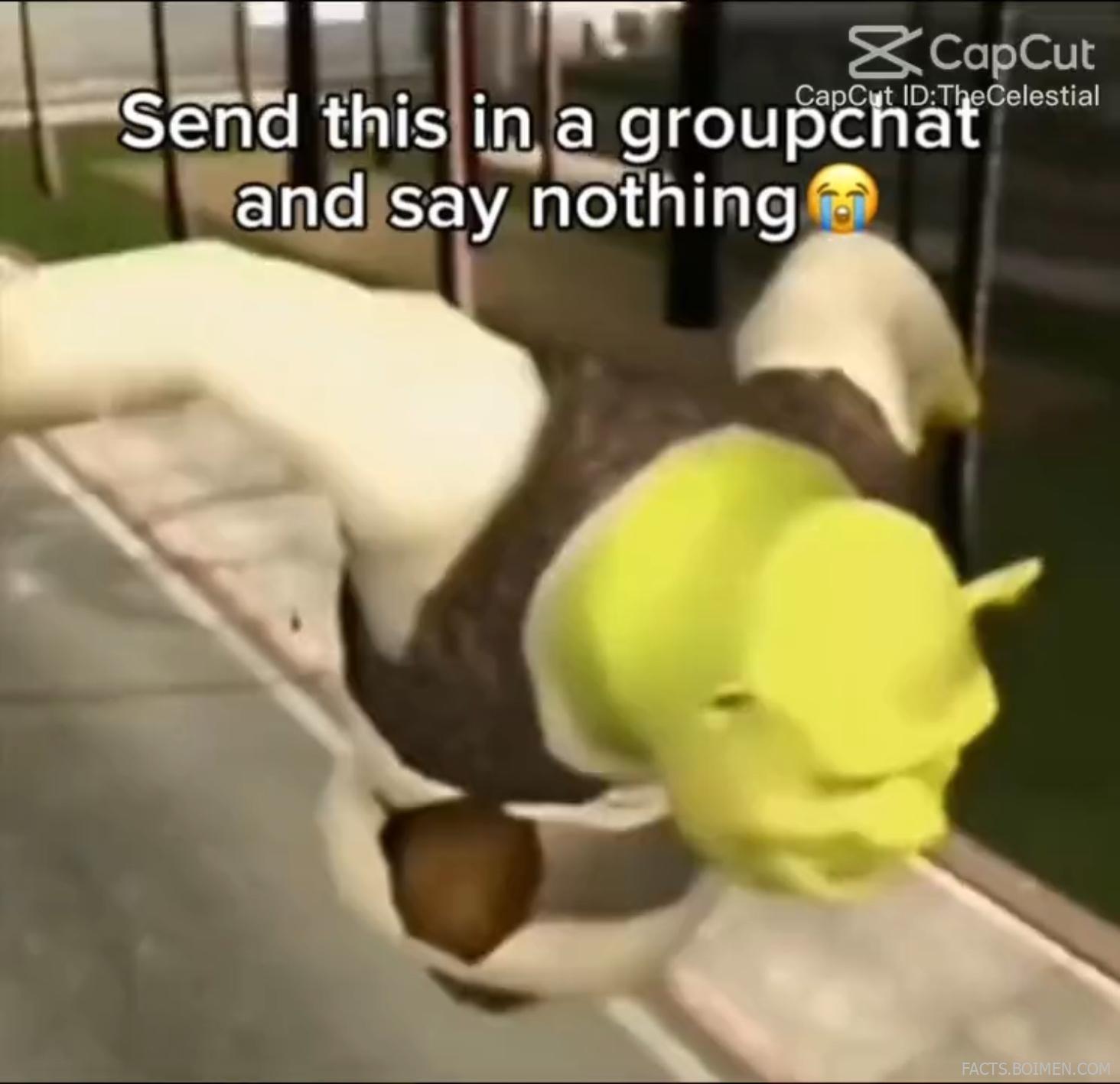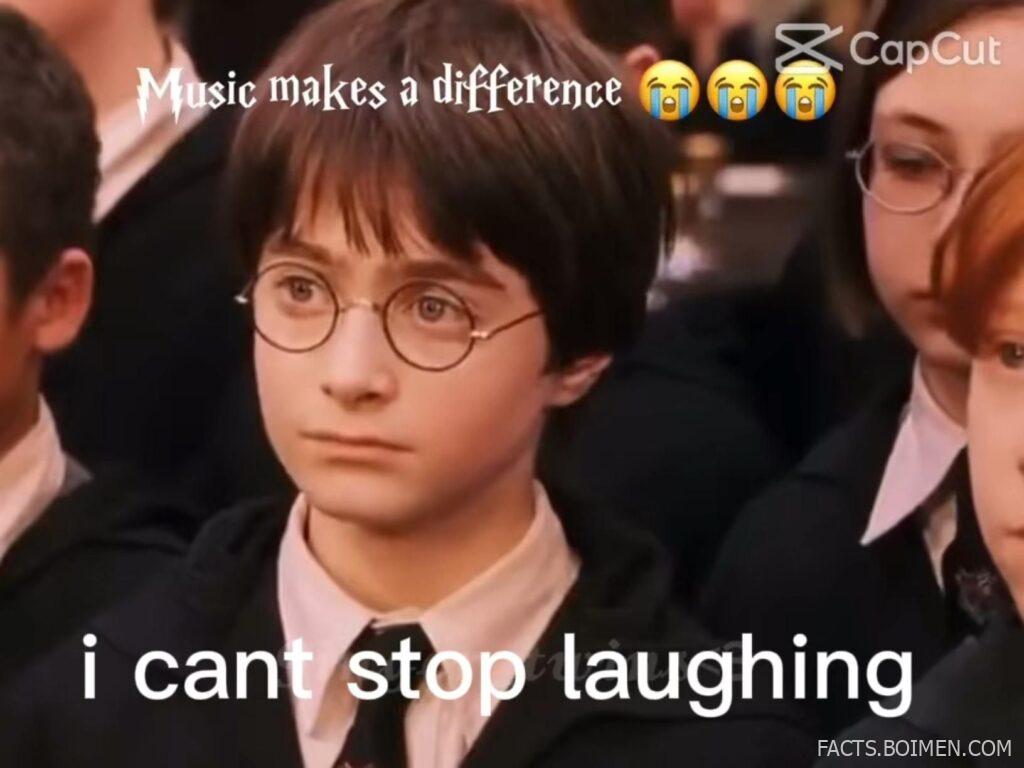
One simple music swap can completely change the meaning of a scene. A serious movie moment becomes absurd. A quiet reaction shot turns into comedy gold. That’s the magic of pairing the right clip with the wrong soundtrack — and the internet can’t get enough of it.
If you’ve ever watched a dramatic film scene edited with chaotic audio and thought, “I could make that,” you’re absolutely right. You no longer need professional editing software or expensive subscriptions to create scroll-stopping meme edits.
Below are creative, accessible, and often overlooked tools that make it ridiculously easy to add music to video clips, remix scenes, and produce the kind of edits that make people say, “Why is this so funny?”
Table of Contents
- Why Music Swaps Instantly Transform Ordinary Clips Into Viral Gold
- 1. CapCut
- 2. Clipchamp
- 3. Kapwing
- 4. VEED
- 5. InShot
- 6. VN Editor
- 7. Canva Video Editor
- 8. FlexClip
- 9. Clideo
- 10. Lightworks
- 11. DaVinci Resolve
- 12. Adobe Express Video
- 13. Animoto
- 14. KineMaster
- 15. iMovie
- 16. WeVideo
- Bonus: Mixkit
- Bonus: YouTube Audio Library
- Bonus: Epidemic Sound
- Bonus: Pixabay Music
- The Internet’s Funniest Edits Start With One Music Change
Why Music Swaps Instantly Transform Ordinary Clips Into Viral Gold
Music controls emotion. Swap the soundtrack, and you rewrite the story. A tense cinematic stare paired with playful audio suddenly feels ironic. An awkward pause layered with dramatic orchestration becomes comedy.
Short-form platforms reward fast, emotional reactions — and music is the shortcut. You don’t need complex effects. You need timing, contrast, and the right sound.
These tools remove technical friction so you can focus on the joke, the vibe, or the unexpected twist that makes viewers hit replay.
1. CapCut: The meme editor everyone keeps seeing in watermarks
What it is:
A free video editing app (mobile and desktop) built for fast, music-driven edits and social sharing.
Category:
Video Editing App
Why it stands out:
- Massive built-in audio library for quick swaps
- Auto captions and beat detection features
- Templates designed specifically for viral-style edits
- Beginner-friendly but surprisingly powerful
Best for:
Quick meme edits with dramatic or ironic music overlays
2. Clipchamp: Browser-based editing without the learning curve
What it is:
An online video editor that runs directly in your browser with simple timeline controls.
Category:
Online Video Editor
Why it stands out:
- No software installation required
- Drag-and-drop music integration
- Clean interface for fast trimming
- Exports optimized for social media
Best for:
Creators who want simple music swaps on desktop without complex tools
3. Kapwing: Collaborative meme editing in the cloud
What it is:
A web-based creative studio for trimming, subtitling, and adding music to video clips.
Category:
Online Creative Suite
Why it stands out:
- Easy audio uploads and layering
- Automatic subtitle generation
- Works entirely in-browser
- Shareable project links for collaboration
Best for:
Team meme pages and quick reaction edits
4. VEED: Clean interface for fast soundtrack swaps
What it is:
An online video editor focused on simplicity and fast social-ready exports.
Category:
Online Video Editor
Why it stands out:
- Simple audio track replacement tools
- Automatic noise reduction
- Text and caption overlays
- No advanced editing knowledge required
Best for:
Polished meme edits with clean captions
5. InShot: Mobile editing made effortless
What it is:
A popular mobile video editor for trimming clips and layering music on the go.
Category:
Mobile Video Editor
Why it stands out:
- Huge music and sound effect library
- Quick aspect ratio adjustments
- Intuitive timeline controls
- Perfect for vertical video formats
Best for:
Editing dramatic scene reactions directly from your phone
6. VN Editor: Free editor with surprisingly pro features
What it is:
A free mobile and desktop editor with multi-layer timeline capabilities.
Category:
Video Editing Software
Why it stands out:
- No watermark on exports
- Precise audio alignment tools
- Speed ramping for comedic timing
- Multi-track audio editing
Best for:
Creators who want tighter control over punchlines
7. Canva Video Editor: Design-first video editing for memes
What it is:
A browser-based editor integrated into Canva’s design platform.
Category:
Online Design & Video Tool
Why it stands out:
- Built-in music library
- Easy text and font styling
- Drag-and-drop simplicity
- Templates for social posts
Best for:
Caption-heavy meme edits with strong visual style
8. FlexClip: Quick edits without complexity
What it is:
An online video maker with straightforward tools for trimming and adding audio.
Category:
Online Video Maker
Why it stands out:
- Stock music built in
- Simple interface for beginners
- Fast exports
- No steep learning curve
Best for:
First-time editors experimenting with music swaps
9. Clideo: Minimalist tool for simple audio replacement
What it is:
A browser-based suite of lightweight video tools, including adding music to video.
Category:
Online Video Utility
Why it stands out:
- Very focused single-purpose tools
- Quick upload and export cycle
- No advanced editing required
- Works on most devices
Best for:
Replacing background music in seconds
10. Lightworks: Cinema-grade editing for dramatic irony
What it is:
A professional video editing platform with a free tier available.
Category:
Professional Video Editor
Why it stands out:
- Advanced timeline control
- Precise audio mixing tools
- Used for serious filmmaking
- High-quality export options
Best for:
High-effort cinematic meme remixes
11. DaVinci Resolve: Hollywood-level control for perfect timing
What it is:
A powerful professional editing suite with advanced audio post-production tools.
Category:
Professional Editing Software
Why it stands out:
- Industry-grade audio editing
- Frame-perfect trimming
- Color grading for dramatic contrast
- Free version available
Best for:
Creators who obsess over comedic timing precision
12. Adobe Express Video: Simple edits backed by Adobe
What it is:
An online video creation tool focused on social-ready projects.
Category:
Online Video Creator
Why it stands out:
- Streamlined editing workflow
- Built-in music options
- Easy text animations
- Cloud-based access
Best for:
Quick, polished edits without complex software
13. Animoto: Template-driven music storytelling
What it is:
An online video creation platform built around music synchronization.
Category:
Online Video Maker
Why it stands out:
- Automatic music syncing
- Pre-built video styles
- Drag-and-drop editing
- Fast production speed
Best for:
Music-forward meme formats with rhythmic cuts
14. KineMaster: Layer-heavy mobile editing
What it is:
A mobile video editor with advanced layering and blending tools.
Category:
Mobile Video Editor
Why it stands out:
- Multi-layer audio tracks
- Precise trimming tools
- Effects and transitions library
- Strong control for mobile editing
Best for:
Complex meme edits created entirely on mobile
15. iMovie: Apple’s easy gateway to music edits
What it is:
A free video editing app available on Apple devices.
Category:
Desktop & Mobile Video Editor
Why it stands out:
- Simple soundtrack swapping
- Clean drag-and-drop interface
- Optimized for beginners
- Seamless Apple ecosystem integration
Best for:
Mac and iPhone users starting with meme edits
16. WeVideo: Cloud editing with music layering
What it is:
An online video editor offering timeline-based editing in the cloud.
Category:
Online Video Editor
Why it stands out:
- Cloud-based storage
- Stock music library included
- Multi-track editing
- Accessible from any browser
Best for:
Creators who edit across multiple devices
Mixkit: Free music for dramatic swaps
A library of royalty-free music tracks perfect for ironic, emotional, or comedic soundtrack replacements.
YouTube Audio Library: Hidden source of free soundtracks
A large collection of free music and sound effects that can completely transform the tone of a clip.
Epidemic Sound: Cinematic audio for bold edits
A subscription-based library offering high-quality music that elevates meme edits into mini-movie moments.
Pixabay Music: Royalty-free tracks for instant contrast
Free downloadable music that makes it easy to experiment with unexpected emotional shifts.
The Internet’s Funniest Edits Start With One Music Change
You don’t need special effects to make people laugh. Sometimes all it takes is replacing a soundtrack and letting contrast do the work. A serious stare, a dramatic pause, a slow zoom — add the “wrong” song, and you’ve created something unforgettable.
With these tools, the barrier to entry is basically gone. The next viral music-swap meme isn’t locked behind expensive software. It’s sitting in your camera roll, waiting for the perfect track.